

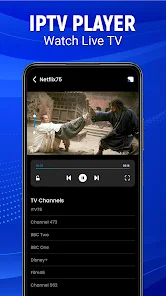
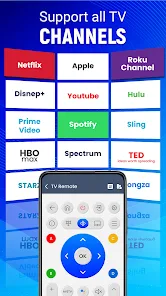
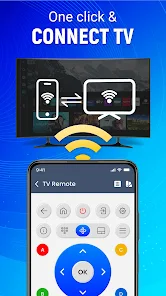
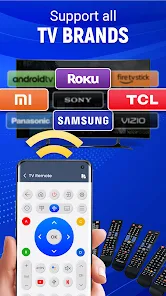
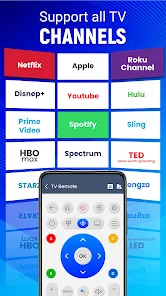
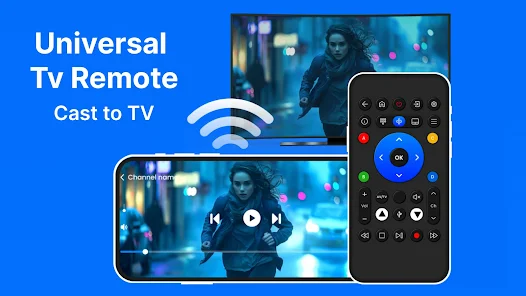
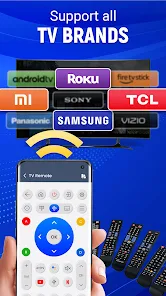
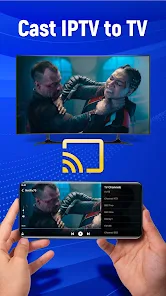
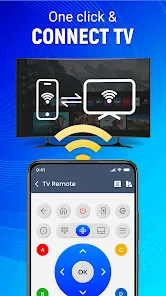
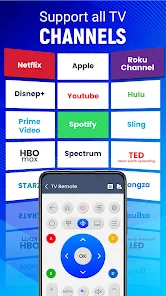
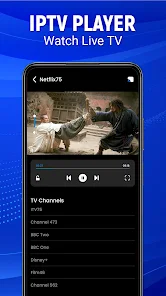
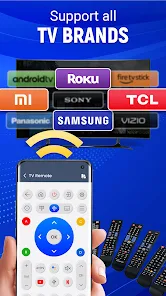
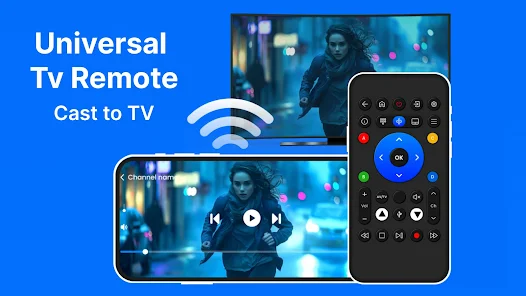
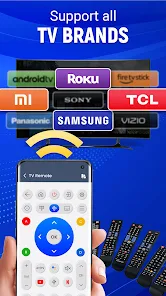
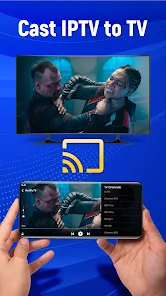
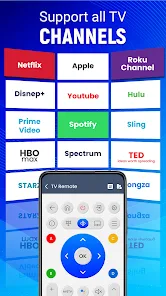
The "Universal TV Remote-Cast to TV" app offers a wide array of features designed to enhance your television viewing experience. One of its primary functions is the ability to control multiple TV brands from a single interface, eliminating the need for multiple remotes. The app supports various smart TVs, including popular brands like Samsung, LG, Sony, and more, making it versatile for different households.
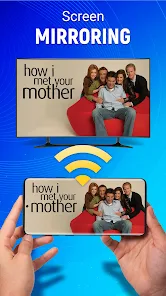
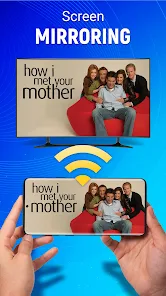
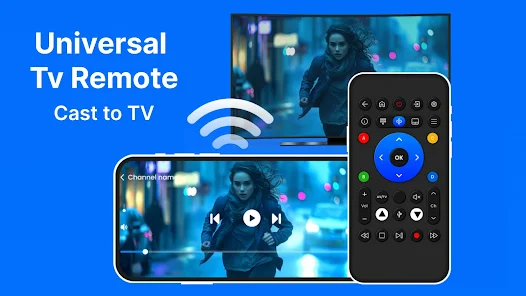
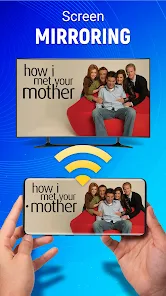
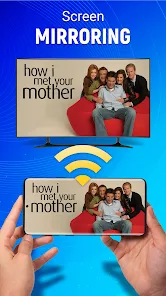
Another notable feature is the screen mirroring capability, which allows users to cast their mobile device's screen directly to the TV. This is particularly useful for sharing photos, videos, or presentations during gatherings. Additionally, the app includes a user-friendly interface with customizable buttons, enabling users to tailor their remote experience according to their preferences.
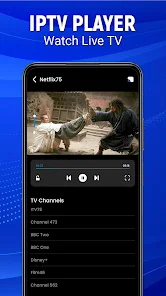
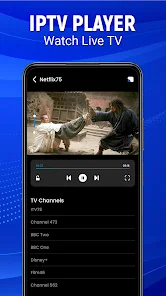
Furthermore, the app supports voice commands, making it easier to navigate through channels and settings without the need for manual input. It also offers a built-in media player, allowing users to stream content directly from their devices to the TV. Overall, the "Universal TV Remote-Cast to TV" app combines convenience and functionality, making it an essential tool for modern TV users.
Using the "Universal TV Remote-Cast to TV" app is a straightforward process that can be completed in just a few steps. First, download and install the app from your device's app store. Once installed, ensure that your smartphone and TV are connected to the same Wi-Fi network, as this is crucial for the app to function properly.
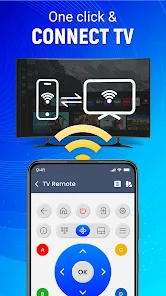
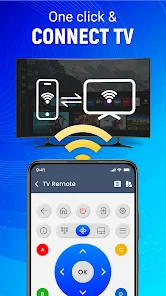
After connecting to the same network, open the app and select your TV from the list of available devices. The app will automatically detect compatible TVs, making it easy to find your device. Once connected, you can start using the app as a remote control. Navigate through channels, adjust volume, and access settings with just a few taps on your smartphone screen.
If you wish to use the screen mirroring feature, simply select the "Cast" option within the app and choose your TV. Follow the on-screen prompts to establish the connection. Once connected, your mobile device's screen will be mirrored on the TV, allowing you to enjoy content on a larger display. With these simple steps, you can easily transform your smartphone into a powerful remote control for your TV.
The "Universal TV Remote-Cast to TV" app comes with several advantages that make it appealing to users. One of the primary pros is its compatibility with a wide range of TV brands, allowing users to control multiple devices from a single app. This feature is particularly beneficial for households with different types of TVs. Additionally, the app's screen mirroring capability enhances the viewing experience by allowing users to share content easily.
Another advantage is the user-friendly interface, which simplifies navigation and makes it accessible for users of all ages. The inclusion of voice command functionality further adds to its convenience, enabling hands-free operation. However, the app does have some drawbacks. For instance, it requires a stable Wi-Fi connection, which may not always be available. Users may also experience occasional connectivity issues, which can be frustrating.
Moreover, while the app is free to download, some features may require in-app purchases or subscriptions, which could deter some users. Overall, the "Universal TV Remote-Cast to TV" app offers a blend of convenience and functionality, but potential users should weigh its pros and cons before deciding to download it.

 Control multiple devices easily User-friendly interface design Supports various TV brands Seamless casting experience Quick setup and connection
 Limited device compatibility Frequent connection issues Ads disrupt user experience Inaccurate remote controls
  Google Play
  App Store
 Yes, the Universal TV Remote-Cast to TV app typically allows you to control multiple TVs, provided they are compatible with the app. You can switch between different devices within the app to manage each TV's functions. Simply select the desired TV from the app's device list to control it.
The Universal TV Remote-Cast to TV app typically requires an internet connection as it relies on Wi-Fi to communicate with your TV. However, some features may work over Bluetooth, depending on your device and TV model. For the best experience and full functionality, it's recommended to use the app while connected to Wi-Fi.
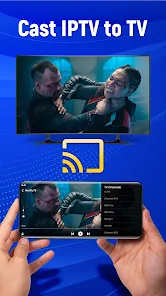
Yes, many versions of the Universal TV Remote-Cast to TV app include casting capabilities, allowing you to stream photos, videos, and music from your smartphone directly to your TV. This feature usually requires both devices to be on the same Wi-Fi network and may work with various media formats, enhancing your viewing experience.
To connect the Universal TV Remote-Cast to TV app to your TV, ensure that both your smartphone and TV are connected to the same Wi-Fi network. Open the app and follow the on-screen instructions to search for your TV. Once your TV appears in the app, select it to establish the connection. You may need to enter a code or confirm the connection on your TV screen, depending on the model.
The Universal TV Remote-Cast to TV app is designed to be compatible with a wide range of TV brands, including Samsung, LG, Sony, Vizio, and others. However, compatibility may vary based on the specific model of the TV and the version of the app. It's always a good idea to check the app's description or the developer's website for a list of supported brands and models.
You can reach customer service by visiting the app's official website or through the support section within the app. Look for a "Contact Us" option.
To log in, open the app and enter your registered email and password. If you’re a new user, sign up for an account first.
Yes, activation may be necessary to access all features. Follow the in-app instructions to complete the activation process using your TV's code.
The customer support number is typically listed in the app's settings or on the official website. Please check there for the most accurate and updated information.