

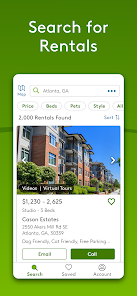
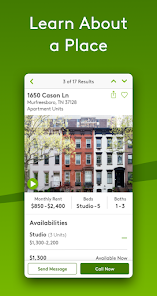

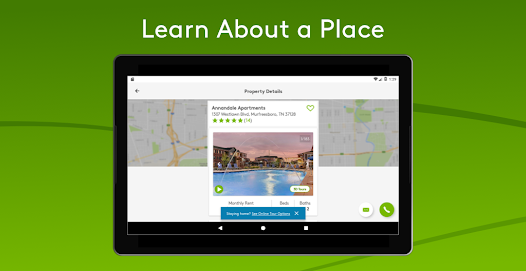
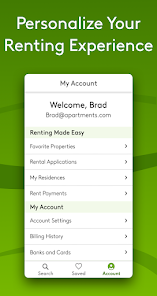
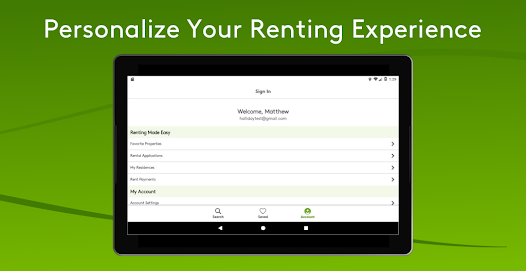
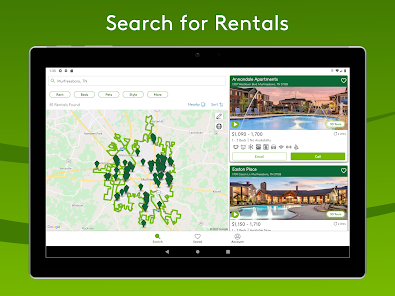
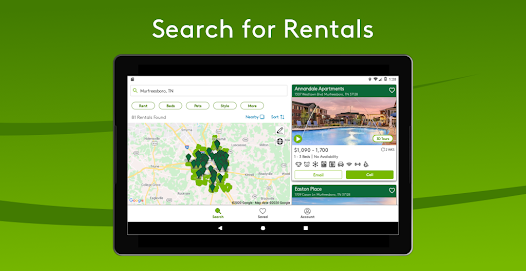
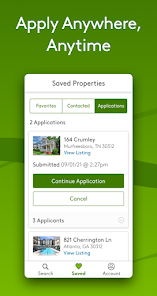
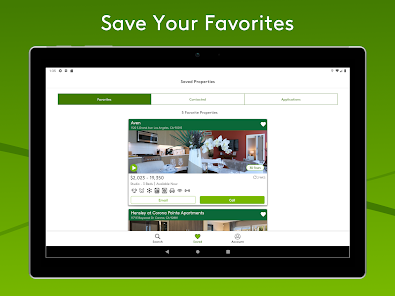
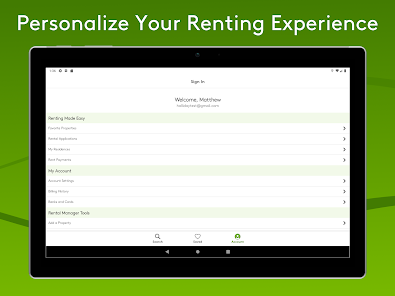
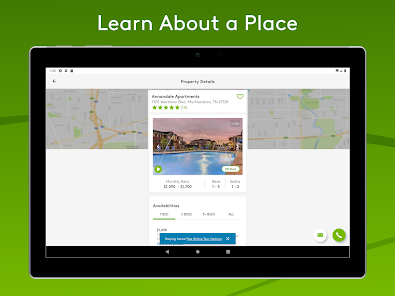
Apartments.com App is a mobile application that helps users find rental apartments. It provides detailed information about available apartments, including photos, floor plans, amenities, and pricing. The app also allows users to search for apartments based on their location, budget, and other criteria. Additionally, users can save their favorite apartments and contact landlords directly from the app. Apartments.com App also provides helpful resources such as moving tips, rental advice, and local guides. With its user-friendly interface and comprehensive search capabilities, Apartments.com App is a great tool for anyone looking for a new place to live.
The Apartments.com app is a one-stop shop for apartment hunters. With millions of listings nationwide, the app makes it easy to find your perfect apartment. If you're looking for a new place to call home, look no further than Apartments.com. With millions of listings nationwide, they make it easy to find your perfect apartment. And now with their newly redesigned app, it's easier than ever to search on the go. There are many upsides and downsides to using the Apartments.com app. On the plus side, the app is free and easy to use. You can search for apartments by location, price, and amenities. The results are also sorted by distance from your current location, which is handy if you're looking for a place to move quickly. Another great feature of the app is the ability to see apartments that allow pets, so you can filter your search if you have a furry friend in tow. Lastly, there's a built-in chat function that lets you contact landlords and property managers directly through the app, which makes renting an apartment easier than ever before.Features and Functions
While other rental apps may have more listings in specific cities, Apartments.com provides a comprehensive database that includes apartments for rent in every major U.S. city. The app also offers unique features that make apartment hunting easier, such as the ability to search for apartments by commute time or school district.
If you're looking for an apartment, there's no reason not to download the Apartments.com app. It's free, and it could save you hours of searching online or driving around town.How to Use Apartments.com
Here's how to use the Apartments.com app to find your next apartment:
First, create a free account and set up your profile. You'll need to provide some basic information about yourself and what you're looking for in an apartment.
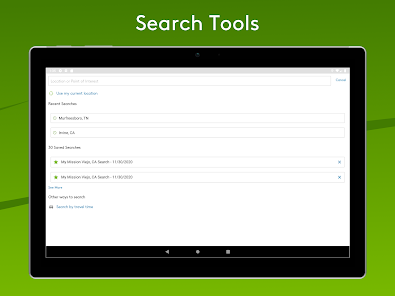
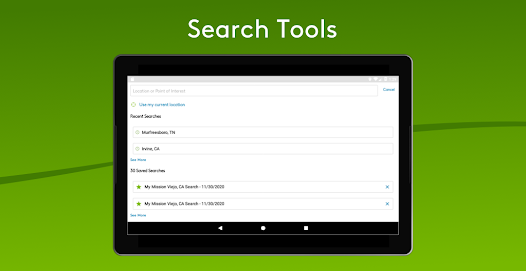
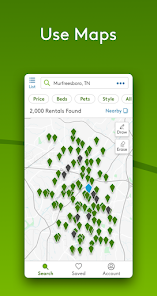
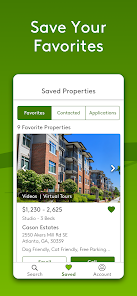
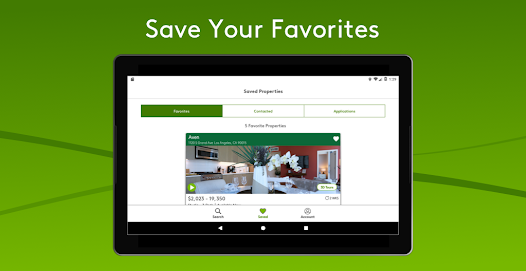
Next, start searching! You can search by location, price, amenities, and more. Once you've found a few listings that interest you, save them to your favorites list.
Then, contact the landlords or property managers directly from the app. You can call or email them right from the listing page.
Finally, schedule a time to visit the apartments you're interested in. Once you've found the perfect place, all that's left to do is sign the lease!Pros & Cons
On the downside, some users have complained that the search results on the app aren't as accurate as they could be. Additionally, while the chat function is convenient, it can also be a bit overwhelming to receive messages from multiple landlords all at once. Lastly, because Apartments.com is one of the most popular apartment rental websites out there, its inventory can get snapped up quickly - meaning you might have to act fast if you find a place you like.

 Extensive listings from various locations ensure diverse options for every renter. User-friendly interface simplifies the search process for quick results. Advanced filters help find apartments that fit your specific needs. Detailed property information aids in making informed rental decisions. Access to neighborhood insights enhances understanding of your potential new home.
 Limited filtering options can make finding ideal rentals time-consuming. Outdated listings may lead to frustration and wasted efforts. User interface can be overwhelming for first-time renters navigating the platform.
  Google Play
  App Store
 Yes, users are encouraged to submit feedback and suggestions through the app or the official website to help improve the service.
Yes, the app may collect personal data such as location, preferences, and contact information to enhance user experience and provide relevant listings.
Yes, the app allows users to save listings for offline viewing, making it convenient to browse properties without an internet connection.
Users can cancel any subscription through their account settings within the app or by contacting customer support for assistance.
The app does not require a subscription for its standard features; however, premium services may be available for a fee.
Customer numbers are unique and cannot be changed. If you need assistance, please reach out to customer service.
To activate your account, click the link in the confirmation email sent to you after registration. If you need help, contact customer service.
You can reach customer service by calling the number provided on our website or using the chat feature for assistance.
To log in, visit the website and enter your email and password. If you need help, check the login assistance section.
Once logged in, go to your account settings to update your information. For help, feel free to reach out to customer service.