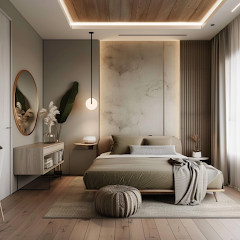


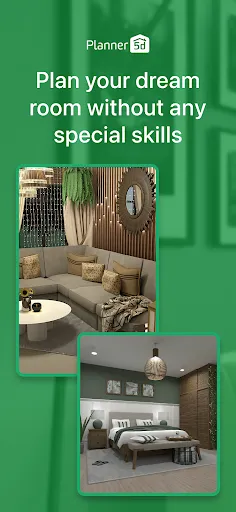
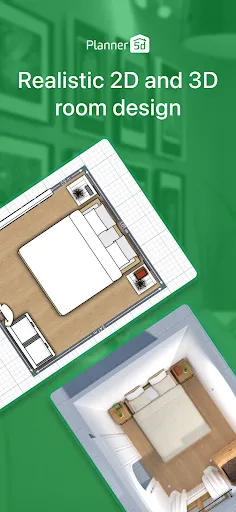
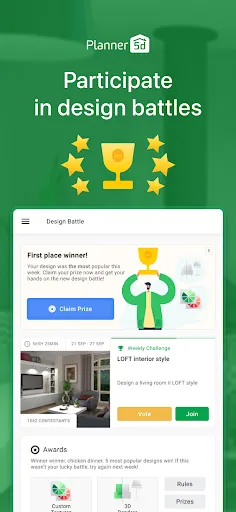
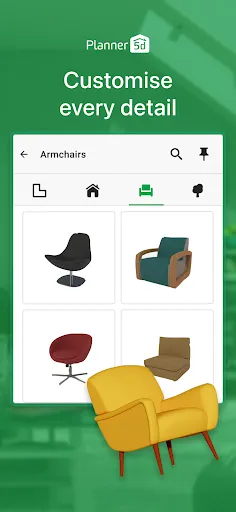
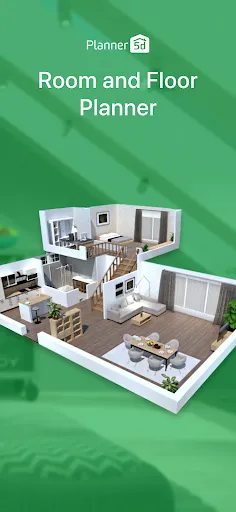
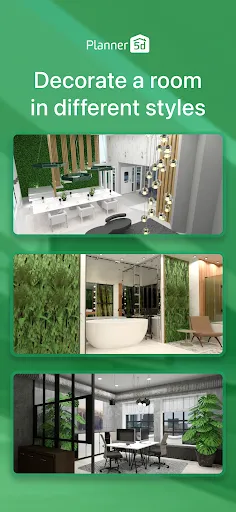
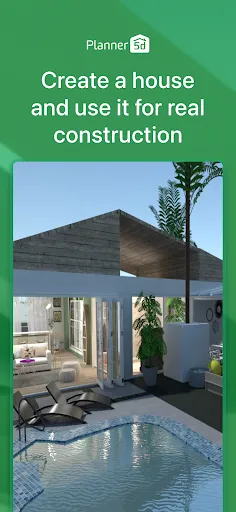
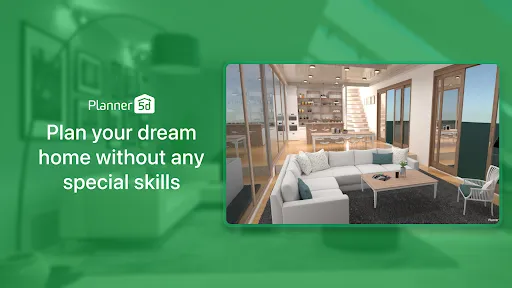
Planner 5D: Home Design, Decor is an intuitive and user-friendly application that allows users to create detailed home designs in both 2D and 3D formats. One of its standout features is the drag-and-drop interface, which makes it easy for users of all skill levels to design their spaces without needing advanced technical skills. The app provides an extensive library of furniture, decor items, and materials, allowing users to personalize their designs according to their preferences. The virtual reality (VR) feature of Planner 5D enhances the design experience, enabling users to explore their designs in an immersive environment. Additionally, the app supports collaborative projects, allowing multiple users to work together in real-time. This is especially useful for families or design teams who want to share ideas and make adjustments collectively. The ability to see designs in realistic 3D also helps users visualize the final outcome better than traditional flat designs. Furthermore, Planner 5D is available on various platforms, including web and mobile, ensuring accessibility for users on the go. The app regularly updates its library with new items and features, keeping the design experience fresh and engaging. Overall, Planner 5D combines simplicity with powerful tools, making it a popular choice for anyone looking to design their dream home. Using Planner 5D: Home Design, Decor is a straightforward process that begins with creating an account on the platform. After logging in, users can choose to start a new project or select from pre-existing templates to jumpstart their design process. The user-friendly interface allows for easy navigation and provides access to various design tools and resources. To begin designing, users can set the dimensions of their space, whether it's a single room or an entire house. The drag-and-drop functionality enables users to place walls, windows, and doors with ease. Once the layout is established, users can browse through the extensive library of furniture and decor items, which can be customized in terms of color and size. Users can also upload their own images and textures to personalize their designs further. As users build their spaces, they can switch between 2D and 3D views to assess their designs from different perspectives. The VR mode allows for an immersive walkthrough, providing a realistic sense of scale and design flow. When the design is complete, users can save and share their projects with others, making it easy to gather feedback or collaborate on improvements. Overall, Planner 5D offers a comprehensive and engaging design experience that caters to both beginners and experienced designers. Planner 5D: Home Design, Decor comes with a variety of advantages that enhance the user experience. One of the major pros is its intuitive interface, which simplifies the design process for users regardless of their expertise level. The extensive library of items and materials allows for a high degree of customization, enabling users to create unique designs. Additionally, the app's VR capability provides a rich, immersive experience that can help in visualizing the final outcome. Another positive aspect is the collaborative feature, which is beneficial for group projects or family designs. Users can easily share their designs with others, fostering teamwork and collective creativity. The app's availability on multiple platforms ensures that users can access their projects from anywhere, making it convenient for on-the-go planning.Features of Planner 5D: Home Design, Decor
How to Use Planner 5D: Home Design, Decor?
Pros & Cons of Planner 5D: Home Design, Decor

 Create stunning 2D and 3D designs effortlessly with intuitive drag-and-drop tools. Access a vast library of furniture and decor items to personalize your space. Visualize your ideas in realistic renderings to enhance planning and decision-making. Collaborate easily with others, sharing designs for feedback and improvements. Use on multiple devices, allowing for design flexibility anytime, anywhere.
 Limited customization options may restrict creative design choices. Steeper learning curve for beginners can hinder quick project completion. Performance issues may arise with complex designs, causing frustration during use.
  Google Play
  App Store
 Yes, users can submit suggestions or feedback through the app's support or feedback section, allowing them to share their thoughts on features and improvements.
Planner 5D: Home Design, Decor may collect personal data as outlined in its privacy policy, primarily to enhance user experience and provide personalized services.
Yes, Planner 5D: Home Design, Decor allows users to work offline, enabling them to design their spaces without needing an internet connection.
Users can cancel their subscription through their account settings in the app or via the app store where they purchased the subscription, following the specific cancellation instructions provided.
The subscription cost for Planner 5D: Home Design, Decor varies based on the plan selected, with options for monthly or yearly subscriptions, providing access to additional tools and resources.
Unfortunately, Customer Numbers are unique and cannot be changed. For more assistance, please reach out to Customer Service.
You can reach Customer Service through the support section on our website or by emailing support
You can verify your account activation by attempting to log in. If you can access your account, it is active.
Check your email for the activation link we sent you. Click the link to activate your account and log in.
Ensure your internet connection is stable and try clearing your browser's cache. If issues persist, contact Customer Service for help.