


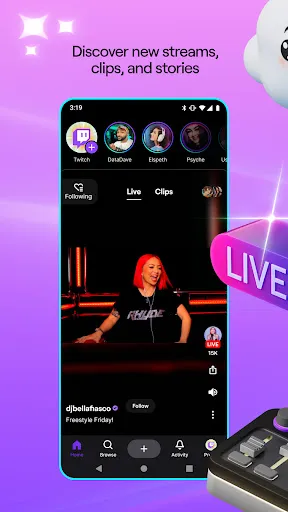
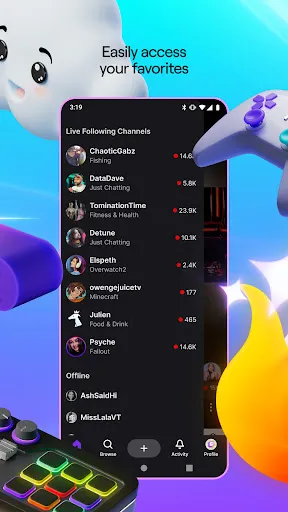
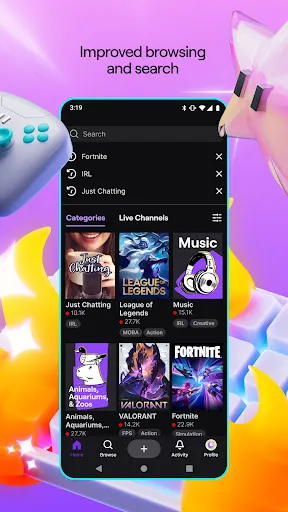
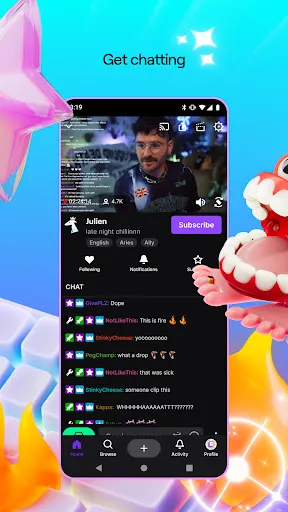
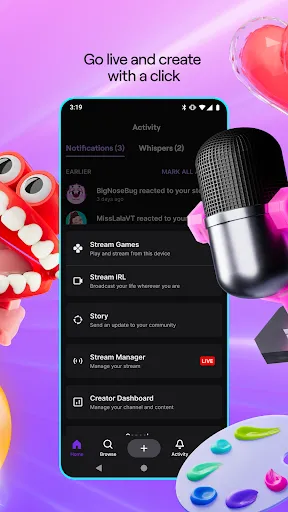
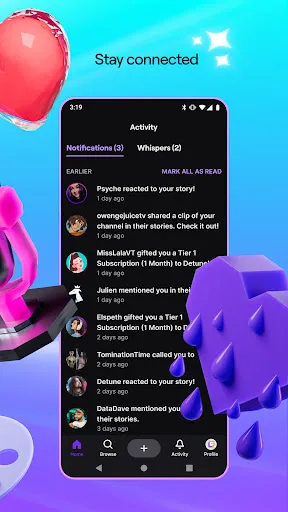
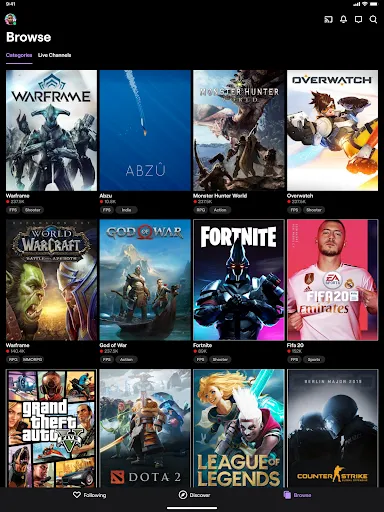
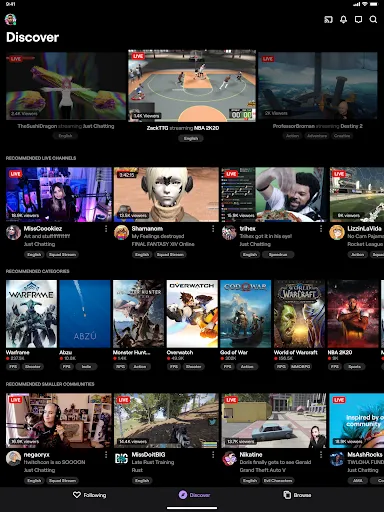
Twitch is a live streaming platform owned by Amazon. The app has become very popular due to its ease of use and the large range of content that can be streamed. Twitch allows users to watch streams from other users, as well as their own channels. There are also features that allow users to create their own streams, and share them with other people. The popularity of Twitch has led to it becoming one of the most used live streaming platforms.
Features The Twitch App is one of the most popular and widely used streaming applications on the market. It is available for both Apple and Android devices, making it a convenient choice for anyone looking to stream their gaming activity. The application has a variety of features that make it easy to use, including live streaming, chat, and subscriptions. Tips for Watching Twitch Twitch is a popular video streaming platform that allows users to watch live streams of games, music, art, and other forms of entertainment. Here are some tips for watching Twitch: Use a fast and stable internet connection. To enjoy a smooth and high-quality viewing experience on Twitch, you'll need a fast and stable internet connection. This will ensure that the streams you watch are uninterrupted and free of buffering or lag. Adjust the video quality settings. Twitch allows you to adjust the video quality of the streams you watch, which can be useful if you're on a slower internet connection or if you want to save data. You can adjust the quality settings by clicking on the gear icon in the player window and selecting the desired quality level. Explore the different channels and categories. Twitch has a wide variety of channels and categories to choose from, so take some time to explore and find the content that interests you. You can use the search bar at the top of the page to find specific channels or content, or you can browse the different categories to discover new streams. Use the chat feature to interact with other viewers. One of the best things about Twitch is the community of viewers who share their thoughts and reactions to the streams in real-time. To join the conversation, click on the chat window in the player window and start typing your messages. Follow your favorite channels to stay updated. If you find a channel or streamer you enjoy watching, you can follow them to stay updated on their future streams and content. To follow a channel, click on the "Follow" button on their channel page, and you'll receive notifications when they go live. Overall, Twitch is a great platform for watching live streams of games, music, art, and other forms of entertainment. By following these tips, you can enhance your viewing experience and discover new and exciting content on Twitch. How old can children watch Twitch? The minimum age to use Twitch is 13 years old. This is the age at which children can legally provide the personal information required to create a Twitch account, such as their name and date of birth. However, Twitch also has a safety feature called "Restricted Mode" that can be enabled by parents or guardians to filter out potentially mature or inappropriate content. This can make Twitch more suitable for younger children to watch, but it's ultimately up to the parents or guardians to decide what is appropriate for their child. Pros & Cons Pros: Twitch App is very popular and has a large user base.
In addition to its usability, Twitch also offers a variety of benefits that make it an attractive option for streamers. For example, subscribers can view ad-free streams and gain access to exclusive content.
Additionally, Twitch offers a wide range of emotes and commands that can be used in chat to create custom interactions between viewers and the streamer.
Cons: Some people find it difficult to use, and there is no desktop app.

 Engage with your audience in real-time through interactive chat. Reach a global community of diverse viewers and creators. Monetize your passion through subscriptions and donations. Showcase your gaming skills and creativity to gain recognition. Access tools and resources to enhance your streaming experience.
 High competition makes it difficult for new streamers to gain visibility Monetization can be challenging, requiring substantial viewer engagement Content moderation issues can lead to toxic environments for users
  Google Play
  App Store
 Yes, users can submit suggestions or feedback to Twitch through their help center or community forums to help improve the platform.
Yes, Twitch: Live Streaming collects personal data such as user account information, viewing habits, and interaction data to enhance user experience and for advertising purposes.
No, Twitch: Live Streaming does not support offline use as it requires an internet connection to access live streams and video content.
To cancel your Twitch subscription, you can go to your account settings, navigate to the subscriptions section, and follow the prompts to cancel.
Subscriptions on Twitch can vary, but they typically start at $4.99 per month for the basic tier, with additional tiers offering more features at higher prices.
Yes, you can change your login information in the account settings under "Security and Privacy."
To activate your account, check your email for the activation link sent by Twitch and follow the instructions provided.
You can check your account activation status by attempting to log in or by contacting customer service for help.
You can reach Twitch customer service through the support page on their website or via the help section in your account settings.
To reactivate your Twitch account, log in and follow the prompts, or contact customer service if you're having trouble.