


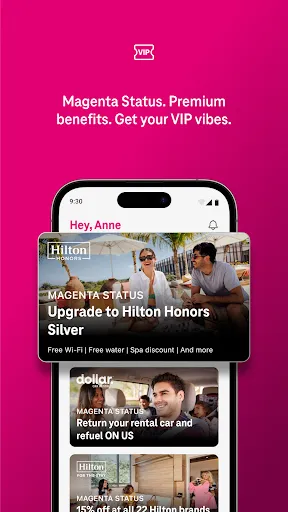
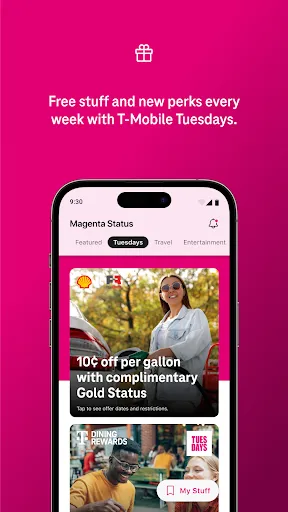
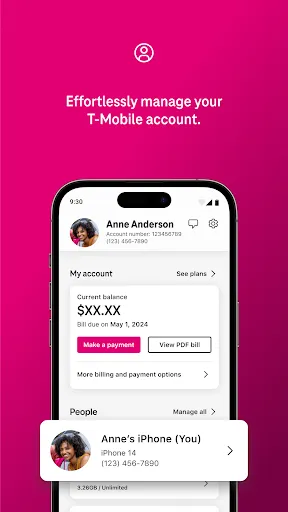
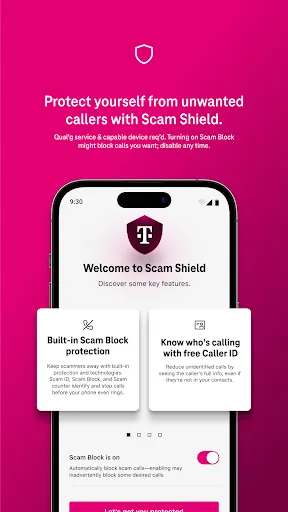
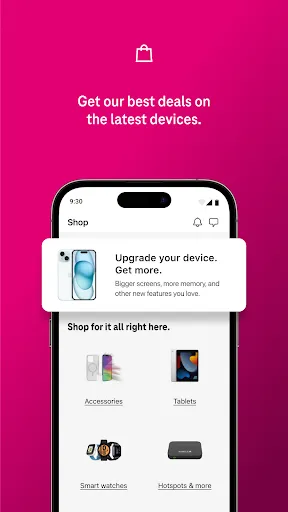
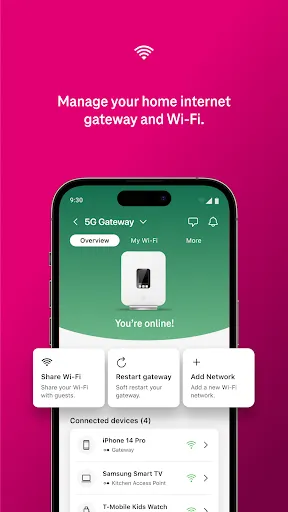
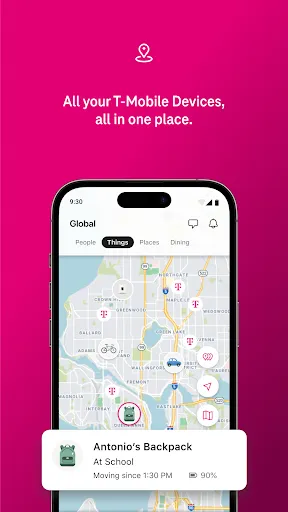
T-Life is a comprehensive lifestyle application designed to enhance personal well-being and productivity. One of its standout features is its personalized dashboard, which allows users to track their daily activities, habits, and goals in a visually appealing manner. This dashboard integrates various metrics such as physical health, mental wellness, and productivity levels, providing users with a holistic view of their lifestyle. Another significant feature of T-Life is its community support system. Users can connect with others who share similar goals and interests, fostering motivation and accountability. This social component encourages users to engage in challenges and share their achievements, promoting a sense of belonging and encouragement. Additionally, T-Life offers a variety of resources, including articles, videos, and tips from experts in various fields such as nutrition, fitness, and mental health. This wealth of information allows users to educate themselves and make informed decisions about their lifestyle choices. The app also includes reminders and notifications to help users stay on track with their goals. Using T-Life is straightforward and user-friendly. First, users need to download the app from their device’s app store and create an account. Upon logging in, users are greeted with a setup process that prompts them to input their personal goals, preferences, and areas of focus, such as fitness, nutrition, or mindfulness. Once the initial setup is complete, users can explore the dashboard, where they can begin tracking their daily activities and habits. The app allows for customization, enabling users to add specific goals and activities relevant to their lifestyle. Users can log their meals, workouts, and even their mood, making it easy to monitor progress over time. Engaging with the community is also a crucial aspect of using T-Life. Users can join groups or forums related to their interests, participate in challenges, and share their experiences. This interaction not only provides support but also keeps users motivated. Regularly reviewing the resources and expert tips available within the app can further enhance the user experience and help individuals stay informed about best practices for a healthier lifestyle. T-Life has several advantages that make it appealing to users seeking to improve their lifestyle. One of the primary pros is its personalized approach, which tailors the experience to individual goals and needs. This customization can lead to higher user engagement and satisfaction. The community aspect of the app encourages social interaction and support, which can enhance motivation and accountability. Additionally, T-Life's extensive library of resources provides valuable information that can assist users in making more informed decisions about their health and wellbeing. The reminders and notifications help users maintain consistency in their routines, which is crucial for achieving long-term goals. However, there are some cons to consider. Some users may find the app overwhelming due to its extensive features, especially if they prefer a more straightforward approach to tracking their lifestyle. Moreover, while the community support is beneficial, it may not appeal to everyone, particularly those who prefer solitary progress. Lastly, the app may require regular updates and improvements to address bugs or user feedback, which can affect the overall experience.Features of T-Life
How to Use T-Life?
Pros & Cons of T-Life

 Innovative solutions for a healthier lifestyle Personalized plans tailored to individual needs Seamless integration with daily routines Access to expert support and guidance Community-driven approach for shared motivation
 High premiums can strain personal finances Limited coverage options available for clients Complex policy terms may confuse consumers Claim processing can be slow and frustrating
  Google Play
  App Store
 Yes, T-Life collects certain personal data to enhance user experience, but it is committed to protecting your privacy and complies with data protection regulations.
T-Life offers a free version with limited features, as well as a free trial period for premium features.
While T-Life can function offline for certain features, an internet connection is required for syncing data and accessing community features.
You can contact T-Life support through the app's help section or by emailing their support team directly for any inquiries or feedback.
You can manage or cancel your T-Life subscription through the app's settings under the subscription management section.
Currently, account activation is done via email. If you have issues, please reach out to customer service for alternative options.
To log in, visit the T-Life website and enter your email and password in the login section. If you have trouble, try resetting your password.
Click on the "Forgot Password" link on the login page. Follow the instructions sent to your email to reset your password.
To activate your account, click the link in the confirmation email we sent you after registration. Follow the prompts to complete the activation.
You can reach T-Life customer service by calling our support number or using the live chat feature on our website. We're here to help!