

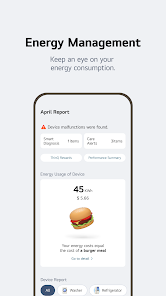
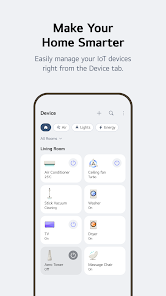
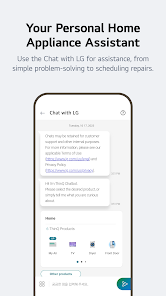
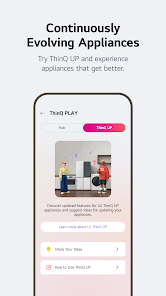
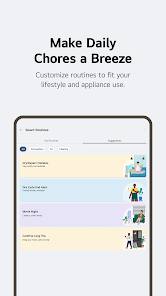
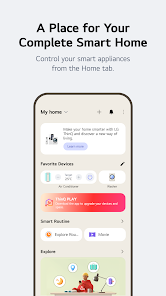
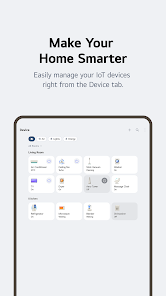
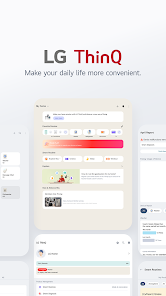
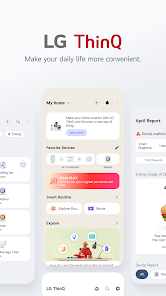
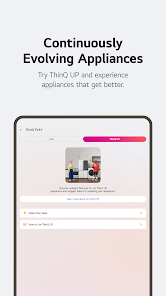
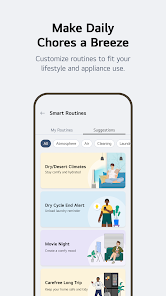
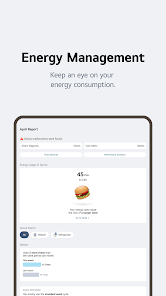
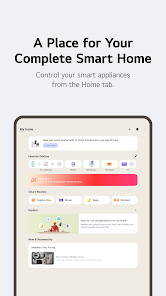
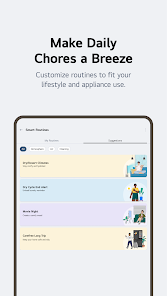
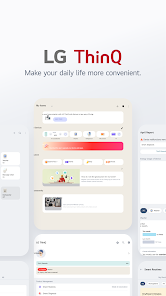
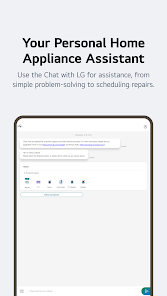
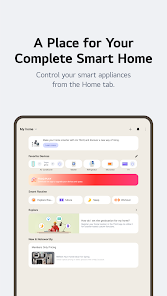
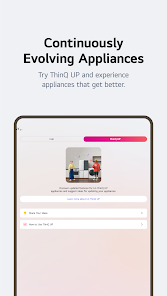
LG ThinQ is a brand name used by LG Electronics for products and services that are equipped with artificial intelligence (AI) technology. The ThinQ brand encompasses a range of smart home APPliances, such as refrigerators, washing machines, and air conditioners, as well as smartphones, TVs, and other electronics. Products and services under the LG ThinQ brand are designed to be intelligent and self-learning, with the ability to adapt to the user's preferences and habits over time. The goal of LG ThinQ is to make daily life easier and more convenient by integrating AI technology into everyday products and services.
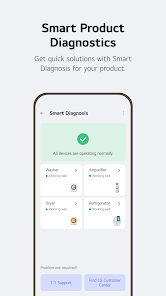
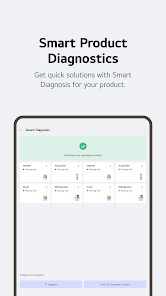
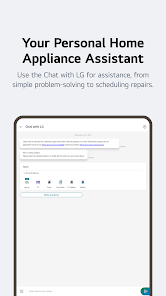
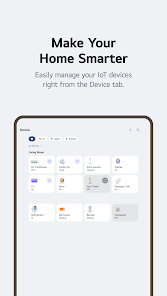
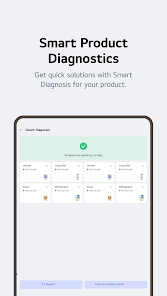
Features ■ Receive instant notifications. The ThinQ APP will keep you up to date with all the notifications you need to make sure your clothes don't smell musty or your ovens don't overcook your pizza. ThinQ will self-diagnose the condition of your products on a regular basis. ■ Control your home from anywhere. You can check your home's indoor temperature and turn on your air conditioner even when you're not in the house. You can also start your washing machine remotely and continue the drying process when you get home. ■ TV remote control in my smartphone. Switch TV channels and adjust the sound with the ThinQ APP. You can enjoy your mobile content in your smartphone's gallery on a TV screen. You can also use the Magic Remote function with your APP. ※ Availability of products and services may vary depending on the model you own or the region/country where you live. ■ ThinQ Automatically Accesses the Current Status of Your Products. Get a detailed and intelligent assessment of the condition of your products. Smart Diagnosis recognizes problems and helps you troubleshoot them. How to use LG ThinQ: The specific steps for using LG ThinQ products and services will depend on the type of product you have and the features it offers. However, in general, LG ThinQ products are designed to be user-friendly and easy to use. Many of these products can be controlled using a smartphone APP, which allows you to adjust settings, monitor usage, and access additional features and functions. Some LG ThinQ products also have voice control capabilities, allowing you to use simple voice commands to operate the device. To use LG ThinQ products and services, you will need to download the APPropriate smartphone APP and follow the instructions provided in the APP and in the product's user manual. This will help you get started with using your LG ThinQ product and take advantage of its intelligent features.

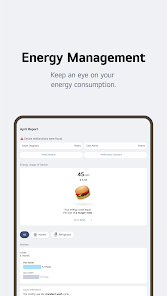
 LG ThinQ offers seamless smart home integration for effortless control. Users can monitor appliances remotely for convenience. AI-driven insights enhance energy efficiency and save on bills. Voice command compatibility simplifies operation and enhances accessibility. Regular updates ensure continuous improvement and new features.
 Limited compatibility with non-LG smart devices reduces versatility. User interface can be confusing for new users. Occasional connectivity issues disrupt seamless automation experiences. Customer support may not always provide timely assistance.
 Yes, users can submit suggestions or feedback through the app or by contacting LG customer support directly.
Yes, LG ThinQ may collect personal data to enhance user experience, but it is governed by LG's privacy policy, which outlines how data is handled and protected.
While some features require an internet connection, certain functionalities may be accessible offline, depending on the specific appliance and its settings.
If you have subscribed to any premium services, you can cancel your subscription through the app settings or your app store account settings, depending on how you subscribed.
LG ThinQ does not typically require a subscription fee; however, specific premium features or services may incur charges.
Unfortunately, customer numbers cannot be changed. For issues with your customer number, please contact customer service for assistance.
Yes, you can log in to LG ThinQ from multiple devices using the same account credentials. Just ensure you have a stable internet connection.
You can check the activation status by logging in to your account or by contacting LG ThinQ customer service for verification.
You can reach LG ThinQ customer service via the support section on the LG website or by calling the customer service number provided there.
To activate your LG ThinQ account, follow the link in the activation email sent to you upon registration. If you didn't receive it, check your spam folder.









 Google Play
  App Store