

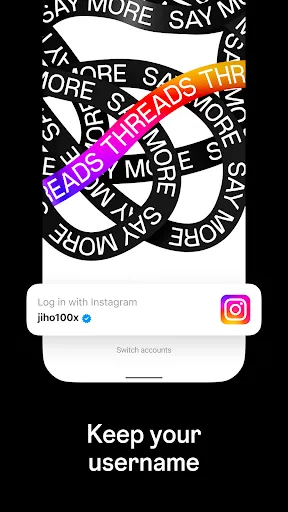
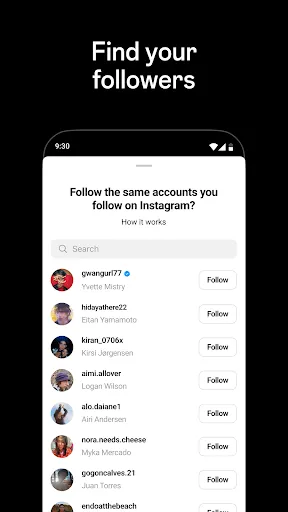

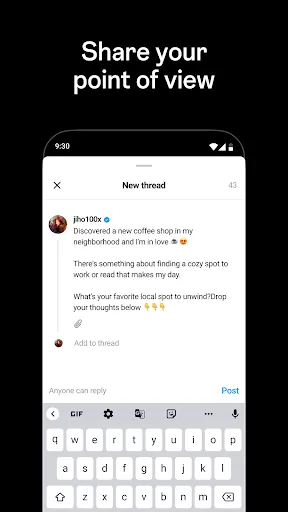
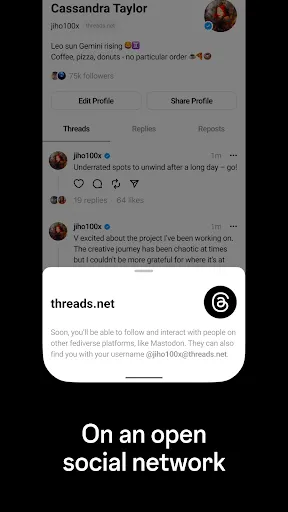
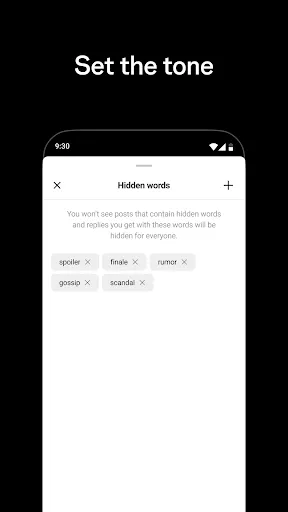
Threads is an Instagram app that allows users to communicate with their close friends in a private, dedicated space. It is designed to be a more intimate way to share photos, videos, messages, Stories, and more with your closest friends. Threads also allows users to customize their experience by creating a status, which is a short message that can be shared with their close friends. Additionally, users can also share their location, speed, and battery life with their close friends. Threads also allows users to quickly respond to messages with a tap of a button. This feature is called Quick Replies and allows users to quickly respond to messages without having to type out a response. Additionally, users can also customize their Quick Replies to make them more personal. Threads also allows users to share their Stories with their close friends, as well as view their friends’ Stories. Using Threads is easy and straightforward. To get started, users must first download the Threads app from the App Store or Google Play Store. Once the app is downloaded, users must log in with their Instagram account. After logging in, users can start customizing their experience by creating a status, setting up Quick Replies, and sharing their Stories with their close friends. To send a message to a close friend, users can simply tap on the “+” icon in the top right corner of the app. This will open up a new message window where users can type out their message and send it to their close friend. Additionally, users can also send photos, videos, and other media to their close friends. To view messages from their close friends, users can simply tap on the “Messages” tab at the bottom of the app. Threads is a great app for users who want to communicate with their close friends in a more intimate way. It allows users to customize their experience by creating a status, setting up Quick Replies, and sharing their Stories with their close friends. Additionally, users can also quickly respond to messages with a tap of a button. However, Threads does have some drawbacks. For example, users cannot send messages to people who are not on their close friends list. Additionally, users cannot view their friends’ Stories unless they are on their close friends list. Finally, Threads does not have any features for group messaging, which can be a limitation for some users.Features of Threads, an Instagram App
How to Use Threads, an Instagram App
Pros & Cons of Threads, an Instagram App

 Threads fosters close-knit conversations with friends and followers. The app offers a streamlined, distraction-free interface for focused engagement. Seamlessly integrates with Instagram for easy sharing and connectivity. Users can share moments instantly with quick photo and video options. Threads emphasizes privacy, allowing control over who sees your content.
 Limited audience reach compared to broader social media platforms Lack of advanced features for content creation Minimal integration with existing Instagram functionalities
  Google Play
  App Store
 Yes, users can submit suggestions or feedback through the app's settings or by visiting the official support page on Instagram's website.
Yes, Threads collects personal data such as account information, usage data, and device information to enhance user experience and improve app functionality.
No, Threads requires an internet connection to function properly as it relies on real-time updates and interactions with friends and followers.
Since Threads does not offer a subscription service, there is no need to cancel anything; users can simply uninstall the app if they choose to stop using it.
Threads does not have a subscription model; it is completely free to use with no hidden costs associated with its features.
If necessary, follow the activation link sent to your email after registration. Click the link to confirm your account.
You can reach customer service through the app's settings under "Help" or visit their official website for support options.
Open the app, enter your username and password, and tap "Log In." If you forgot your password, use the "Forgot Password?" link.
The Threads app does not have a dedicated customer number; support is primarily provided through in-app help and online resources.