

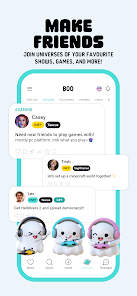


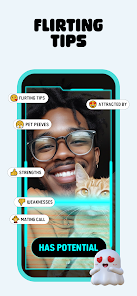
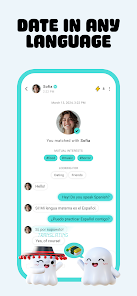
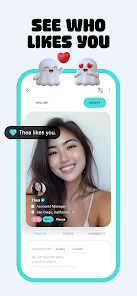
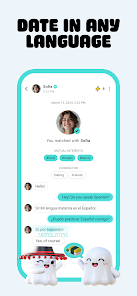

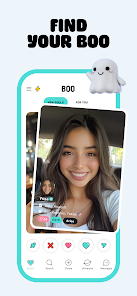
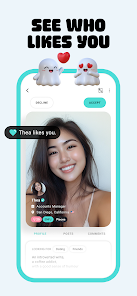
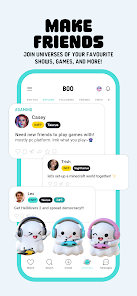

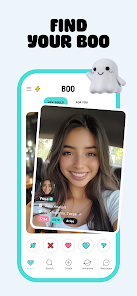

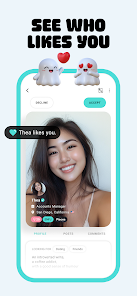

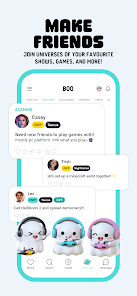
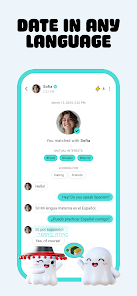
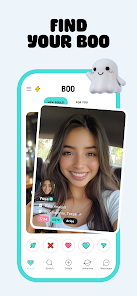
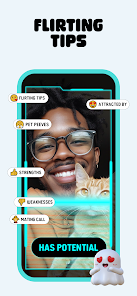
Boo is a dating, friends, and chat app that allows users to connect with others in their area. It is easy to use and provides a secure platform for users to meet and chat with potential matches. To get started, users must first create an account and fill out their profile. This includes adding a profile picture, writing a short bio, and selecting interests. Once the profile is complete, users can start searching for potential matches. The app also allows users to chat with other users and send messages. Boo also offers a variety of features to help users find the perfect match. Users can search for potential matches based on their interests, age, location, and more. The app also offers a “matchmaker” feature, which allows users to connect with potential matches based on their compatibility. Additionally, users can use the “icebreaker” feature to start conversations with potential matches. The main advantage of using Boo is that it provides a secure platform for users to meet and chat with potential matches. The app also offers a variety of features to help users find the perfect match. Additionally, the app is easy to use and provides a safe environment for users to connect with others. The main disadvantage of using Boo is that it is only available in certain countries. Additionally, the app does not offer any additional features such as video chat or voice chat. Additionally, the app does not have a large user base, which can make it difficult to find potential matches. How to Use Boo: Dating. Friends. Chat. App?
What is the Pros & Cons of Boo: Dating. Friends. Chat. App?

 Connect with like-minded individuals for meaningful friendships and dating experiences Enjoy a user-friendly interface that makes navigation effortless Discover personalized matches based on your interests and preferences Engage in real-time chats to build connections before meeting in person Participate in fun events and activities to meet new people easily
 Limited user base may reduce matchmaking opportunities. Lack of advanced filters can hinder finding compatible matches. Frequent ads disrupt user experience and engagement.
  Google Play
  App Store
 Yes, users are encouraged to submit suggestions or feedback through the app's support feature or contact form to help improve the service.
Yes, Boo collects personal data to improve user experience and enhance matching algorithms, but it prioritizes user privacy and data protection.
Boo requires an internet connection to function, so offline use is not supported.
You can cancel your subscription through your account settings in the app or by following the instructions provided in the app store where you downloaded Boo.
The subscription prices vary based on the plan chosen, with options for monthly, quarterly, and annual subscriptions.
Yes, you can choose to contact customer service via the app or email, based on your preference.
You can reach customer service through the app's help section or by emailing support
You can update your email in the account settings after logging in. If you can't log in, contact customer service.
To activate your account, check your email for a confirmation link and follow the instructions provided.
It's best to check in whenever you have a question or issue. Our team is here to help!