

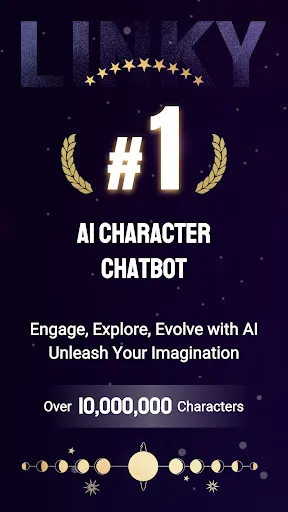
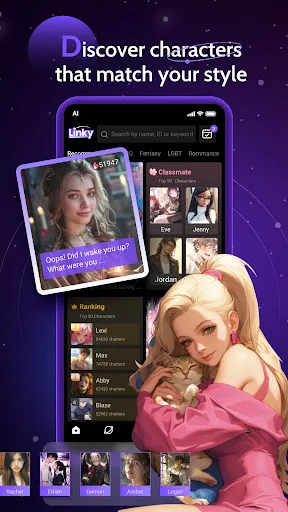

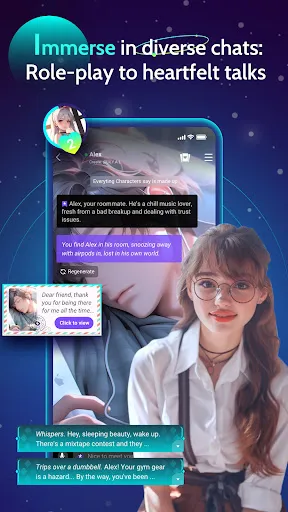

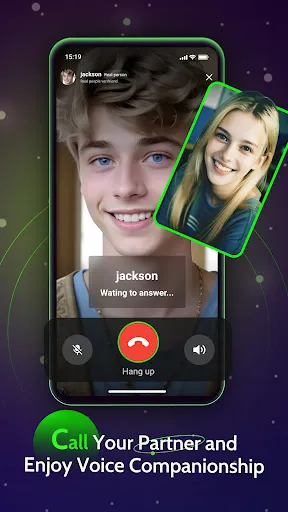
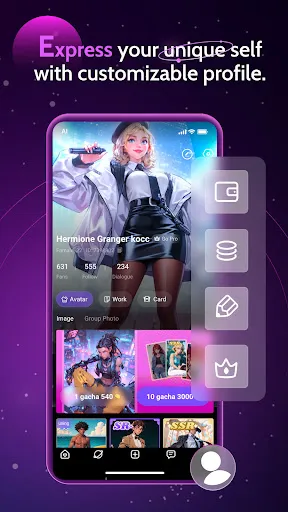
Linky AI: Chat, Play, Connect combines a variety of engaging features designed to enhance user interaction and enjoyment. One of the primary features is its chat functionality, which utilizes advanced natural language processing to facilitate seamless conversations. This allows users to engage in meaningful dialogues, ask questions, and receive instant replies, making it an excellent tool for learning and exploration. In addition to chatting, Linky AI incorporates interactive games that not only entertain but also stimulate cognitive skills. These games range from puzzles to trivia, providing an entertaining way for users to challenge themselves and compete with friends. Furthermore, the platform encourages social connectivity, allowing users to connect with others, share experiences, and collaborate in various activities. Overall, Linky AI creates a comprehensive environment for communication, play, and connection. Using Linky AI: Chat, Play, Connect is straightforward and user-friendly. To start, users simply need to create an account or log in to the existing one. Once logged in, the interface presents various options including chat, games, and connection features. Users can initiate a chat by selecting the chat feature, where they can type their messages or ask questions to the AI system. For gaming, users can choose from a selection of interactive games available on the platform. Each game typically includes instructions on how to play, making it easy for new users to join. To connect with others, users can explore community features, such as forums or group activities, where they can meet like-minded individuals. Overall, the platform's intuitive design makes navigating its features a breeze, ensuring that users can easily enjoy all that Linky AI has to offer. Linky AI: Chat, Play, Connect has its share of advantages and disadvantages. One of the significant pros is its user-friendly interface, which makes it accessible to individuals of all ages. The chat feature is highly engaging and responsive, providing users with quick answers and interactive conversations. Additionally, the inclusion of games adds a fun element, encouraging users to return frequently and engage with the platform. However, there are some cons to consider. Some users may find the AI's responses can occasionally lack depth, leading to a less satisfying conversation experience. Furthermore, while the gaming aspect is entertaining, some games may not appeal to everyone, limiting overall engagement. Lastly, there could be concerns regarding privacy and data security, as with any online platform. Therefore, while Linky AI offers exciting features, potential users should weigh these pros and cons before diving in.Features of Linky AI: Chat, Play, Connect
How to Use Linky AI: Chat, Play, Connect
Pros & Cons of Linky AI: Chat, Play, Connect

 Enhances communication by facilitating seamless chat interactions. Offers engaging games that promote learning and creativity. Connects users with like-minded individuals for meaningful relationships. Provides personalized experiences tailored to individual preferences. Supports real-time feedback to improve user engagement and satisfaction.
 Limited understanding of complex queries can lead to frustrating interactions. Privacy concerns arise from data collection and usage practices. Dependence on internet connectivity may disrupt accessibility and functionality.
  Google Play
  App Store
 Yes, users can submit suggestions or feedback directly through the app's feedback feature or by contacting customer support via the official website.
Yes, Linky AI: Chat, Play, Connect may collect personal data as outlined in its privacy policy, but it emphasizes user privacy and data protection.
Linky AI: Chat, Play, Connect primarily requires an internet connection for optimal functionality, but certain features may be accessible offline.
You can cancel your subscription to Linky AI: Chat, Play, Connect through the account settings within the app or through the app store where you purchased the subscription.
Subscription costs for Linky AI: Chat, Play, Connect vary based on the plan selected, with options for monthly or annual payments.
Customer numbers are unique and cannot be changed. If you have concerns, please reach out to customer service for help.
To log in, open the app or website, enter your email and password, then click the 'Log In' button.
To update your customer information, log in to your account, go to 'Profile Settings', and make the necessary changes.
To activate your account, click on the link sent to your email during registration. Follow the instructions provided to complete the activation.
You can reach customer service by clicking on the help icon in the app or visiting our support page on the website.