


0

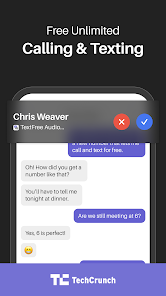
 Enjoy a private number for personal and business calls Easily manage multiple conversations without extra devices No need for a separate SIM card or phone Access voicemail and texts in one convenient app Stay connected without exposing your primary number
 Limited features compared to traditional phone services can hinder user experience Privacy concerns may arise with using a second number for communication Inconsistent call quality can lead to frustrating conversations and missed connections
  Google Play
  App Store
 Yes, users can submit suggestions or feedback through the app's support or feedback section.
The app may collect certain personal data to provide its services, but it follows privacy policies to protect user information.
Text Free: Second Call Number requires an internet connection to function, so it does not support offline use.
You can cancel your subscription through your device's app store settings or directly within the app's account settings.
Subscription pricing for Text Free: Second Call Number varies depending on the plan, with options for monthly or yearly subscriptions.
Go to the app settings, select 'Change Number,' and follow the prompts to choose a new number.
You can reach Text Free customer service through the app's settings or visit their website for support options.
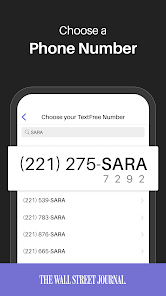
After downloading the app, follow the on-screen instructions to select and activate your second phone number.
Open the app and enter your registered phone number and password, then tap 'Log In.'
Access the app's settings, choose 'Account,' and then 'Payment Information' to make updates.