

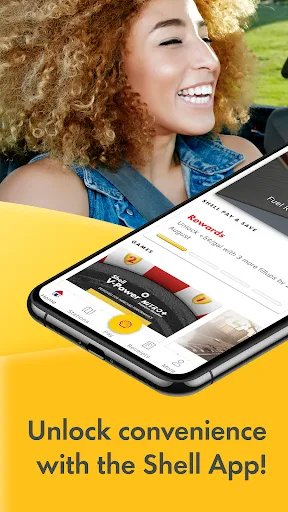
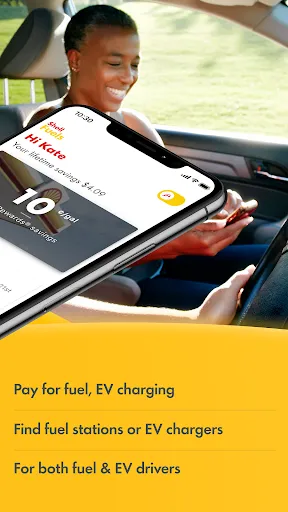
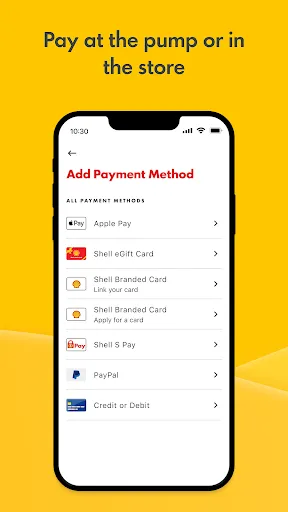
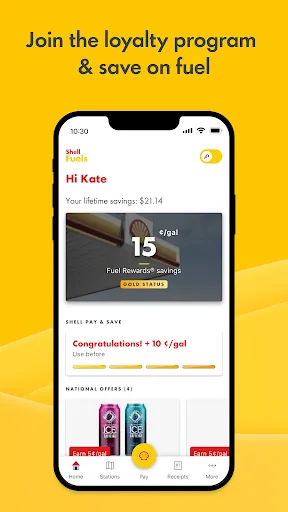
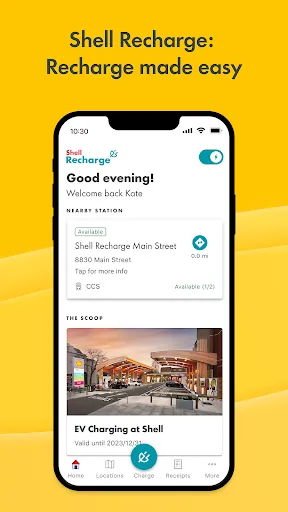
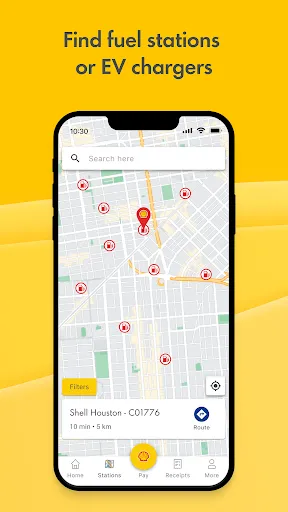
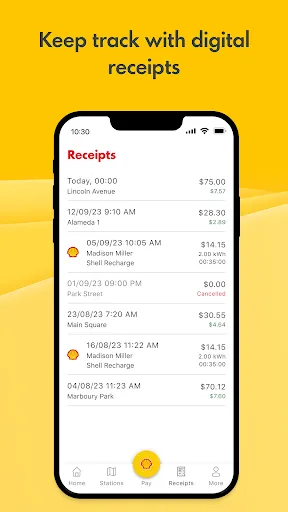
Shell: Fuel, Charge & More is an all-in-one mobile application designed to enhance the fueling experience for customers. One of its primary features is easy access to fuel stations, allowing users to locate Shell stations nearby, along with their fuel prices and available services. The app also offers a digital wallet functionality, enabling seamless payment for fuel and other purchases directly from the user's smartphone. Another notable feature is the ability to earn rewards through the Shell Go+ program. Users can accumulate points with every transaction, which can be redeemed for discounts and promotional offers. The app also provides real-time updates on fuel availability and station amenities, such as car washes and convenience store items. Additionally, the app supports electric vehicle (EV) charging station locators, catering to the growing number of EV users. Overall, Shell: Fuel, Charge & More is designed to streamline the fueling and charging process while rewarding customer loyalty. Using the Shell: Fuel, Charge & More app is straightforward and user-friendly. First, download the app from your device's app store and create an account by providing your email and preferred password. Once registered, you can log in and start exploring the various features. To locate the nearest Shell fuel station, simply use the map feature within the app, which will show you available stations and their respective fuel prices and services. When you're ready to fuel up, you can use the app to initiate payment directly at the pump. Select the "Pay at Pump" option, choose your fuel type, and follow the prompts to complete your transaction. If you’re looking to charge an electric vehicle, the app also allows you to find EV charging stations, detailing their availability and charging speeds. Additionally, don't forget to check the rewards section for any ongoing promotions or point accumulation opportunities. The app makes it easy to manage your fuel purchases and maximize your benefits. Shell: Fuel, Charge & More offers several advantages. A significant pro is the convenience of locating nearby fuel and charging stations, which saves time and enhances the user experience. The integrated payment feature allows for quick and hassle-free transactions, eliminating the need for cash or cards at the pump. Furthermore, the rewards program incentivizes customers to use Shell services, enabling them to save money over time. However, there are also some cons to consider. The app may require a stable internet connection for full functionality, which can be a disadvantage in areas with poor connectivity. Additionally, while the rewards program is beneficial, some users may find it challenging to accumulate points quickly enough to redeem for worthwhile rewards. Lastly, the app's features may not be as relevant for users who do not frequently visit Shell stations. Overall, while the app offers numerous benefits, potential users should weigh these pros and cons before fully committing to it.Features of Shell: Fuel, Charge & More
How to Use Shell: Fuel, Charge & More?
Pros & Cons of Shell: Fuel, Charge & More

 Convenient fuel stations located nationwide Efficient electric vehicle charging options available Loyalty rewards program for savings and benefits High-quality fuels for optimal vehicle performance 24/7 service for all your travel needs
 Limited availability in certain regions Higher prices compared to competitors User interface can be confusing at times Customer service response times may be slow
  Google Play
  App Store
 Yes, Shell: Fuel, Charge & More collects certain personal data to enhance user experience, such as location data, transaction history, and account details, in accordance with its privacy policy.
Shell: Fuel, Charge & More is free to download and use, with no subscription fees or trials required for accessing its core features.
Yes, an active internet connection is required to use Shell: Fuel, Charge & More, as it relies on real-time data for locating stations and accessing features.
Users can contact support or send feedback through the app's help section or by visiting the official Shell website, where additional contact information and support resources are available.
Since Shell: Fuel, Charge & More does not offer a subscription service, users do not need to manage or cancel any plans. However, users may update their account settings or preferences within the app.
Your customer number is usually found in your account settings within the app or on your Shell account statement.
After downloading the app, create an account by entering your details and verifying your email. Follow the prompts to complete activation.
You can reach customer service through the app's help section or by calling the customer service number listed on the Shell website.
Open the app, enter your registered email and password, then tap 'Log In.' If you forget your password, use the 'Forgot Password?' link.