

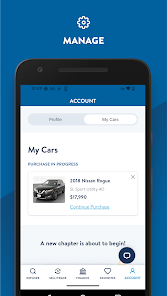
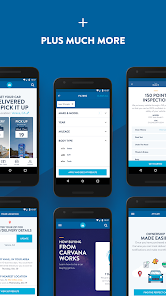
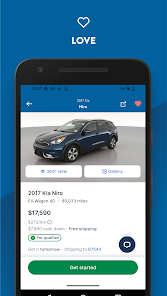
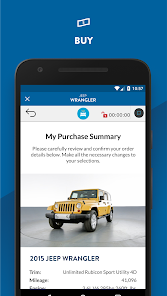
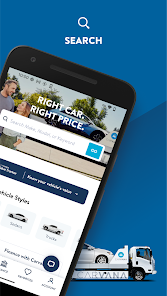

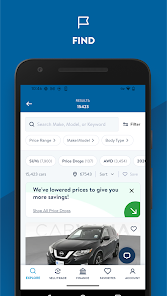
Carvana transforms car buying and selling with speed, ease, and transparency—delivering a fully digital experience trusted by millions. Download now and take control of your next car move.

 Convenient online car buying process Wide selection of quality used cars Transparent pricing without hidden fees 7-day return policy for peace of mind Home delivery options for added convenience
 Limited vehicle selection compared to traditional dealerships Higher prices than local competitors No test drives before purchase Delivery delays can occur unexpectedly
  Google Play
  App Store
 Yes, Carvana: Buy/Sell Used Cars collects personal data such as your name, email address, and vehicle information to facilitate the buying and selling process, as well as to improve user experience.
Carvana: Buy/Sell Used Cars does not offer a free trial or free version; it operates as a marketplace without any subscription fees for users to buy or sell vehicles.
Yes, Carvana: Buy/Sell Used Cars requires an internet connection to access its features, as it relies on online databases and servers for vehicle listings and transactions.
You can contact support or send feedback for Carvana: Buy/Sell Used Cars through the app’s help section or by visiting their official website, where you can find contact information and support resources.
Since Carvana: Buy/Sell Used Cars does not have a subscription model, there is no need to manage or cancel a subscription; users can simply download the app and use its features as needed.
Yes, you can browse cars without an account, but you'll need to create one to complete the purchase.
You can reach Carvana customer service at 1-800-333-4554 or visit their website for support.
Click on 'Forgot Password?' on the login page, enter your email, and follow the instructions sent to your inbox.
Visit the Carvana website or app, click on 'Log In', enter your email and password, then click 'Submit' to access your account.
Log in to your account, go to 'Account Settings', and update your information as needed, then save the changes.