

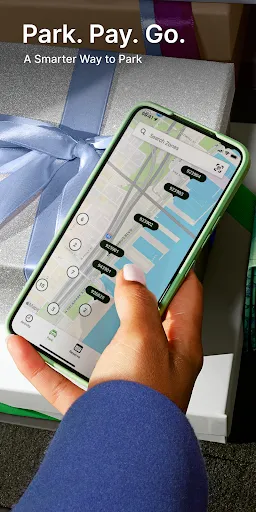
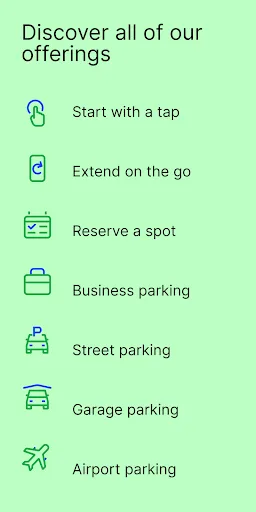
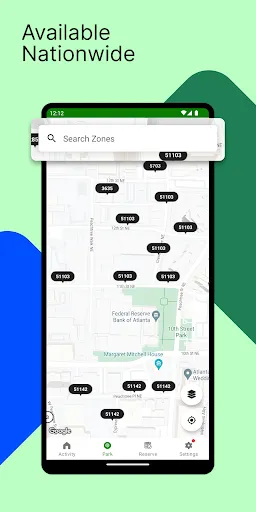
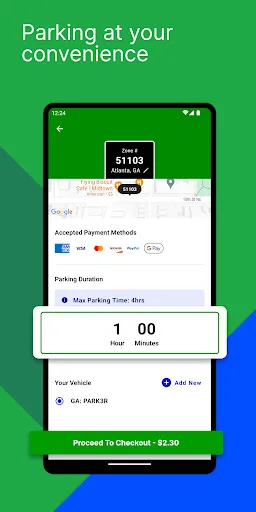
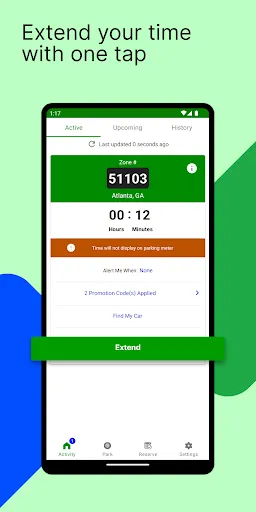
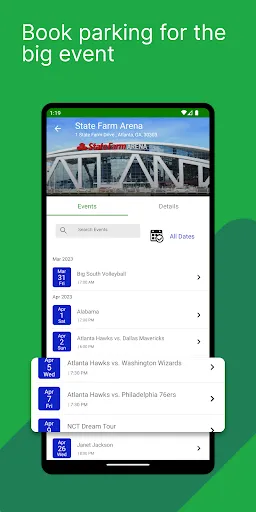
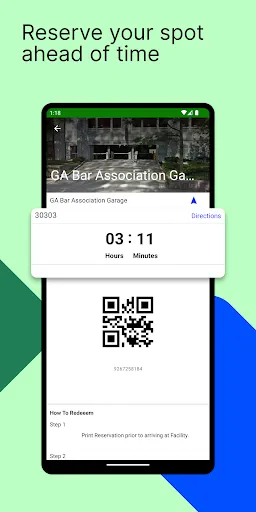
ParkMobile: Park. Pay. Go. offers a myriad of features designed to simplify the parking experience for users. One of its primary features is the convenience of mobile payments, allowing users to pay for parking directly from their smartphones without needing to carry cash or coins. The app provides real-time information on available parking spaces, helping users locate spots quickly and efficiently. Additionally, ParkMobile allows users to extend their parking sessions remotely. If you find yourself needing a little extra time, you can easily add more time without having to return to your vehicle. The app also sends notifications when your parking session is about to expire, reducing the risk of parking violations. With its user-friendly interface, ParkMobile enhances the overall parking experience by making it more accessible and less stressful. Using ParkMobile: Park. Pay. Go. is a straightforward process that enhances convenience for users. First, download the ParkMobile app from your preferred app store and create an account. Once registered, you can enter your vehicle information and payment details to get started. When you arrive at your desired parking location, open the app to find available spots nearby. Select the appropriate parking zone, enter the duration you wish to park, and complete your payment. The app will confirm your transaction, and you can view your active parking sessions directly within the app. If you need to extend your parking time, simply access the app again, select your active session, and add more time as needed. Notifications will keep you informed about your session status, ensuring a hassle-free parking experience. ParkMobile: Park. Pay. Go. has several advantages that make it a popular choice among users. One significant pro is the convenience of managing parking through a mobile app, eliminating the need for cash or physical parking meters. The app's ability to notify users of impending session expirations is another valuable feature that helps avoid fines and penalties. However, there are also some cons to consider. Users may encounter areas where the app does not operate effectively, leading to potential frustration when trying to find or pay for parking. Additionally, some users report occasional technical glitches or app crashes, which can hinder the overall experience. Lastly, while the app is generally user-friendly, first-time users may require some time to familiarize themselves with its features and layout.Features of ParkMobile: Park. Pay. Go.
How to Use ParkMobile: Park. Pay. Go.?
Pros & Cons of ParkMobile: Park. Pay. Go.

 Easily find parking spots in busy areas. Pay for parking directly from your smartphone. Extend your parking time remotely without hassle. Receive notifications for parking expiration reminders. Access a user-friendly interface for seamless transactions.
 Limited availability in certain areas can make finding parking difficult. User experience can be hindered by app glitches or slow loading times. Transaction fees may add extra costs, reducing overall convenience.
  Google Play
  App Store
 Yes, users are encouraged to submit suggestions or feedback through the app or by contacting customer support, as the company values user input for future improvements.
Yes, ParkMobile: Park. Pay. Go. collects personal data to enhance user experience, process payments, and improve services, but they adhere to privacy regulations to protect user information.
ParkMobile: Park. Pay. Go. primarily requires an internet connection to function, but some features may be accessible offline, such as viewing previously parked locations.
Users can cancel their subscription directly through the app settings or by contacting customer support for assistance with the cancellation process.
While the app itself is free, ParkMobile does offer a premium subscription option that may include additional features, but specific pricing can vary based on the user's location and the services selected.
Unfortunately, customer numbers cannot be changed. For further inquiries, please contact customer service.
You can reach customer service by calling their support number or by using the help section in the app.
You can contact customer service through the app or by calling their helpline for immediate assistance.
To log in, open the app, enter your email and password, then click "Log In."
If you can't log in, ensure your credentials are correct or reset your password through the "Forgot Password?" option.