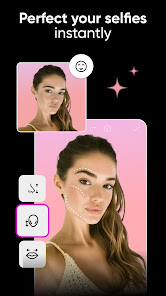
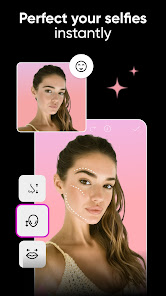
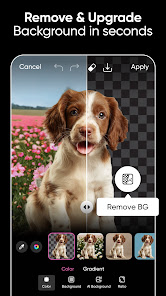


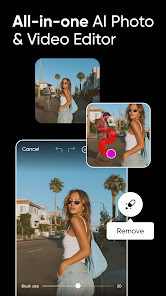
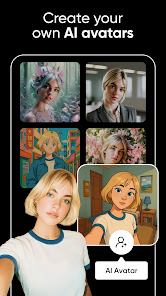
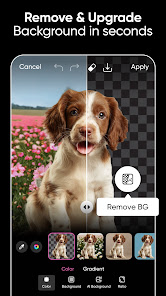
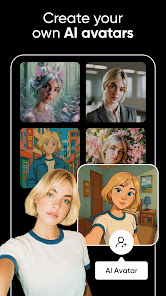

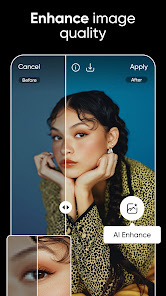

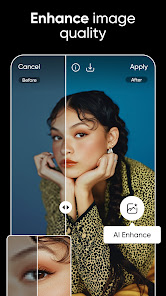


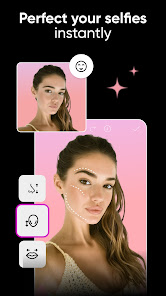
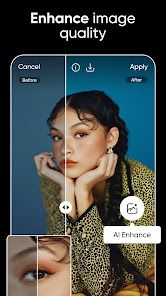
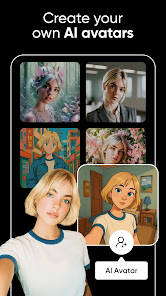

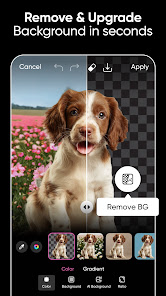

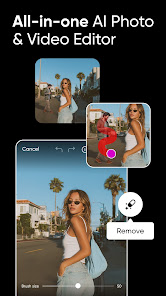

Picsart: AI Photo Video Editor is a versatile tool that offers a wide range of features catering to both novice and professional users. One of the standout features is its AI-powered editing capabilities, which allow for automated enhancements and adjustments that improve image quality with minimal effort. Users can access a vast library of filters, effects, and stickers to personalize their photos and videos, making it easy to create unique content. The platform also includes advanced tools such as background removal, collage maker, and video editing capabilities, allowing users to create engaging content across different formats. The user-friendly interface makes navigation seamless, and the app supports collaboration, enabling users to share their creations with friends or work on projects collectively. Additionally, Picsart offers tutorials and community features, which can help users enhance their skills and connect with other creatives. Using Picsart: AI Photo Video Editor is straightforward and user-friendly, making it accessible for everyone. To get started, simply download the app from your device's app store or access it via the web. Once you open the app, you can either create a new project by selecting a photo or video from your gallery or utilize one of the stock images available within the app. After selecting your media, you can explore the various editing options. The AI tools will suggest automatic enhancements, but you can also manually adjust elements such as brightness, contrast, and saturation. To add creative effects, browse through the extensive filters, stickers, and text options. Once you are satisfied with your edits, save your work or share it directly to social media platforms. The collaborative features allow you to invite friends to edit or provide feedback on your projects, enhancing the overall experience. Like any application, Picsart: AI Photo Video Editor has its strengths and weaknesses. On the positive side, the app is packed with features, including AI editing tools, a wide array of creative assets, and user-friendly navigation. Its ability to cater to both photo and video editing is a significant advantage, especially for content creators. The community aspect and collaboration features foster creativity and allow users to learn from one another. However, there are some drawbacks to consider. The free version of Picsart includes watermarks on edited images, which can be frustrating for users who want to produce professional-looking content without additional costs. Additionally, while the app is designed to be user-friendly, some advanced features may have a learning curve for new users. Lastly, the performance can be affected on older devices, leading to lag or crashes during intensive editing sessions. Overall, while Picsart has much to offer, potential users should weigh these pros and cons before diving in.Features of Picsart: AI Photo Video Editor
How to Use Picsart: AI Photo Video Editor?
Pros & Cons of Picsart: AI Photo Video Editor

 Easily enhance photos with powerful AI-driven tools for stunning results. Create engaging videos using intuitive editing features that save time. Access a vast library of templates and effects for creative inspiration. Seamlessly share your creations across social media platforms in one click. Enjoy a user-friendly interface designed for both beginners and pros alike.
 Limited advanced editing features compared to professional software Occasional inaccuracies in AI-generated edits Subscription costs may deter casual users
  Google Play
  App Store
 Yes, users can submit suggestions or feedback through the app's support section, or by contacting customer service via the official Picsart website.
Yes, Picsart AI Photo Editor, Video may collect personal data as outlined in its privacy policy, which typically includes information like usage data and user-generated content.
Picsart AI Photo Editor, Video requires an internet connection for some features, especially those related to AI processing and updates, but it does offer basic editing capabilities offline.
To cancel your Picsart AI Photo Editor, Video subscription, you can go to your account settings within the app or through the app store where the subscription was purchased and follow the cancellation instructions.
The subscription cost for Picsart AI Photo Editor, Video can vary based on the plan chosen, but it generally offers monthly and annual options with a free trial available for new users.
Yes, you can activate your account by entering your customer number during the sign-up process. If you face issues, please contact customer service.
Yes, you can log in using your social media accounts. If you encounter issues, please reach out to customer service for support.
You can reach customer service through the app’s support section or visit our website for contact options.
To update your customer information, log in to your account, go to settings, and edit your profile. For further help, contact customer service.
After signing up, check your email for an activation link. Click the link to activate your account. If you don’t see it, check your spam folder or contact customer service.