

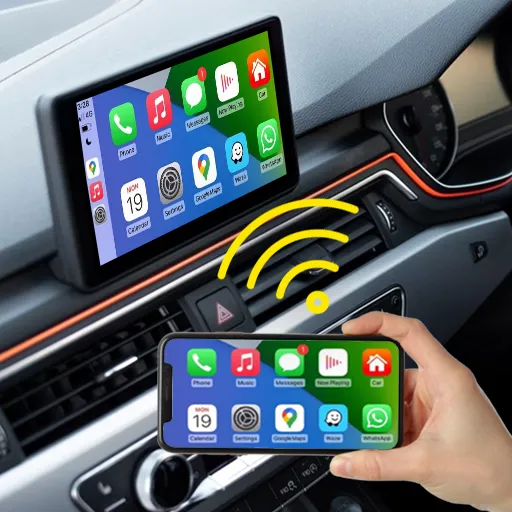


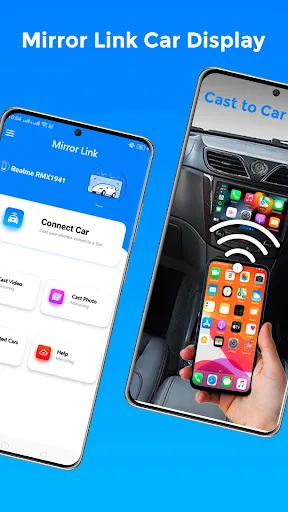
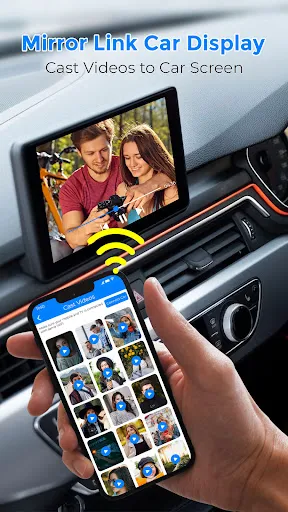
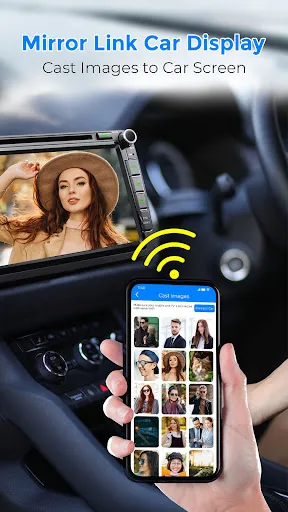
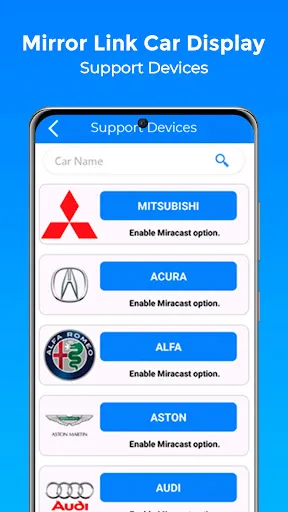
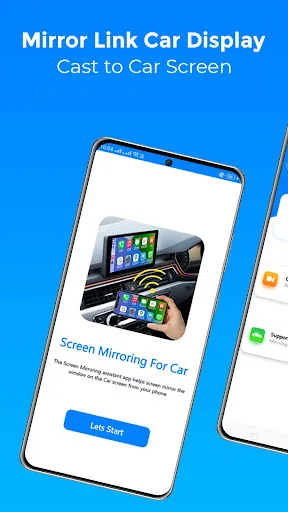
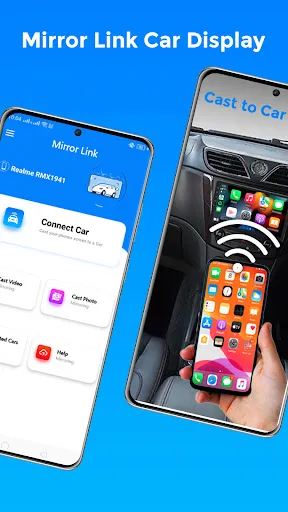
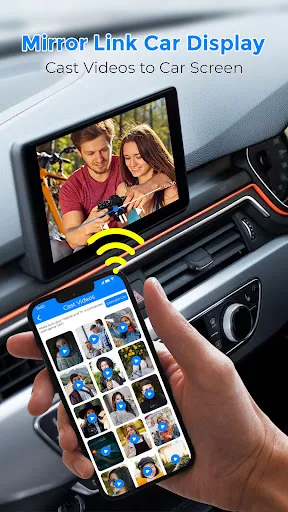
Mirror Link Car Display is an innovative technology that allows drivers to connect their smartphones to their car's infotainment system seamlessly. One of its primary features is the ability to mirror the phone's screen directly onto the vehicle's display. This feature provides easy access to various mobile applications, including navigation, music, and communication tools, enhancing the overall driving experience. Additionally, Mirror Link supports a wide range of smartphones and applications, making it highly versatile. It offers voice command functionality, allowing drivers to interact with their devices without taking their hands off the wheel or eyes off the road. Moreover, it provides real-time information, ensuring drivers have access to crucial data, such as traffic updates and notifications. Enhanced safety features further contribute to a user-friendly experience, promoting safer driving habits. Using Mirror Link Car Display is a straightforward process that enhances your driving experience. First, ensure your smartphone is compatible with the Mirror Link technology. Usually, manufacturers provide a list of supported devices. Once confirmed, connect your smartphone to the car’s infotainment system using a USB cable or Bluetooth, depending on the vehicle's capabilities. After establishing a connection, enable the Mirror Link function on your smartphone. This typically involves navigating to the settings menu and selecting the appropriate option to allow mirroring. Once activated, the car’s display should show your phone’s interface, enabling you to access applications directly from the screen. Remember to use voice commands or the car's controls to minimize distractions and maintain safety while driving. Regular updates to both your smartphone and car software can improve compatibility and performance, ensuring a smooth experience. Mirror Link Car Display comes with several advantages. One significant benefit is the enhanced connectivity it offers, allowing users to access a myriad of apps directly from their car's screen. This integration can provide safer navigation options and easy access to music and communication tools while driving. Moreover, the user-friendly interface and voice command features contribute to a more enjoyable and safer driving experience. However, there are also some drawbacks to consider. One of the primary concerns is compatibility; not all smartphones support Mirror Link, which can limit its usability for some users. Additionally, the performance of certain apps may vary, and not all functions are available when mirroring, which can lead to frustration. Moreover, reliance on smartphone connectivity might distract drivers if not used responsibly, negating some of the safety advantages that the technology aims to provide. Features of Mirror Link Car Display
How to Use Mirror Link Car Display
Pros & Cons of Mirror Link Car Display

 Enjoy seamless smartphone integration for navigation and apps Access music and calls hands-free for safety Enhance driving experience with larger, clearer display visuals Customize your dashboard for personalized usage Easily switch between apps for efficient multitasking
 Limited app compatibility restricts user options for entertainment and navigation User interface can be unintuitive and difficult to navigate while driving Potential connectivity issues may disrupt seamless integration with smartphones
  Google Play
  App Store
 Yes, users can submit suggestions or feedback through the app's support section or by contacting customer service, which helps improve future versions of the app.
Mirror Link Car Display prioritizes user privacy and typically does not collect personal data unless explicitly stated in their privacy policy or required for specific app functionalities.
Yes, Mirror Link Car Display does support offline use, allowing users to access certain features and apps without an internet connection, depending on the app functionality.
To cancel your subscription, you can navigate to the subscription settings within the app or your app store account, where you will find the option to manage or cancel your subscription.
The subscription cost for Mirror Link Car Display varies based on the features selected and the duration of the subscription, with options for monthly or annual billing.
Unfortunately, customer numbers cannot be changed. If you have issues, please reach out to customer service for assistance.
Yes, you can log in to your Mirror Link account from multiple devices using the same customer number and password.
You can reach customer service through the contact form in the app or call the support number found on our website.
If you're having trouble activating your account, ensure you’re using the correct email. If issues continue, please contact customer service for help.
To log in, enter your customer number and password on the Mirror Link app. If you forgot your password, use the "Forgot Password" option.
























