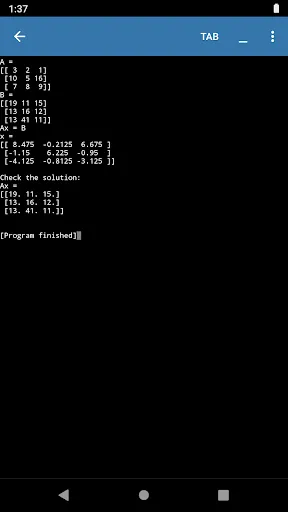
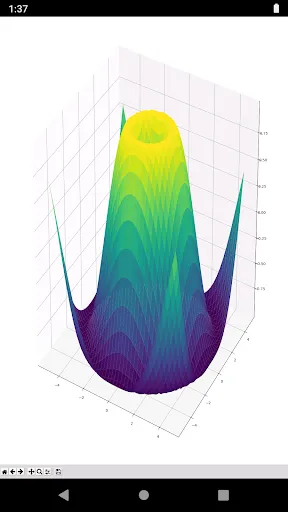
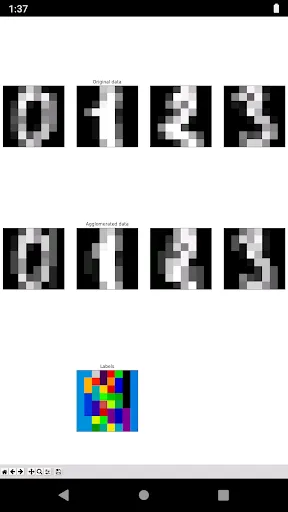
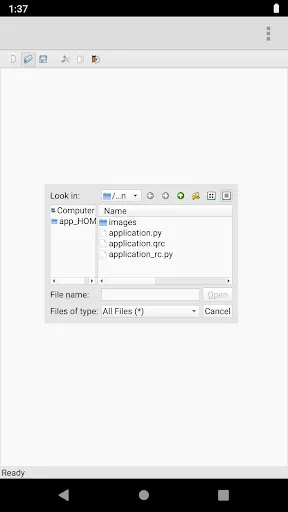
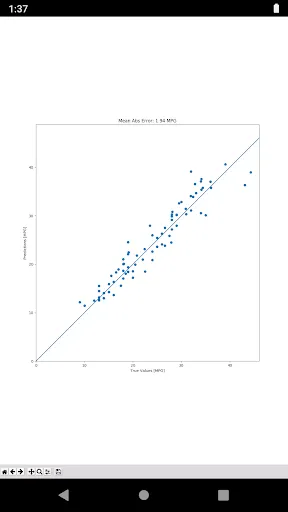
The Pydroid repository plugin offers a variety of features aimed at enhancing the Python development experience on Android devices. One of its standout features is the ability to access a wide range of external libraries directly from the app, allowing users to easily install packages without needing a computer. This significantly simplifies the process of setting up a Python environment on mobile devices, making it more accessible for beginners and experienced developers alike. Another notable feature is the user-friendly interface that allows users to explore and manage repositories effortlessly. The plugin provides a clear and intuitive layout, making it easy to search for libraries and view their documentation. Additionally, it supports multiple versions of packages, so developers can choose the version that best suits their project needs. The plugin also includes a built-in terminal, allowing users to execute commands and manage their Python environment directly within the app. This feature is particularly useful for testing scripts and running interactive sessions. Overall, the Pydroid repository plugin enhances productivity by streamlining the process of library management and providing essential tools for Python development on the go. Using the Pydroid repository plugin is a straightforward process that allows users to easily enhance their Python programming environment on Android. To get started, first ensure that you have the Pydroid 3 app installed on your device. Once you have the app, navigate to the menu and select the repository plugin option. If the plugin is not yet installed, you will be prompted to download it from the built-in repository. After installation, open the plugin interface to explore available libraries. You can browse through categories or use the search bar to find specific packages. When you find a library you wish to install, simply tap on it and select the install option. The plugin will automatically download and install the package, making it available for your projects. Once the libraries are installed, you can start using them in your Python scripts. Open the code editor within Pydroid 3, and you can begin importing the libraries and utilizing their functionalities right away. For more advanced users, the built-in terminal allows you to run commands and manage packages directly, providing a comprehensive development experience on your mobile device. The Pydroid repository plugin comes with several advantages that make it a valuable tool for Python developers on Android. One of the primary benefits is its ease of use, as it allows users to install and manage libraries with minimal effort. The accessibility of a wide range of packages directly from the app is another significant plus, enabling developers to quickly find and integrate tools into their projects. Additionally, the plugin's user-friendly interface enhances the overall experience, making it suitable for both beginners and seasoned developers. The built-in terminal is also a noteworthy feature, providing a powerful way to run scripts and commands without leaving the app.Features of Pydroid Repository Plugin
How to Use Pydroid Repository Plugin
Pros & Cons of Pydroid Repository Plugin

 Access a vast collection of Python packages easily Streamlined installation process saves time and effort Regular updates ensure access to the latest features User-friendly interface simplifies package management Supports offline usage for convenience anytime
 Limited package support restricts access to some libraries. Slow update frequency can lead to outdated tools. Dependency management issues may complicate project setups.
  Google Play
  App Store
 Yes, users are encouraged to submit suggestions or feedback through the app's support channels or official website to help improve the plugin.
Pydroid repository plugin does not collect personal data from users, focusing instead on providing a secure environment for coding and development.
Yes, Pydroid repository plugin allows offline use, enabling users to access previously downloaded packages and libraries without an internet connection.
Users can cancel their subscription through the app store settings on their device or through their account settings in the Pydroid application.
The subscription cost for Pydroid repository plugin may vary based on the features offered and can be checked within the app or on the official website.
Unfortunately, customer numbers cannot be changed. If you need assistance, please contact customer service for support.
Yes, you can log in using your Google or Facebook account if you registered with those options.
You can reach customer service through the support section in the app or by visiting our website's contact page.
To activate your Pydroid account, check your email for the activation link and follow the instructions provided.
You can verify your account activation by checking your email for a confirmation message. If you don’t see it, check your spam folder.