
0

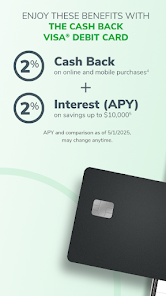
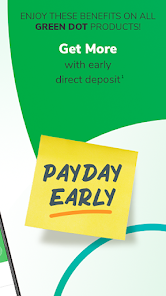
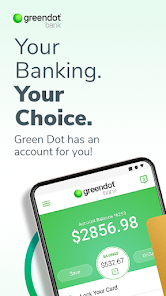
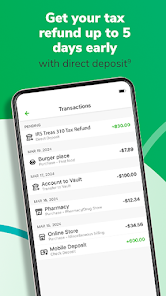
 Green Dot offers easy access to your funds anytime, anywhere. Enjoy low fees compared to traditional banking options. Benefit from instant online money transfers to friends and family. Experience the convenience of mobile banking with a user-friendly app. Gain financial control with budgeting tools and spending alerts.
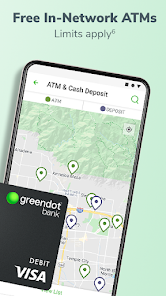
 Limited ATM access often results in higher withdrawal fees. Customer service can be slow and unresponsive during peak times. Monthly fees may outweigh benefits for infrequent users.
  Google Play
  App Store
 Yes, users can submit suggestions or feedback through the app’s feedback feature or by contacting customer support directly.
Yes, Green Dot - Mobile Banking collects personal data for account verification, transaction processing, and enhancing user experience, in accordance with its privacy policy.
Green Dot - Mobile Banking requires an internet connection to access its features, so it does not support offline use.
To cancel any services or features associated with the app, users can follow the instructions provided in the app or contact customer support for assistance.
There are no subscription fees for using the Green Dot - Mobile Banking app, but users may encounter fees for specific transactions or services.
Yes, you can activate your account directly in the app by following the prompts after you sign in.
Yes, once logged in, you can change your login information in the account settings section of the app.
You can reach customer service by calling the number on the back of your card or through the app's help section.
Your customer number is located in your account details within the app or on your card. If you need help, contact customer service.
Open the app, enter your username and password, then tap "Log In" to access your account.