





0

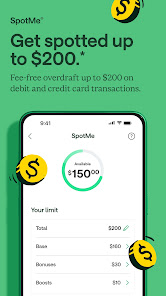
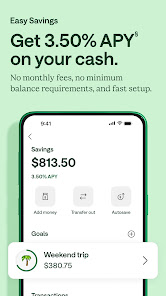
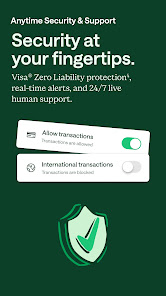
 Chime offers no monthly fees, saving you extra money. Enjoy early direct deposits for faster access to funds. Access over 24,000 fee-free ATMs nationwide for convenience. Receive instant transaction notifications to track your spending easily. Benefit from automatic savings features to grow your money effortlessly.
 Limited ATM access may incur fees outside the network. Customer service response times can be slow. Lack of physical branches makes in-person assistance difficult.
  Google Play
  App Store
 Yes, Chime encourages user feedback and suggestions, which can typically be submitted through the app or their official website.
Yes, Chime collects personal data to comply with financial regulations, provide services, and improve user experience. Users can review their privacy policy for details.
Chime primarily requires an internet connection to access its features; however, you can view transaction history offline if it has been previously loaded.
Since Chime does not require a subscription, users can simply stop using the app or close their account through the app settings or customer support.
Chime does not have a subscription fee; it is free to use, although there may be fees for optional services like expedited transfers.
To check your account activation status, log in to the Chime app or contact customer service for help.
You can reach Chime customer service through the in-app chat, by calling their support number, or visiting their website for more options.
To update your customer number, contact Chime customer service directly for assistance with your account details.
To activate your Chime account, simply follow the instructions in the email you received after signing up or use the app for guidance.
Yes, you can contact customer service using their support number or visit their website for assistance, even without logging in.