

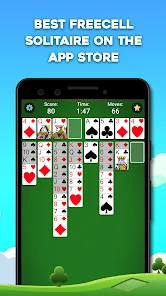

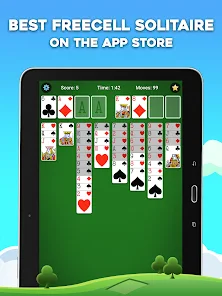
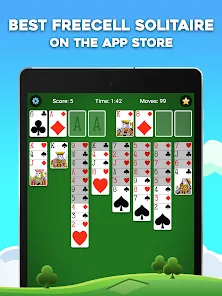
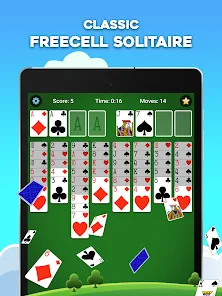
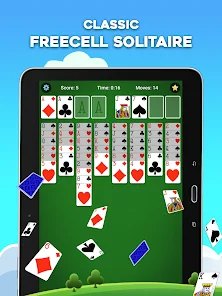
FreeCell Solitaire is a fun and addicting card game that can be played for free on your iPhone or iPad. The objective of the game is to move all of the cards from the starting position to the four foundation piles. The game features unlimited undo, hints, and a leaderboard so you can track your progress.This app is a great way to pass the time and improve your Solitaire skills. If you are looking for a challenging and addicting card game, then this is the app for you!
Features of FreeCell Solitaire: Card Games App
The FreeCell Solitaire: Card Games App offers a variety of features that enhance the classic card game experience. One of the standout features is its intuitive user interface, which allows players to easily navigate through the game. The app supports both portrait and landscape modes, providing flexibility in how players choose to engage with the game on their devices.
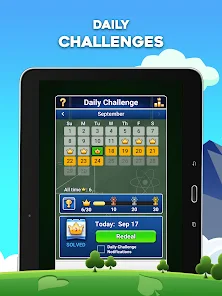
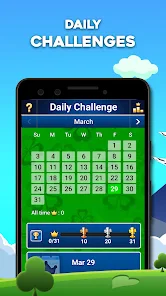
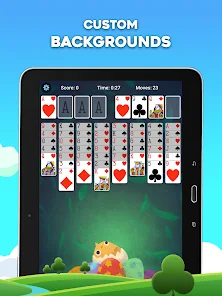
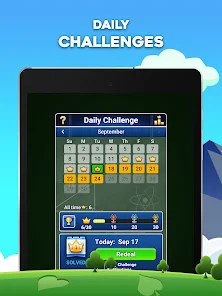
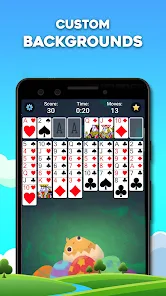
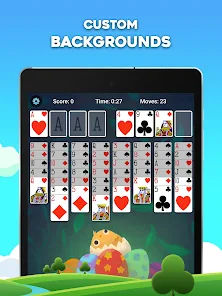
Additionally, the app includes customizable themes and card backs, allowing users to personalize their gaming experience. Players can also take advantage of unlimited undo options, which enable them to correct mistakes without restarting the game. The app features hints and tips for beginners, helping them understand the strategies involved in FreeCell. Furthermore, the app tracks player statistics, including win rates and best times, fostering a competitive atmosphere. The inclusion of daily challenges adds an element of excitement and encourages players to return regularly for new objectives.
Lastly, the app is designed to be accessible, with options for various skill levels, ensuring that both novices and experienced players can enjoy the game.
How to Use FreeCell Solitaire: Card Games App
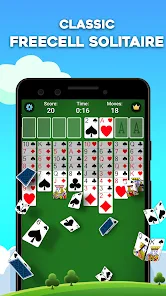
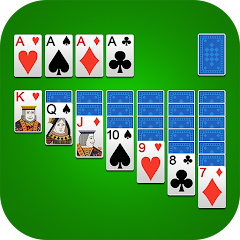
Using the FreeCell Solitaire: Card Games App is straightforward and user-friendly. Once you download and install the app, you can launch it to access the main menu, where you’ll find options to start a new game, review settings, or view statistics. To begin playing, simply select the “New Game” option, and the app will shuffle the cards and deal them into the standard FreeCell layout.
The objective of FreeCell is to move all cards to the foundation piles, building them up in ascending order from Ace to King. You can move cards between the tableau columns and the foundation piles, utilizing the four free cells as temporary storage for cards. To move a card, tap on it and then tap the destination column or free cell. The app provides hints if you are stuck, guiding you through possible moves. You can undo moves by tapping the undo button, allowing you to experiment with different strategies without fear of making irreversible mistakes.
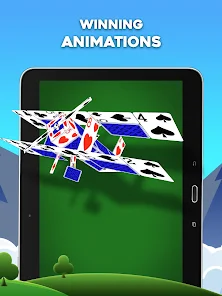
Once you have successfully moved all cards to the foundation piles, the app will display a victory message, and you can choose to play again or access your statistics to track your progress.
Pros & Cons of FreeCell Solitaire: Card Games App
The FreeCell Solitaire: Card Games App has several advantages that make it appealing to card game enthusiasts. One significant pro is its engaging gameplay, which combines strategy and skill, ensuring players remain challenged and entertained. The app's user-friendly interface makes it accessible for players of all levels, from beginners to seasoned experts. Additionally, the customization options allow players to personalize their experience, enhancing user satisfaction.
Another pro is the app's robust features, such as unlimited undo options, hints, and daily challenges, which add variety and excitement to the game. It also tracks player statistics, fostering a sense of competition and encouraging improvement over time. The app is frequently updated, ensuring that any bugs are fixed, and new features are introduced regularly.

 Engaging gameplay for all skill levels Enhances strategic thinking and problem-solving skills Offers a relaxing way to unwind and destress Accessible on various devices for convenience Encourages patience and perseverance through challenges
 Limited to one specific game type only Can become monotonous over time Requires strategic thinking, not casual play Not suitable for multiplayer experiences
 FreeCell Solitaire: Card Games may collect certain personal data to enhance user experience, but it is subject to the app's privacy policy, which outlines the type of data collected and its usage.
Yes, FreeCell Solitaire: Card Games typically offers a free version with optional in-app purchases and features, allowing users to experience the game before committing to any subscriptions.
FreeCell Solitaire: Card Games can be played offline, but certain features, such as leaderboards and multiplayer options, may require an internet connection.
You can contact support or send feedback through the app's settings menu, where you'll find options for customer support or feedback submission, typically including email or a contact form.
You can manage or cancel your subscription through your device's app store settings, under subscriptions, where you can view and modify your active subscriptions.
You can reach customer service through the app's settings menu or by visiting the official website for support options.
Open the app, tap on the login option, and enter your credentials or connect via a social media account.
You can activate additional features by purchasing in-app upgrades or subscriptions through the settings menu.
The customer number can typically be found in the app under the "Help" or "Support" section.









 Google Play
  App Store