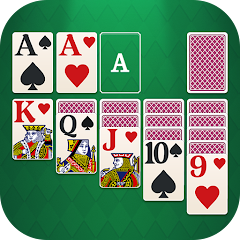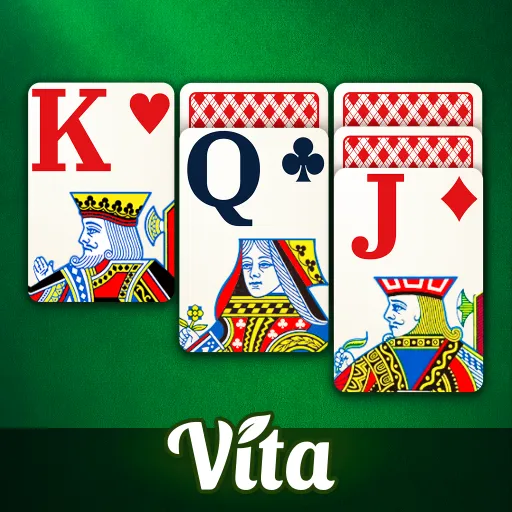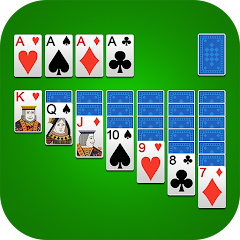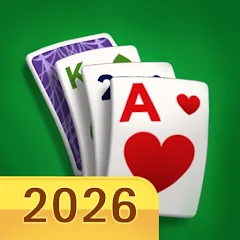


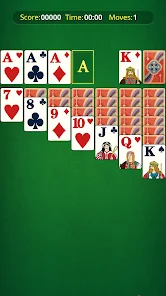
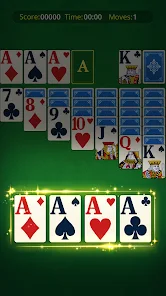
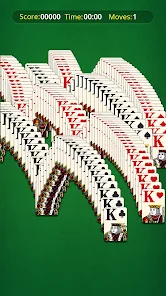
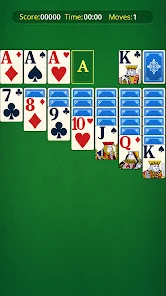
"Nostal Solitaire: Card Games" offers a delightful blend of classic solitaire gameplay with modern enhancements. One of its standout features is the nostalgic design, which evokes a sense of familiarity while providing a visually appealing interface. Players can enjoy various solitaire variations, including Klondike, Spider, and FreeCell, catering to both casual gamers and seasoned players alike. The game also includes customizable themes and card backs, allowing users to personalize their gaming experience.
Additionally, "Nostal Solitaire" incorporates daily challenges and achievements, encouraging players to engage regularly and improve their skills. The intuitive touch controls make gameplay smooth and enjoyable, while the option to play offline ensures that users can enjoy the game anytime, anywhere. Furthermore, the app provides helpful hints and an undo feature, making it accessible for beginners. With its engaging sound effects and relaxing background music, "Nostal Solitaire" creates an immersive atmosphere that enhances the overall gaming experience.
Using "Nostal Solitaire: Card Games" is straightforward and user-friendly, making it accessible for players of all ages. Upon launching the app, users are greeted with a clean interface that showcases the various solitaire modes available. To start playing, simply select your preferred game mode, such as Klondike or Spider, and follow the on-screen instructions to set up the game. The app provides a tutorial for new players, guiding them through the basic rules and strategies.
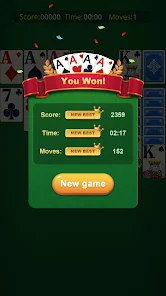
During gameplay, players can easily move cards by dragging them to their desired location. The app also features a hint button for those moments when players are unsure of their next move. To enhance the experience, users can customize their game settings, including card designs and background themes. After completing a game, players can view their scores and achievements, motivating them to improve their performance. Overall, "Nostal Solitaire" offers a seamless and enjoyable gaming experience that keeps players coming back for more.
"Nostal Solitaire: Card Games" comes with several advantages that make it a popular choice among solitaire enthusiasts. One of the primary pros is its nostalgic design, which appeals to players who enjoy classic card games. The variety of solitaire modes available ensures that there is something for everyone, whether they prefer traditional Klondike or the more challenging Spider variant. Additionally, the app's offline functionality allows users to play without an internet connection, making it convenient for on-the-go gaming.
However, there are some drawbacks to consider. Some users have reported occasional bugs or glitches that can disrupt gameplay, which may be frustrating for players seeking a smooth experience. Furthermore, while the app is free to download, it may contain ads that can interrupt the flow of the game. Lastly, advanced players might find the hints and tutorials somewhat limiting, as they may prefer a more challenging experience without assistance. Overall, "Nostal Solitaire" offers a balanced mix of pros and cons, making it a worthwhile option for card game lovers.

 Experience classic card play Engaging gameplay for all ages Beautiful vintage-themed design Play offline anytime, anywhere Daily challenges to boost fun Customizable card styles available
 Limited card variety options Ads disrupt gameplay flow In-app purchases can add up User interface feels outdated
  Google Play
  App Store
 Yes, Nostal Solitaire often features daily challenges and special events, providing players with new objectives and rewards to keep the gameplay fresh and engaging.
Yes, Nostal Solitaire allows players to customize the card designs, themes, and backgrounds to suit their personal preferences, enhancing the overall aesthetic of the game.
Yes, you can play Nostal Solitaire offline. The app does not require an internet connection for single-player modes, making it convenient for playing anywhere, anytime.
Yes, you can invite friends to play Nostal Solitaire, either through multiplayer modes or by sharing scores and achievements, fostering a sense of community among players.
Players can report bugs or provide feedback through the in-app support section or the official website. The developers appreciate user input to improve the app's performance and features.
You can reach customer service by accessing the in-app support feature or visiting the official website for contact details.
To log in, open the app and enter your credentials on the login screen. If you don't have an account, you can create one directly within the app.
Typically, Nostal Solitaire does not require activation. Just download the app and start playing.
The customer service number can usually be found in the app's settings or on the official support page.