

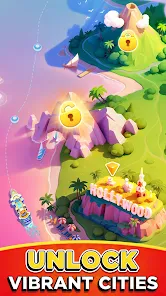
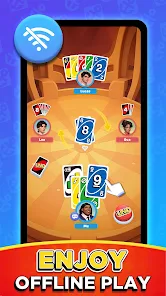
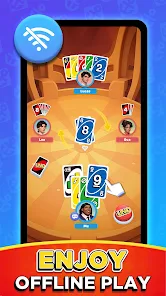
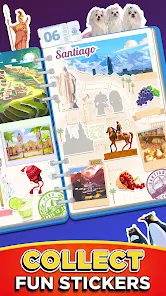
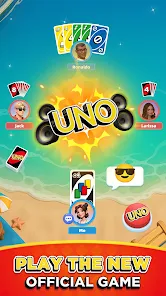
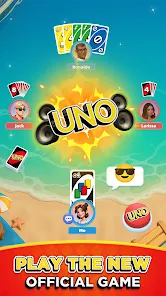
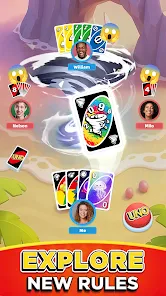
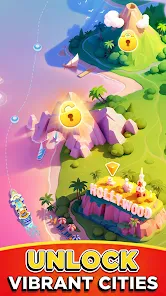
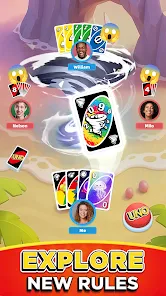
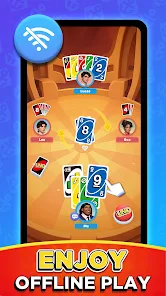
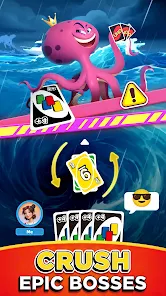
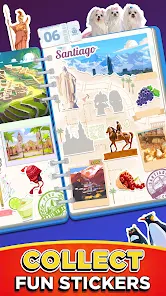
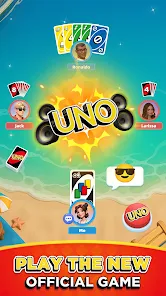
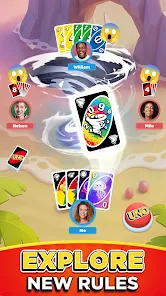
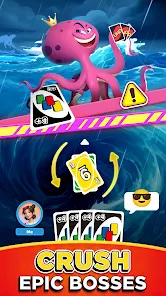
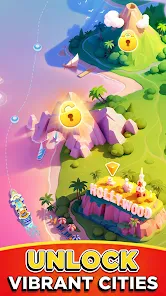
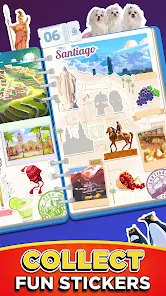
"UNO Wonder" is an innovative digital platform designed to enhance the classic UNO card game experience. One of its standout features is the interactive gameplay that allows players to engage with friends and family in real-time, regardless of their physical location. The app includes various game modes, such as classic, tournament, and custom rules, catering to both traditionalists and those looking for a fresh twist on the game.
Another notable feature is the vibrant graphics and animations that bring the game to life, making it visually appealing and enjoyable for players of all ages. The app also incorporates a user-friendly interface, ensuring that even newcomers can easily navigate through the game. Additionally, "UNO Wonder" offers a social component, allowing players to connect with others, share achievements, and even challenge friends to matches. Regular updates introduce new themes and challenges, keeping the gameplay exciting and engaging over time.
Using "UNO Wonder" is straightforward and user-friendly, making it accessible for players of all ages. To get started, download the app from your device's app store and create an account. Once registered, you can either join an existing game or create a new one by inviting friends or family members. The app provides options for customizing game settings, including the number of players and specific rules, allowing for a personalized gaming experience.
After setting up the game, players take turns drawing cards and playing according to the traditional UNO rules or any custom rules you've chosen. The app features an intuitive interface that displays your hand and the current game state clearly. Players can chat with each other during the game, adding a social element to the experience. As you play, the app tracks scores and provides updates, ensuring a seamless and enjoyable gaming session. Remember to explore the various game modes and challenges available to keep the fun going!
"UNO Wonder" comes with several advantages that enhance the gaming experience. One of the primary pros is its ability to connect players from different locations, making it perfect for long-distance friends and family. The app's vibrant graphics and engaging animations also contribute to a fun atmosphere, appealing to both young and older players. Additionally, the variety of game modes and customizable rules allows for a tailored experience, ensuring that players can enjoy the game in their preferred style.
However, there are some drawbacks to consider. Some users have reported occasional connectivity issues, which can disrupt gameplay and lead to frustration. Additionally, while the app is free to download, certain features may require in-app purchases, which could deter some players. Lastly, the reliance on technology means that players need a stable internet connection, which may not always be available. Balancing these pros and cons can help players decide if "UNO Wonder" is the right fit for their gaming needs.

 Discover endless learning fun! Boost creativity with games! Track progress with ease! Engaging content for all ages! Safe environment for kids!
 Limited game variety available Requires constant internet access In-app purchases can add up User interface may confuse
  Google Play
  App Store
 The UNO Wonder app is designed for players of all ages, but it is recommended for users aged 7 and older. Parental guidance is advised for younger players to ensure a safe and enjoyable gaming experience.
Yes, the UNO Wonder app allows users to customize their avatars, offering various options for appearance, clothing, and accessories. This personalization feature lets players express their unique styles while gaming.
Absolutely! The UNO Wonder app allows you to play with friends online or create private games where you can invite them to join. You can also connect with players from around the world in public games.
Yes, the UNO Wonder app features tutorials and guides for new players, helping them understand the rules and mechanics of the game. These resources make it easier for beginners to learn how to play UNO effectively.
You can download the UNO Wonder app from the Apple App Store for iOS devices or the Google Play Store for Android devices. Simply search for "UNO Wonder" and follow the instructions to install it on your device.
You can reach Customer Service by accessing the support section within the app or visiting the official website for contact details.
Your Customer Number is usually found in your account settings or profile section within the app.
Activation typically occurs during the initial setup; simply follow the on-screen instructions after downloading the app.
If you can't log in, try resetting your password through the "Forgot Password" option on the login page.