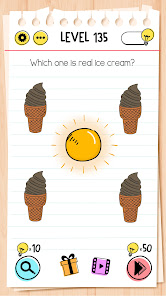
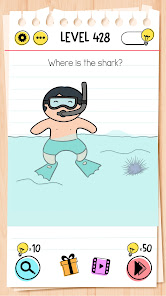
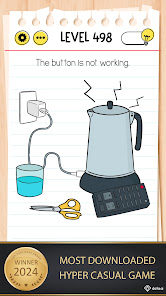
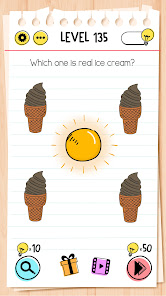
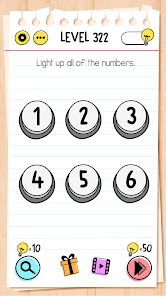
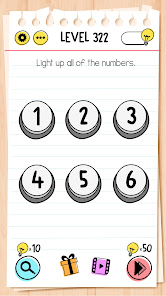
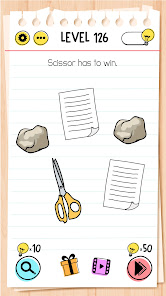
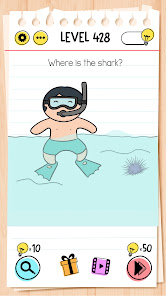
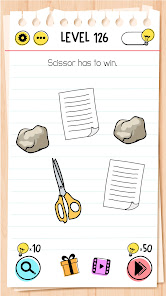
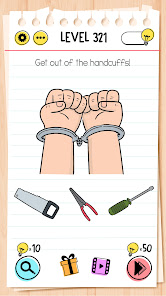
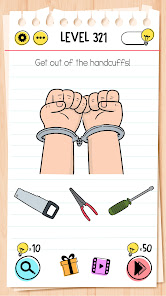
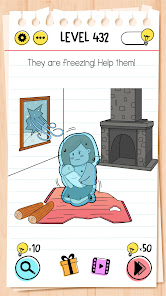
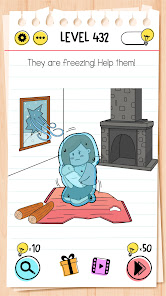
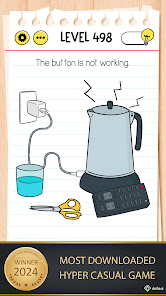
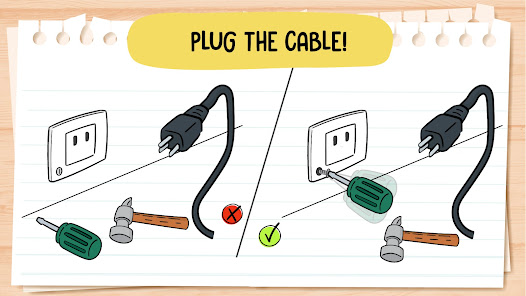
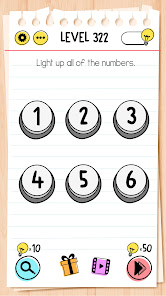
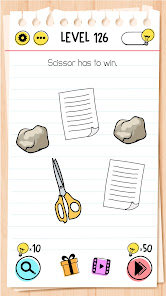
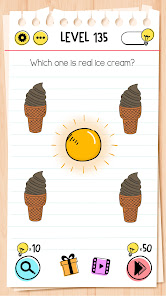
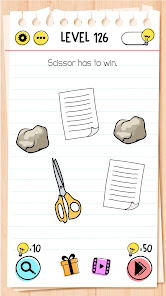
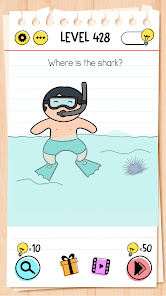
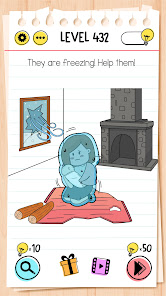
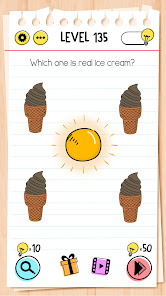
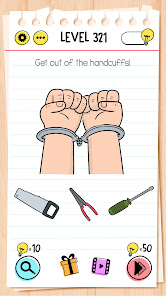
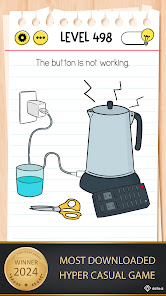
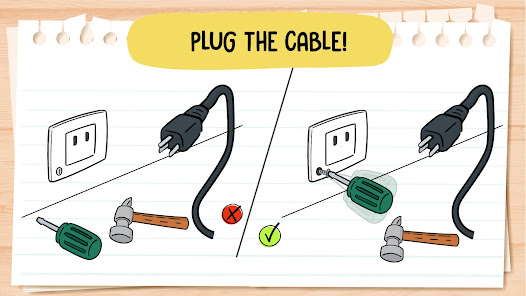
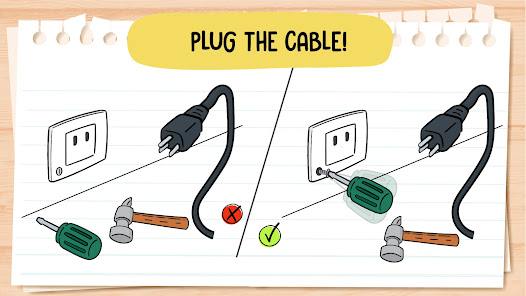
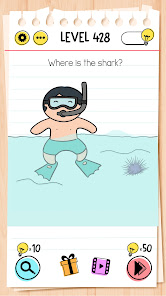
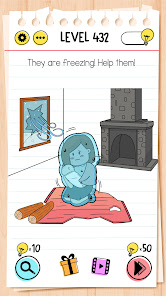
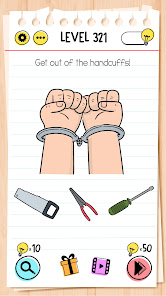
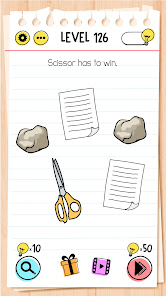
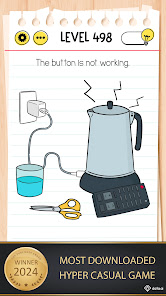
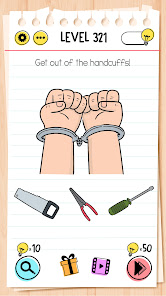
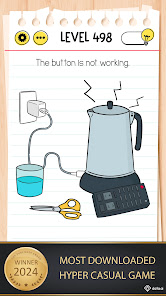
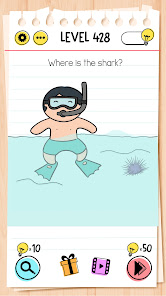
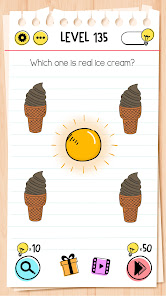
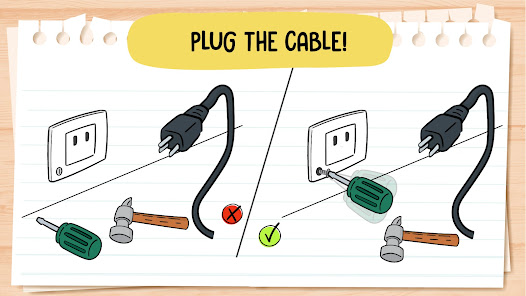
Brain Test: Tricky Puzzles is a mobile app game that challenges players to solve tricky puzzles and riddles. The game features over 2000 levels of brain-teasing puzzles and riddles, with new levels added regularly. Players must use their logic and problem-solving skills to complete each level. The game is available for both iOS and Android devices.
Brain Test is an addictive free tricky puzzle game with a series of tricky brain teasers. Different riddles and tricky tests will challenge your mind. This new puzzle game may break common sense and bring your new brain-pushing experience! You can enjoy yourself with your friends with this addictive and funny free IQ game. Think out of the box, crack the puzzles and get ready to take the quiz! You will enjoy this funny tricky test.
If you are a fan of word games, word search games, puzzles, sudoku puzzles, riddle games or any other quiz games, tricky test Brain Test is your best choice! Much funnier than classic test games.
Features:
• Tricky & Mind-blowing Brain Teasers and Brain Go: You will be tricked!
• Unexpected game answers to the great number of quizzes.
• Fun for All Ages: The best trivia game for family & friends’ gatherings!
• Enjoy this impossible quiz.
• Download this funny game for free.
• Endless fun and brain-pushing games.
• Great exercise for the brain.
• Simple and highly addictive game play.
• Great time pass with riddle games.
• Play without the internet.
Have fun!

 Engaging puzzles stimulate critical thinking and problem-solving skills Variety of challenges keeps gameplay fresh and exciting Colorful graphics enhance visual appeal and user experience Intuitive interface ensures easy navigation for all ages Perfect for short breaks, making it ideal for casual gamers
 Some puzzles can be overly complex and frustrating for players. Frequent ads can disrupt gameplay immersion and enjoyment. Limited hints may leave players stuck on challenging levels for too long.
  Google Play
  App Store
 Yes, Brain Test: Tricky Puzzles may collect certain personal data as outlined in its privacy policy, which you can review for more details on data handling practices.
Yes, Brain Test: Tricky Puzzles offers a free version with in-app purchases available for additional content and features.
Brain Test: Tricky Puzzles can be played offline, but some features may require an internet connection for updates or accessing additional content.
You can contact support or send feedback through the app's settings menu, where you will find options for reaching out to the support team.
You can manage or cancel your subscription through your device's app store settings, where you can find the subscription management options.
Customer numbers are unique and cannot be changed. If you have issues, please reach out to customer service.
No, each user is allowed only one account associated with a single customer number. Please contact customer service for further clarification.
To activate your account, follow the instructions in the activation email sent to you after registration.
You can reach customer service by using the support option in the app or visiting our website for assistance.
To log in on a new device, simply download the app and enter your existing credentials. If you face issues, contact customer service.