

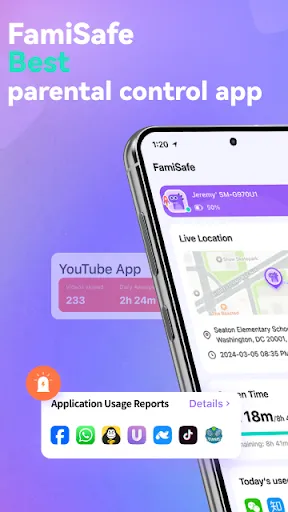
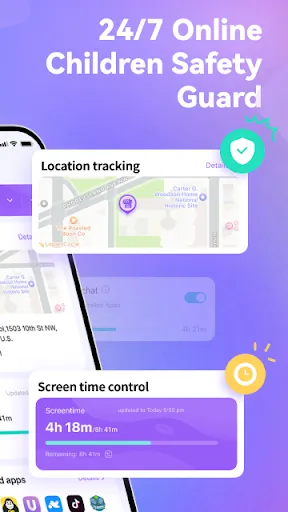
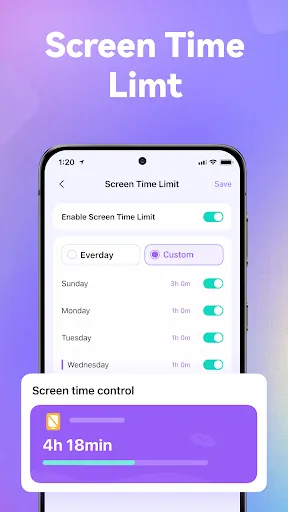
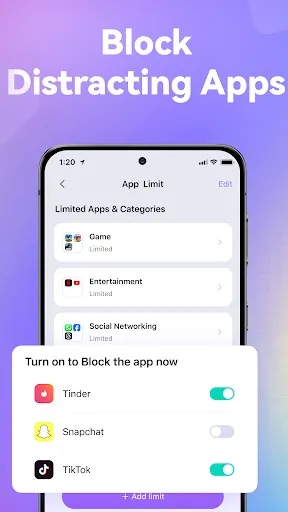
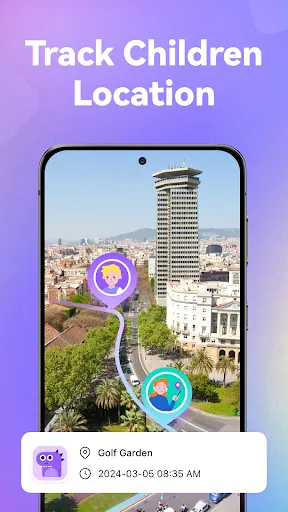
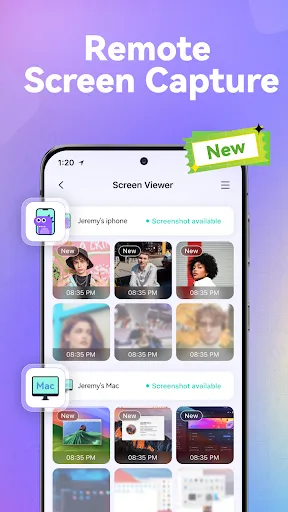
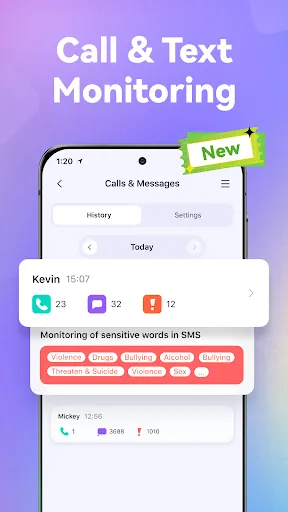
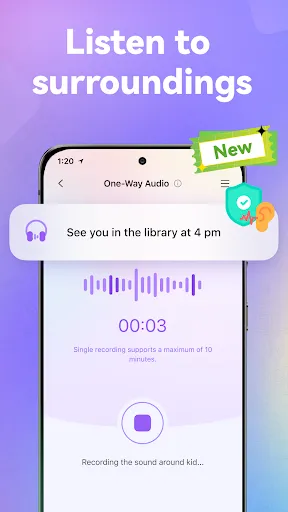
FamiSafe is a parental control app designed to help parents monitor and manage their children's online activities. It provides parents with a range of features to help them keep their children safe online, including real-time location tracking, app blocking, web filtering, screen time limits, and more. It also allows parents to set up alerts for when their children enter or leave certain locations, and to receive notifications when their children access inappropriate content. FamiSafe is available for both Android and iOS devices, and is designed to be easy to use and understand.
FamiSafe is one of the most comprehensive and user-friendly parental control apps on the market. It allows parents to track their child's location in real-time, set up geofences, view app usage history, block apps and websites, and set time limits for app usage. There is also a panic button feature that can be used in case of an emergency. FamiSafe is a parental control app that helps parents track their child's online activity and monitor their child's device usage. The app also allows parents to set limits on their child's device usage and block certain websites and apps. When it comes to choosing a parental control app for your family, it's important to weigh the pros and cons of each option. In this blog post, we'll take a closer look at the Famisafe app to help you decide if it's the right choice for your family.Features and Functions
How to Use FamiSafe-Parental Control App
To use FamiSafe, parents need to create a account and then download the FamiSafe app onto their child's device. Once the app is installed, parents can then login to their account and start monitoring their child's activity.Pros & Cons
PROS:
-Famisafe is one of the most comprehensive parental control apps on the market, offering a wide range of features to keep your kids safe online.
-It's very easy to use, even for non-tech-savvy parents. The app's intuitive interface makes it a breeze to set up and manage.
-Famisafe is very affordable, especially considering its robust feature set. It also offers a free trial, so you can try it out before you commit to purchasing it.
CONS:
-Some parents have reported that Famisafe doesn't always work as advertised. Some features may not work as intended, or may not work at all.
-The app can be a bit resource-heavy, which may slow down your phone or tablet if you have an older device.
-Famisafe requires you to create an account before you can use the app, which some parents may find inconvenient.

 FamiSafe offers real-time location tracking for added child safety. It enables screen time management to promote healthy device use. The app provides web filtering to protect against inappropriate content. Users can monitor social media activity for better oversight. FamiSafe allows geofencing to receive alerts when kids enter or leave zones.
 Limited functionality in monitoring social media activities can lead to missed risks. High subscription costs may deter some families from utilizing the service long-term. Frequent app updates can disrupt user experience and create usability issues.
  Google Play
  App Store
 Yes, FamiSafe encourages users to submit suggestions or feedback through their official website or customer support channels to help improve the app.
FamiSafe prioritizes user privacy and does not collect personal data without consent; however, it may collect usage information to improve the app's functionality.
Yes, FamiSafe has certain features that can operate offline, such as tracking location history, but some functionalities require an internet connection to work effectively.
You can cancel your FamiSafe subscription through your account settings within the app or by contacting customer support for assistance.
Subscription plans for FamiSafe vary, with options for monthly, quarterly, and annual subscriptions, typically offering discounts for longer commitments.
Unfortunately, customer numbers cannot be changed. If you have issues, please contact customer service for assistance.
Yes, you can log in to your FamiSafe account on multiple devices. Just use the same login credentials for each device.
You can reach our customer service by emailing support
To activate your account, download the app, sign up, and follow the on-screen instructions to complete the activation process.
You can find your customer number in the app settings or your account confirmation email. For further assistance, reach out to customer service.