



0

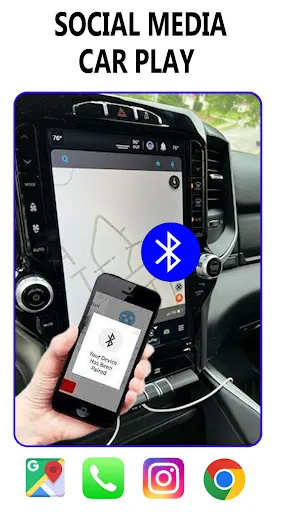
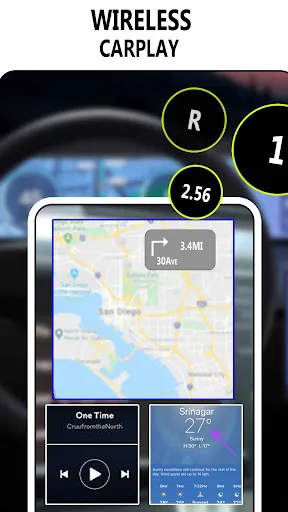
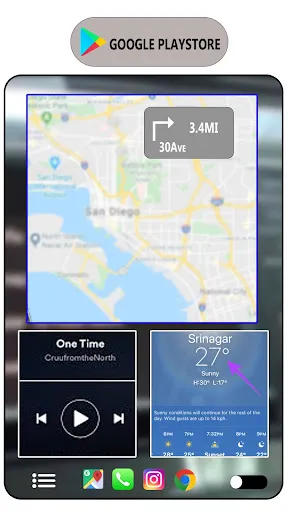
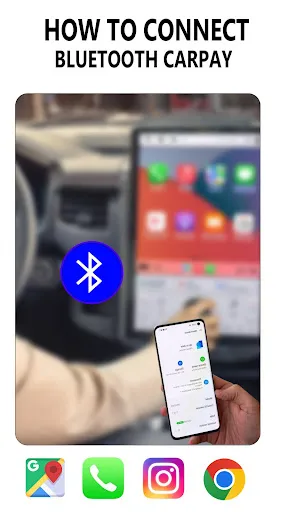
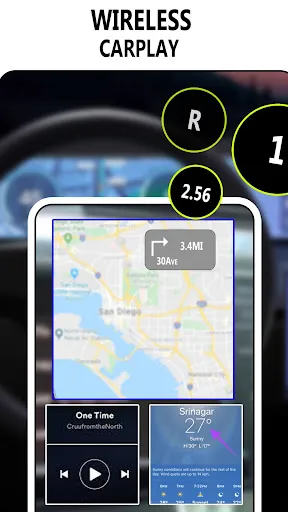
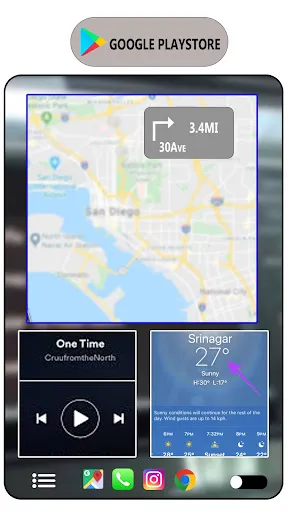
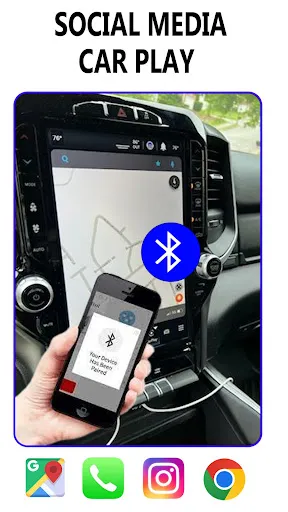
 Seamless integration with smartphones enhances driving convenience. Access to navigation apps improves route planning and safety. Hands-free functionality promotes safer driving experiences. Streamlined music and media control keeps entertainment within reach. Instant access to messages ensures you stay connected while driving.
 Limited app compatibility restricts user choices for navigation and entertainment. Connection issues can disrupt seamless access to smartphone features. Dependence on phone battery life may hinder long drives and usability.
  Google Play
  App Store
 No, you must activate your account to use Carplay features. Please log in to complete the activation.
To activate your account, log in using your customer number and follow the prompts to complete the activation process.
Use the "Forgot Password" link on the login page. If you still need help, contact customer service with your customer number.
You can reach customer service by calling the number listed on our website or through the support section of your app.
Your customer number can be found in your account settings after you log in. If you need help, contact customer service.
























