




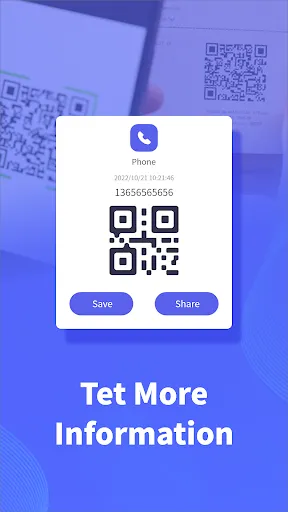
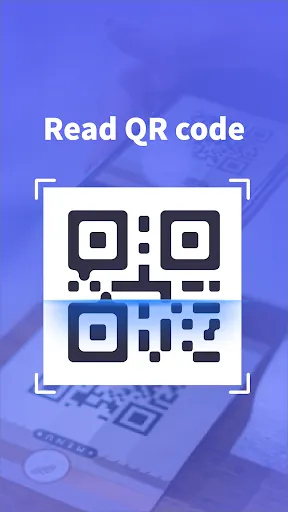
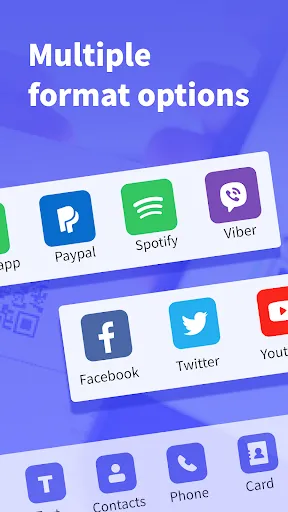
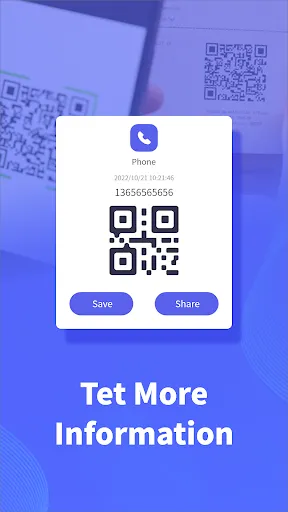
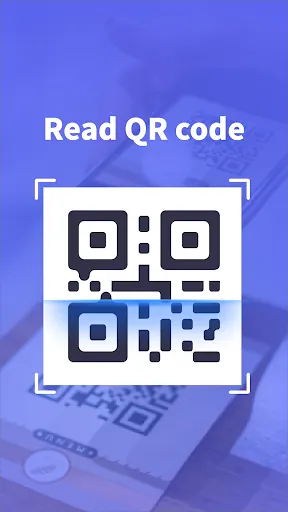
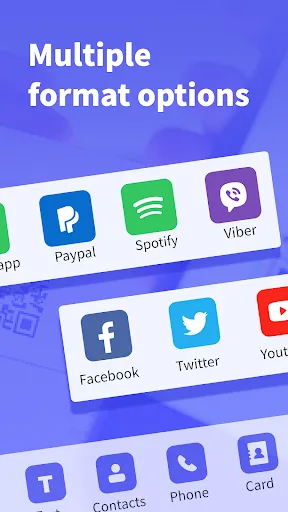
QR scanners are versatile tools designed to read Quick Response (QR) codes efficiently. One of the primary features is their ability to decode various types of QR codes, including those containing URLs, text, contact information, and more. Most QR scanners utilize the device's camera to capture the code, making it user-friendly and accessible for anyone with a smartphone or tablet. Another important feature is the instant access to information. Once a QR code is scanned, the user is quickly directed to the associated content, saving time and enhancing the user experience. Some advanced QR scanners also offer features such as history logs, which keep track of previously scanned codes, allowing users to revisit information easily. Additionally, many QR scanning apps include built-in sharing options, enabling users to share scanned content via social media, messaging apps, or email. Security features are also essential, as trustworthy QR scanners may warn users about potentially harmful links embedded in codes. Overall, the combination of functionality and ease of use makes QR scanners a popular choice for both personal and business applications. Using a QR scanner is a straightforward process that anyone can master. First, ensure that you have a QR scanner app installed on your smartphone or tablet. Most modern smartphones come with built-in QR scanning capabilities within the camera app, so you may not need a separate application. To begin scanning, open the QR scanner app or the camera. Point the camera at the QR code, ensuring that it is well-framed and in focus. The scanner will automatically detect the code, and you may need to tap the screen to confirm the scan. Once scanned, the app will display the information contained in the QR code, such as a website link or text. If the QR code contains a URL, you may be prompted to open it in your web browser. If it contains other information, such as contact details, you can save it directly to your device. Always be cautious when scanning QR codes from unknown sources to avoid potential security risks. With these simple steps, you can easily access a wealth of information and services through QR codes. QR scanners come with a variety of advantages that make them appealing for both personal and business use. One significant pro is the convenience they offer. With just a smartphone, users can quickly access information without the need for physical interaction, such as typing in URLs. This feature has become especially valuable in retail and marketing, where businesses can provide customers with promotional content or product details through QR codes. Moreover, QR codes can hold a considerable amount of information, enabling users to access more than just a simple link. They can store text, contact information, and even Wi-Fi credentials, making them highly versatile. Additionally, QR codes can be easily printed and shared, allowing for increased engagement in various marketing campaigns.Features of QR Scanner
How to Use QR Scanner
Pros & Cons of QR Scanner

 Quickly access information with a simple scan. Enhance user engagement with interactive content. Facilitate contactless transactions for safer experiences. Easily share links and promotions in seconds. Improve marketing analytics with trackable scans.
 QR scanners require a smartphone, limiting access for some users. Scanners depend on camera quality, affecting performance in low light. Users may struggle with slow internet connections impacting scanning speed.
  Google Play
  App Store
 Yes, users can submit suggestions or feedback through the app's support feature or via the official website to help improve the application.
QR Scanner prioritizes user privacy and does not collect personal data unless explicitly provided by the user for specific features.
Yes, QR Scanner can function offline, allowing users to scan QR codes without an internet connection, although some features may require connectivity.
To cancel your QR Scanner subscription, you can go to your device's settings, navigate to subscriptions, and follow the prompts to cancel.
Subscription pricing for QR Scanner may vary based on the features offered, but it typically includes options for monthly or annual plans.
Unfortunately, customer numbers cannot be changed once set. Please contact customer service for further assistance.
You can reach our customer service via the support section in the app or call our hotline listed on our website.
After logging in, go to your account settings to view your customer number displayed under your profile information.
Check your email for an activation link. Click it to activate your account. If you don't receive it, contact customer service.
Simply open the app, enter your registered email and password, then tap "Log In" to access your account.


















