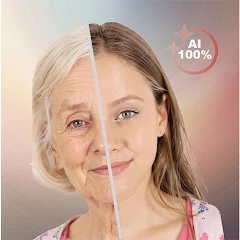


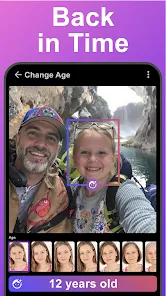
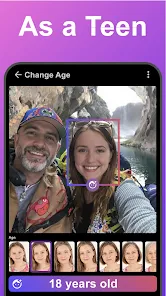
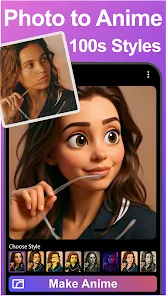
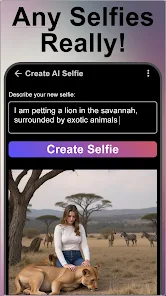
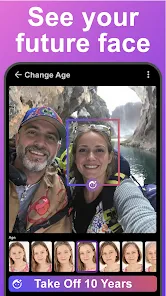
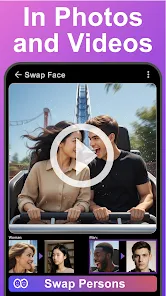
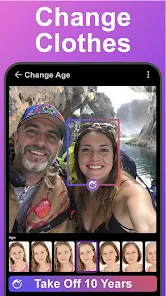
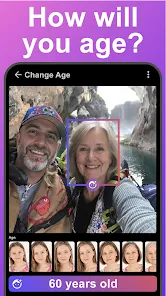
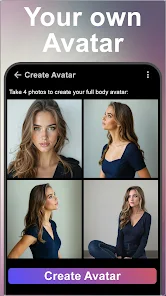
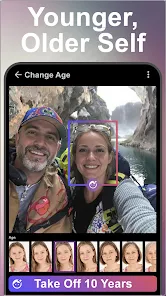
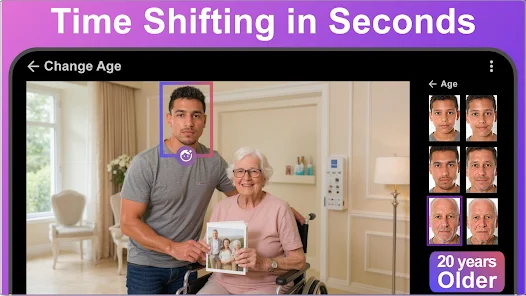
"Age Changer - Future Face AI" is an innovative application designed to transform your facial appearance by simulating how you might look at different ages. One of its standout features is the advanced AI technology that accurately predicts age changes, allowing users to visualize their future selves or even their past selves. The app offers a user-friendly interface, making it accessible for individuals of all ages. Users can upload their photos and select various age options, from youthful to elderly, to see the transformation in real-time.
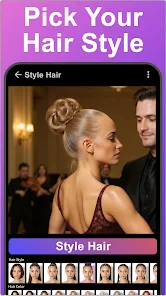
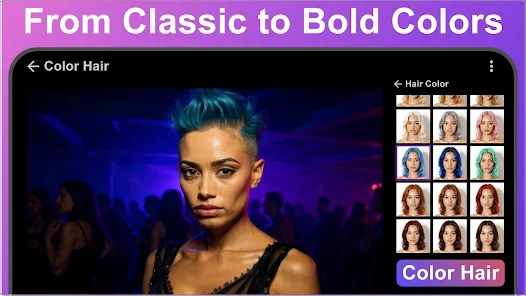
Another notable feature is the ability to adjust specific facial attributes, such as hair color and style, which enhances the customization experience. The app also includes a sharing option, enabling users to easily share their age-altered images on social media platforms. Additionally, "Age Changer" provides a gallery of before-and-after images, showcasing the app's capabilities and inspiring users to experiment with different looks. Overall, the combination of cutting-edge technology and user-friendly design makes "Age Changer - Future Face AI" a compelling tool for anyone curious about the passage of time on their appearance.
Using "Age Changer - Future Face AI" is a straightforward process that anyone can follow. First, download and install the app from your preferred app store. Once installed, open the app and create an account or log in if you already have one. The next step is to upload a clear photo of your face. The app recommends using a frontal image with good lighting for the best results.
After uploading your photo, you will be prompted to select the age range you wish to see yourself in, whether younger or older. The app will then process your image using its advanced AI algorithms, which typically takes just a few seconds. Once the transformation is complete, you can view the altered image and make any necessary adjustments to facial features if desired. Finally, you can save the image to your device or share it directly on social media platforms. This simple and engaging process allows users to explore their age transformations effortlessly.
"Age Changer - Future Face AI" comes with several advantages that make it appealing to users. One of the primary pros is its advanced AI technology, which provides realistic age transformations, allowing users to visualize their future or past selves accurately. The app is also user-friendly, making it accessible for individuals with varying levels of tech-savviness. Additionally, the customization options, such as adjusting hair color and style, enhance the overall experience, making it more engaging and fun.
However, there are some cons to consider. One potential drawback is that the app may not always produce accurate results, as age prediction can vary based on individual features and the quality of the uploaded photo. Furthermore, some users may find the app's features limited compared to more comprehensive photo editing tools. Lastly, while the app is free to download, certain features may require in-app purchases, which could deter some users. Balancing these pros and cons is essential for anyone considering using "Age Changer - Future Face AI."

 Transform your selfies easily! Experience realistic aging effects! Share fun images with friends! Save your favorite transformations! User-friendly interface for all!
 Limited accuracy in results Inconsistent age predictions Requires good quality photos May lack privacy controls
  Google Play
  App Store
 The app aims to provide realistic age transformations by using advanced AI techniques; however, results may vary based on the input photo and the distinct features of individuals. Some users may find the transformations more accurate than others, depending on their unique facial characteristics.
Users typically need to be above a certain age, often 13 or older, to use the app independently, due to privacy regulations. Parents may need to supervise younger users to ensure compliance with the app's age guidelines.
Yes, the app usually allows users to save and share their transformed images on various social media platforms. You can easily share your age transformation results with friends and family directly from the app.
Yes, you can use a photo of someone else to see their age transformation, as long as you have permission to use that image. The app is designed to handle various faces, but keep in mind that results may vary depending on the quality of the photo.
Using the Age Changer - Future Face AI app for commercial purposes may be restricted. It is essential to review the app's terms of service to understand what is allowed and whether any permissions are required for commercial use.
You can reach customer service through the app's settings or the official website's contact page. Look for the 'Support' section.
After downloading, open the app, and if required, follow the on-screen instructions to create an account and activate your features.
Open the app and enter your email and password. If you forgot your password, use the 'Forgot Password' option to reset it.
The customer number is typically provided in the app's Help section or on the website. Check there for the most accurate information.