


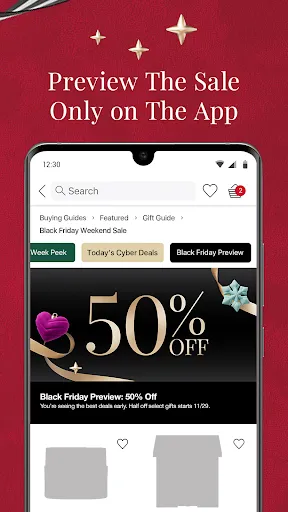

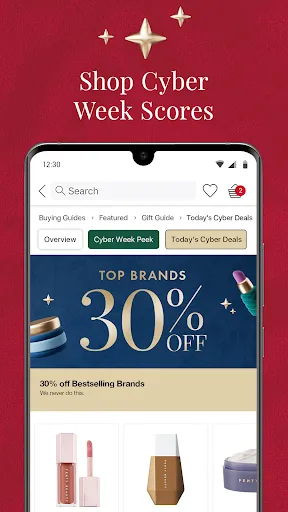
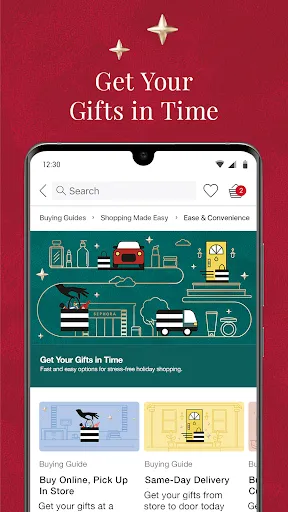
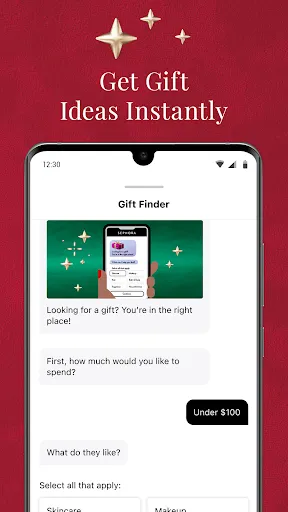
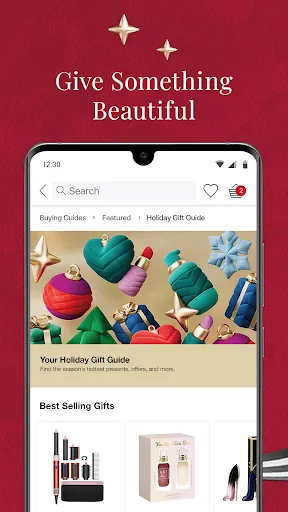
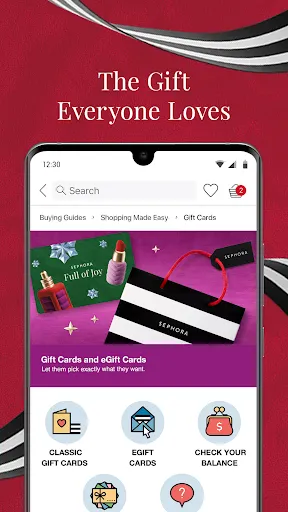
Sephora is a leading beauty retailer offering makeup, skincare, fragrance, and more from popular brands. Customers can shop online or in-store, and Sephora offers services like makeovers and beauty classes. The Sephora app lets users browse products, check out reviews, access their Beauty Insider account, and more.
Sephora is a beauty products retailer that offers a wide range of high-end makeup, skincare, and fragrance products. The company was founded in France in 1970 and today operates over 2,600 stores worldwide. The Sephora app is a great tool for beauty lovers who want to keep track of their makeup collection, find new products, and get exclusive deals. Here's a guide on how to use the Sephora app to its full potential: When it comes to beauty products, Sephora is a one-stop shop. They offer a wide range of high-end products, making it a popular destination for beauty enthusiasts. However, there are some drawbacks to shopping at Sephora that should be considered before making a purchase.Features
Sephora's app allows users to browse and purchase products from the retailer's website. The app also provides access to exclusive deals, coupons, and loyalty programs. In addition, users can find nearby Sephora locations and view store hours.How to use Sephora app?
1. Download the app from the App Store or Google Play.
2. Create an account or log in with your existing Sephora account.
3. Browse through the different product categories or use the search function to find specific products.
4. Once you've found a product you're interested in, tap on it to view more information and photos.
5. If you want to buy the product, tap on the "Add to Bag" button. You can also add it to your "Wishlist" for later.
6. When you're ready to checkout, go to your bag and review your order. You can then apply any coupons or promo codes before proceeding to payment.Pros & Cons
The biggest pro of shopping at Sephora is the selection. They carry products from all of the top brands in the industry, so you're sure to find what you're looking for. They also have a great return policy, so if you're not happy with a product, you can return it without any hassle.
However, there are some cons to shopping at Sephora as well. The prices can be quite high, especially for popular items. Additionally, the sales associates can be pushy and overwhelming, which can take away from the overall shopping experience.

 Extensive selection of top beauty brands available in one place. Expert advice from knowledgeable staff enhances your shopping experience. Frequent promotions and discounts make luxury products more accessible. Exclusive products and limited editions keep your collection unique. User-friendly online shopping with detailed product reviews and ratings.
 Limited product availability in some regions may hinder access to desired items. High prices on certain brands can be a barrier for budget-conscious shoppers. Store crowds can make shopping uncomfortable and overwhelming for many customers.
  Google Play
  App Store
 Yes, the app provides an option for users to submit feedback and suggestions, helping the developers improve the app experience.
Yes, the app collects personal data to enhance user experience, provide personalized recommendations, and facilitate transactions, but it follows privacy regulations to protect user information.
While the app primarily requires an internet connection for most functionalities, certain features like previously downloaded content may be accessible offline.
Users can cancel their subscription directly through the app settings or by contacting customer support for assistance with the cancellation process.
The app does not require a subscription fee for its basic features, but some specific services or exclusive benefits may be available through a paid subscription.
Unfortunately, customer numbers cannot be changed. If you have issues, please contact customer service for support.
Yes, you can log in using your social media accounts if you've linked them during registration.
You can reach customer service through the contact section on our website or by calling the customer service number provided in your account.
You can contact customer service via phone or email, both listed on our website, for any order-related issues.
Click on the "Log In" button at the top right corner of our website and enter your email and password.