

0

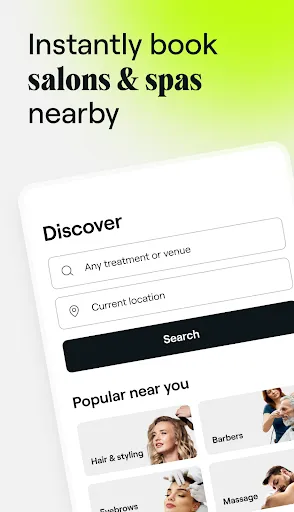
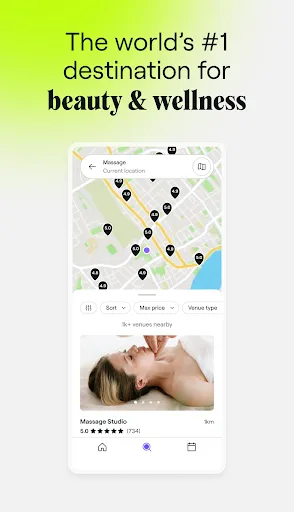
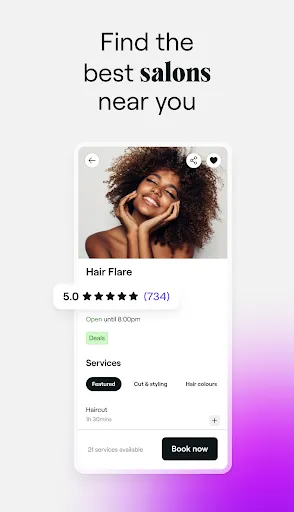
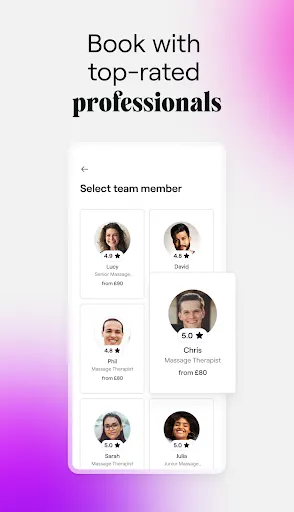
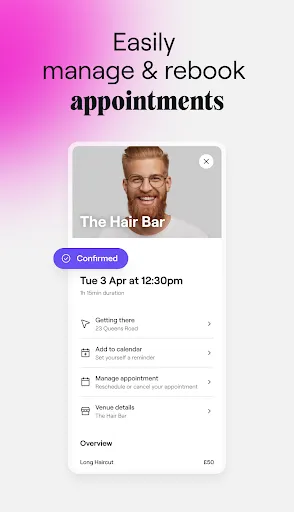
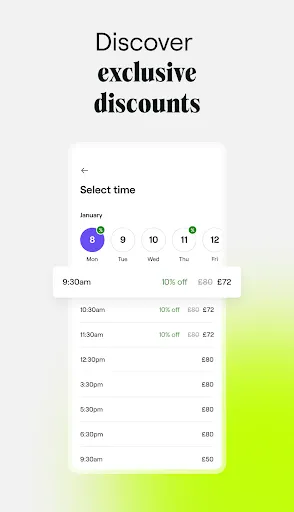
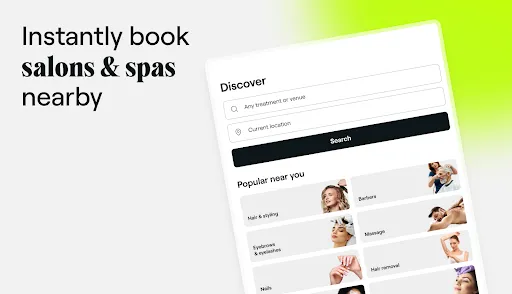
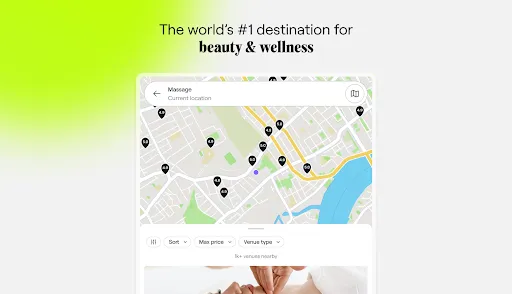
 Fresha offers seamless online booking for appointments at your convenience. Enjoy exclusive deals and discounts from partnered businesses. Easily manage your appointments and receive timely reminders. Access a wide range of services from top-rated professionals. Benefit from user-friendly reviews to help make informed choices.
 Limited customer support options can lead to frustrating experiences. Scheduling conflicts may arise with service providers using the platform. The interface can be overwhelming for new users unfamiliar with digital booking.
  Google Play
  App Store
 Yes, users can submit suggestions or feedback through the app or the Fresha website, where they can find contact information for customer support.
Yes, Fresha for customers collects personal data to facilitate bookings and enhance user experience, but it adheres to privacy regulations to protect your information.
Fresha for customers primarily requires an internet connection to function effectively, but some features may be accessible offline, such as viewing previously booked appointments.
Since Fresha for customers is free and does not have a subscription model for users, there is no subscription to cancel. You can simply stop using the app if you choose.
Fresha for customers does not charge customers a subscription fee; it is free to use for booking appointments.
Yes, you can update your email address in the account settings once you log in to your Fresha account.
You can reach our customer service team through the help section on our website or by emailing support
To activate your account, check your email for an activation link and click on it to confirm your registration.
For booking issues, please contact customer service through the support page on our website for prompt assistance.
You can find your customer number in the confirmation emails from Fresha or by logging into your account.