

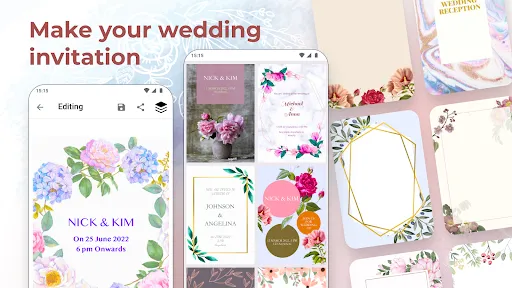
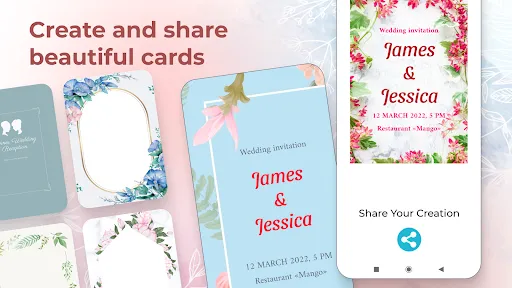
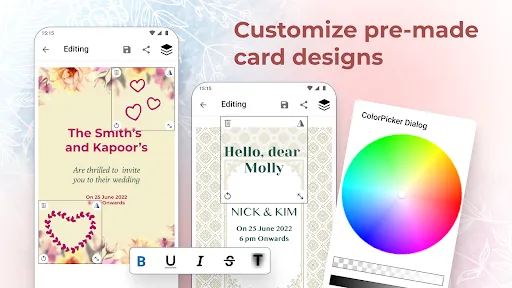
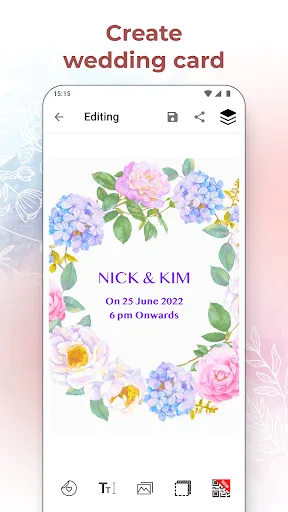
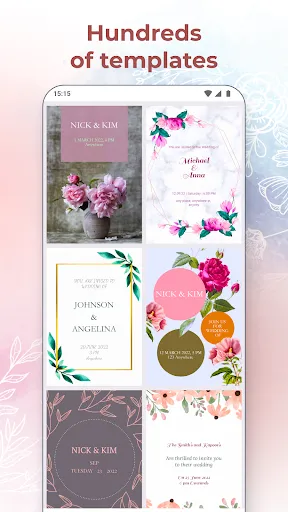
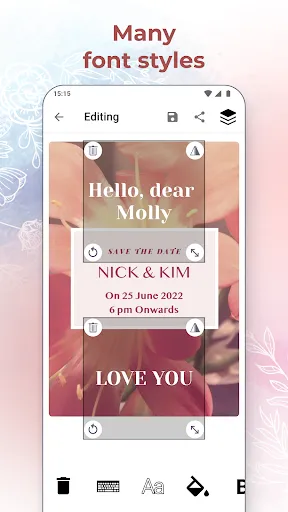
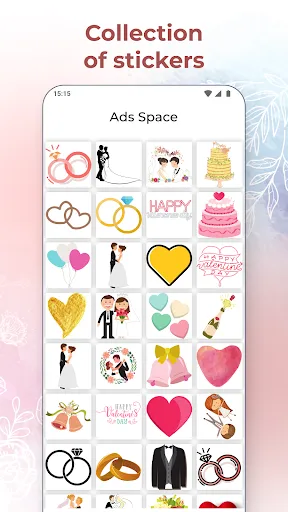
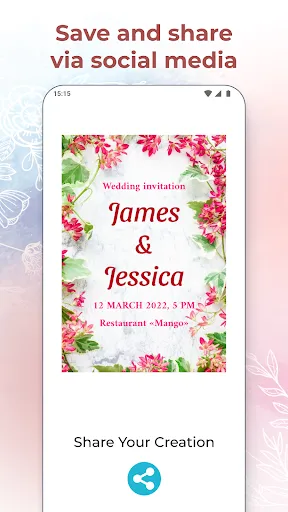
The Wedding Invitation Card Maker is a versatile tool designed to simplify the process of creating personalized wedding invitations. One of its standout features is a wide array of templates that cater to various themes and styles, allowing users to choose designs that resonate with their wedding vision. Furthermore, these templates can be easily customized, enabling users to alter colors, fonts, and layouts to suit their preferences. Another essential feature is the drag-and-drop interface, which makes the design process intuitive and user-friendly. With this functionality, even those with minimal design experience can create stunning invitations effortlessly. Additionally, many card makers offer an extensive library of graphics, images, and icons, providing users with the tools needed to enhance their invitations visually. Furthermore, the ability to include personalized text and messages allows couples to convey their unique love story. Some platforms even provide options for digital sharing, allowing users to send their invitations electronically via email or social media. Lastly, a print option ensures high-quality output for those who prefer physical invitations, making the Wedding Invitation Card Maker a comprehensive solution for modern weddings. Using a Wedding Invitation Card Maker is a straightforward process that can be completed in just a few steps. First, users begin by selecting a template that aligns with their wedding theme. Most platforms offer a range of options, from classic to contemporary designs, ensuring that you find something that suits your style. Once a template is chosen, the customization process begins. Next, users can personalize the invitation by adding their names, wedding date, and other essential details. The intuitive interface typically allows for easy editing of text size, font, and color, enabling users to create a visually appealing design. Additionally, graphics and embellishments can be incorporated to add a unique touch to the invitation. After finalizing the design, users can preview their invitation to ensure everything looks perfect. Most makers also provide the option to share the invitation digitally or print it out for mailing. Finally, it's a good idea to save a copy for future reference or reprints. With just a few clicks, couples can have beautifully crafted wedding invitations ready to share with their loved ones. Wedding Invitation Card Makers offer a variety of advantages that make them appealing to couples planning their big day. One of the most significant pros is convenience; users can design and personalize invitations from the comfort of their own homes, saving time and effort compared to traditional methods. The range of templates and customization options allows for creativity and uniqueness in each design, ensuring that invitations reflect the couple's personalities. Additionally, many platforms are cost-effective, providing a budget-friendly alternative to hiring a professional designer. The ability to print invitations at home or send them digitally also enhances flexibility, catering to modern preferences for communication. However, there are some cons to consider. For instance, those unfamiliar with design software may find the learning curve challenging, leading to frustration during the creation process. Moreover, while digital invitations are convenient, they may lack the tactile quality of printed cards, which some couples prefer for their special occasion. Lastly, there may be limitations on the variety of templates or design elements available in free versions, potentially restricting creative options. Therefore, while Wedding Invitation Card Makers provide a fantastic solution for many, it's essential to weigh these factors before diving into the design process.Features of Wedding Invitation Card Maker
How to Use Wedding Invitation Card Maker?
Pros & Cons of Wedding Invitation Card Maker

 Create stunning designs that reflect your unique wedding theme Easily customize text, colors, and layouts to match your style Access a wide variety of templates to inspire your creativity Print or share digitally, ensuring convenience for all guests Save time and money compared to traditional invitation services
 Limited customization options can restrict personal expression in designs. Quality may vary, leading to inconsistent final products. User interface can be complex, causing frustration for some users.
  Google Play
  App Store
 Yes, users are encouraged to submit suggestions or feedback through the app's support or contact section, which helps improve future versions of the app.
Wedding Invitation Card Maker prioritizes user privacy and typically collects minimal personal data necessary for app functionality, but it's advisable to review the privacy policy for detailed information.
Yes, Wedding Invitation Card Maker allows users to create and edit invitations offline, although certain features may require an internet connection for access to additional templates and resources.
Users can cancel their Wedding Invitation Card Maker subscription through their app store settings or within the app, depending on the platform they are using.
The subscription cost for Wedding Invitation Card Maker varies depending on the chosen plan, which may include monthly or yearly options, often starting at a competitive price point.
If you didn't receive the activation email, check your spam folder or request a new activation link through the login page.
You can contact our customer service team via the support email or phone number provided on our website. We're here to help!
Customer numbers cannot be changed. If you believe there's an error, please contact customer service for further assistance.
To log in, click the "Log in" button on our site and enter your credentials. Your saved designs will be available in your account.
Simply click on the "Log in" button on our homepage and enter your email and password to access your account.