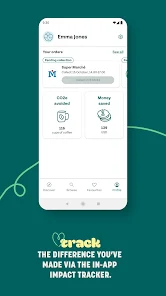
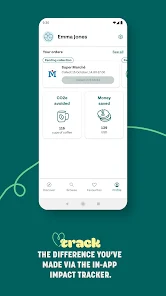
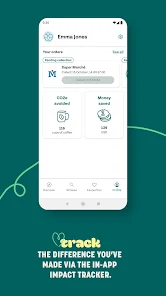
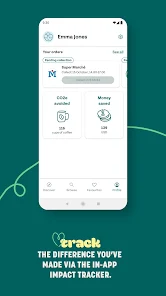
Mobile app Too Good To Go is helping to end food waste one meal at a time. The app connects users with local businesses who have surplus food at the end of the day. Users can purchase these meals at a discounted price and help to reduce food waste. Too Good To Go is available in Europe and North America, and has been featured in The Guardian, BBC, and Huffington Post. The app has received funding from the European Commission, among others. The app is easy to use and helps users save money while also doing good for the environment. With Too Good To Go, everyone can help fight food waste!
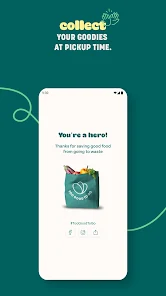
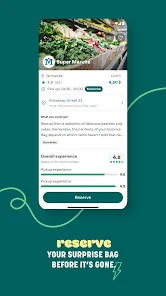
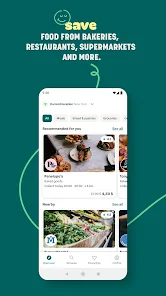
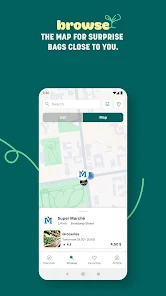
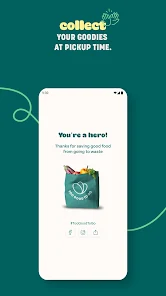
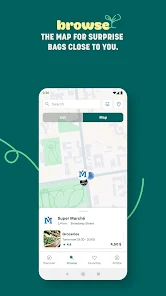
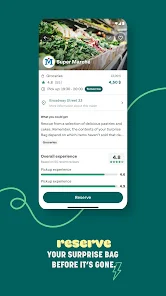
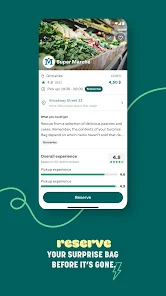
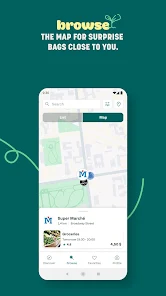
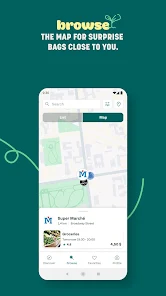
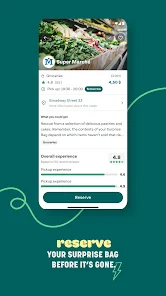
Features We’re living in a world where food waste is becoming increasingly evident. According to Too Good To Go, the world wastes nearly 1.3 billion tons of food annually, and this number is only increasing. In an effort to reduce this number and end global food waste, Too Good To Go has created a mobile app that allows users to purchase surplus meals from restaurants and cafes at discounted prices. This review will provide an overview of Too Good To Go Mobile App and its features, as well as discuss how it can help end global food waste. How to use Too Good To Go Mobile App Too Good To Go is a mobile app that helps users find restaurants and stores nearby that have unsold food at the end of the day. The app then allows users to purchase this food at a discounted price. To use the Too Good To Go mobile app, first download it from the App Store or Google Play. Once it’s installed on your device, open the app and create an account. You’ll need to provide your name, email address, and phone number. Once you have an account, you can start searching for participating restaurants and stores near you. The app will show you a list of all the available options, as well as the price of each dish. When you find something you’d like to purchase, simply tap on it and add it to your cart. Once you’ve added all the items you want to purchase, tap on the “checkout” button. You’ll be asked to enter your payment information (credit card or PayPal) and then confirm your order. That’s it! Your food will be ready for pick-up at the designated time slot. Pros & Cons Too Good To Go is a mobile app that connects users with restaurants and stores that have surplus food at the end of the day. The app allows users to purchase these meals at a discounted price in order to reduce food waste. There are many pros to using Too Good To Go. First, the app makes it easy to find restaurants and stores that have surplus food. Second, the app offers discounts on these meals, which can save users money. Third, the app helps to reduce food waste by connecting users with businesses that would otherwise throw away their surplus food. There are also some cons to using Too Good To Go. First, the selection of restaurants and stores may be limited in some areas. Second, the discounts may not be as significant as expected. Third, some users have reported issues with the app, such as difficulty cancelling orders or receiving refunds.

 Reduces food waste in local communities Saves money on quality meals Supports local businesses and sustainability Promotes awareness about food waste issues Encourages conscious consumer choices
 Limited availability in certain areas User experience can vary significantly Quality of food may be inconsistent App fees can discourage participation
 Yes, Too Good To Go collects certain personal data, such as your name and email address, for account management and transaction purposes, but they have a privacy policy in place to protect your information.
Too Good To Go is free to download and use, allowing users to browse and purchase food without any initial fees; however, the food itself is sold at a discounted price.
Yes, Too Good To Go requires an internet connection to browse available food options, make purchases, and receive updates from local businesses.
You can contact support or send feedback through the app itself, typically found in the settings or help section, or by visiting their official website for additional contact options.
Since there are no subscription plans for Too Good To Go, users do not need to manage or cancel subscriptions; you can simply use the app as needed without ongoing commitments.
Yes, you can delete your account by contacting customer service through the app or website for assistance.
You can reach customer service through the app by navigating to the "Help" section or visiting their website for further assistance.
After signing up, check your email for a confirmation link and click it to activate your account.
Go to "Profile," tap on the settings icon, and select "Edit Profile" to update your information.
Open the app, tap on "Log in," and enter your email and password. If you forgot your password, use the "Forgot Password" option.










 Google Play
  App Store