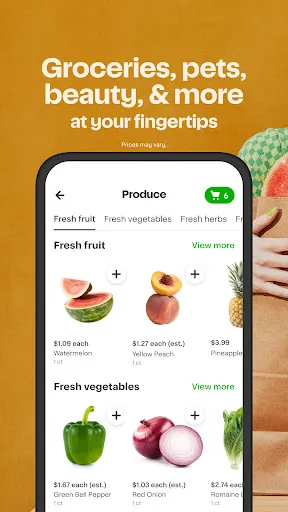
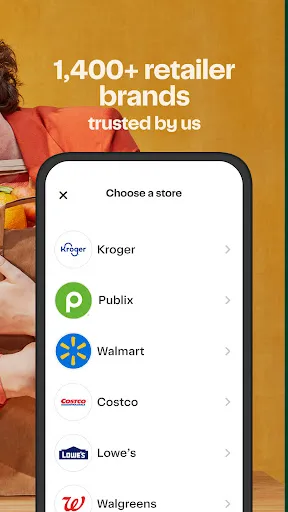
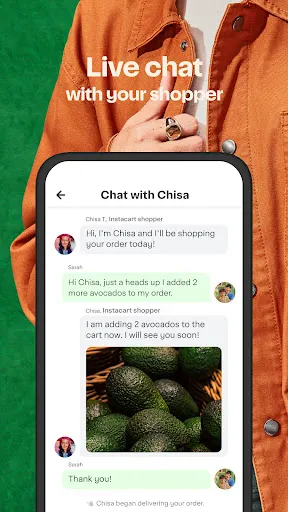
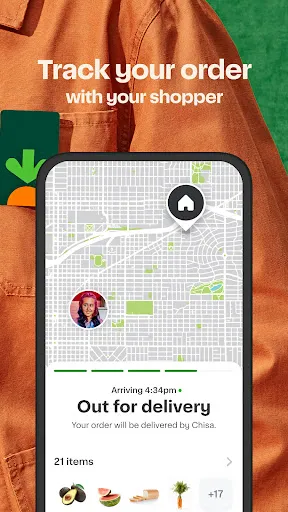
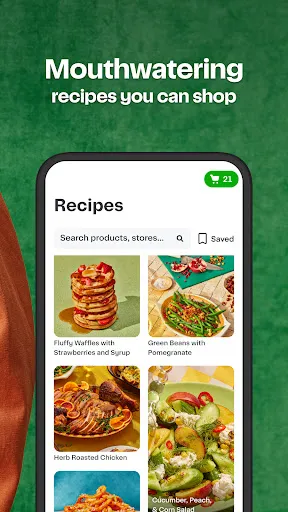
Instacart offers a comprehensive range of features designed to enhance the grocery shopping experience. One of its standout features is same-day delivery, allowing customers to receive their groceries within hours of placing an order. This service is particularly beneficial for those with busy schedules or last-minute needs. Instacart partners with numerous local grocery stores, providing users access to a wide selection of products, including fresh produce, meat, dairy, and pantry staples. The Instacart app is user-friendly, featuring an intuitive interface that makes it easy to browse through categories, search for specific items, and create shopping lists. Additionally, it offers personalized recommendations based on past purchases, helping users discover new products. Customers can also schedule deliveries at their convenience, choosing time slots that fit their busy lives. Furthermore, Instacart provides an option for contactless delivery, ensuring a safe shopping experience. Another valuable feature is the ability to track the status of your order in real-time, providing peace of mind as you await your delivery. Instacart also offers various payment options, including credit and debit cards, as well as digital wallets, ensuring a seamless checkout process. With its commitment to convenience and variety, Instacart has established itself as a go-to service for grocery delivery. Using Instacart is a straightforward process that can be completed in just a few steps. First, you need to download the Instacart app or visit their website. After creating an account, enter your zip code to find local stores that partner with Instacart. Once you have access to the stores, you can start browsing the available products. The app allows you to search for specific items or explore various categories, making it easy to find what you need. After selecting your desired items, you can add them to your cart. Instacart provides options to customize quantities, select brands, and even view nutritional information. Once your shopping list is complete, proceed to checkout, where you’ll select a delivery time that suits your schedule. Instacart allows you to choose between same-day delivery or scheduling for a later date, giving you flexibility. During checkout, you can choose your preferred payment method and review your order before finalizing it. After placing your order, you’ll receive updates on the status of your delivery. If you have any special instructions for the shopper, such as substitutions or specific preferences, you can communicate that during the process. With its simple interface and efficient delivery system, using Instacart for grocery shopping is both convenient and user-friendly. Like any service, Instacart has its advantages and disadvantages that users should consider. One of the main pros is the convenience it offers. With just a few taps on a smartphone, customers can have groceries delivered straight to their door, saving time and effort. The same-day delivery feature is another significant benefit, especially for those who need items quickly. Instacart's partnerships with various grocery stores also mean a wide selection of products, catering to diverse dietary needs and preferences. However, there are some cons to consider as well. One drawback is the potential for higher prices compared to shopping in-store. Instacart may charge service fees, delivery fees, and tips for the shoppers, which can add up. Additionally, availability may vary by region, and not all areas may have access to the same stores or products. There can also be issues with product substitutions if the item you ordered is out of stock, which may lead to dissatisfaction. Finally, while the app is generally user-friendly, some users may face technical glitches or difficulties navigating the interface. Overall, weighing these pros and cons can help potential users decide if Instacart is the right choice for their grocery delivery needs.Features of Instacart: Get Food Delivery
How to Use Instacart: Get Food Delivery
Pros & Cons of Instacart: Get Food Delivery

 Convenient grocery shopping from the comfort of your home. Variety of stores and products to choose from. Same-day delivery options for urgent needs. User-friendly app for easy order management. Flexible delivery times to fit your schedule.
 High delivery fees can increase overall grocery costs. Limited availability of certain items may lead to substitutions. Delivery timing can be inconsistent, causing potential delays in receiving orders.
  Google Play
  App Store
 Yes, Instacart: Get Food Delivery collects personal information such as your name, address, payment details, and shopping preferences to facilitate orders and improve service.
Instacart: Get Food Delivery does not offer a free version, but new users may have access to promotions or discounts for their first orders.
Yes, Instacart: Get Food Delivery requires a stable internet connection to browse items, place orders, and communicate with personal shoppers.
You can contact support or send feedback through the help section of the Instacart app or website, where you can find options to chat with customer service or submit inquiries.
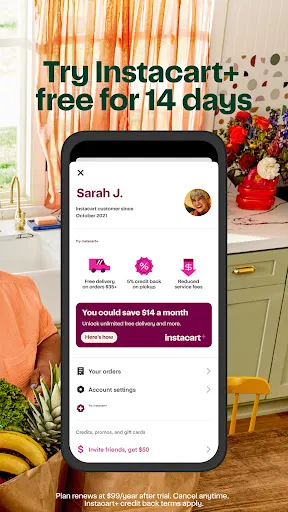
You can manage or cancel your Instacart: Get Food Delivery subscription through your account settings in the app or website, where you can find options to update billing information or cancel the service.
Yes, you can change your customer number by contacting customer service for help with updating your account information.
Yes, you can log in to your Instacart account from multiple devices using the same credentials.
You can reach customer service by calling the customer number listed on the Instacart website or through the app's help section.
To report delivery issues, use the customer number provided in the app or on the website to reach customer service.
If you can’t remember your email, try using your phone number. If that doesn't work, contact customer service for further assistance.