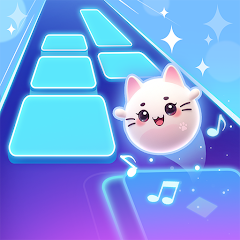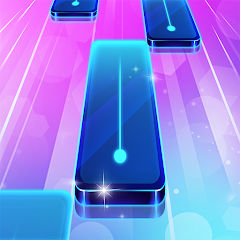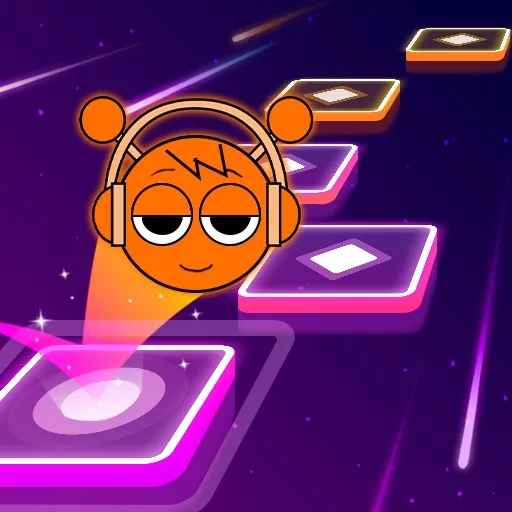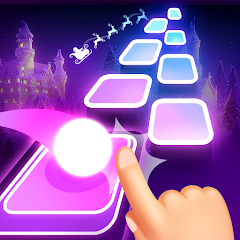


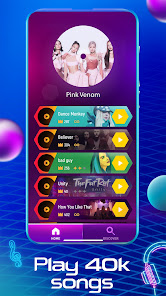
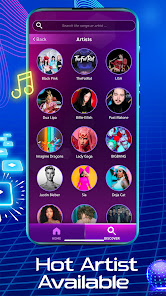
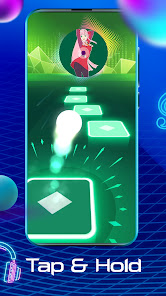
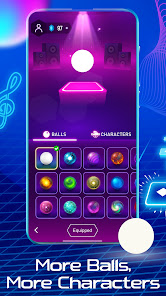
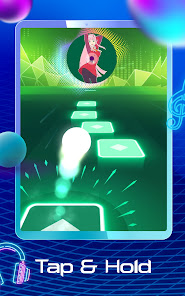
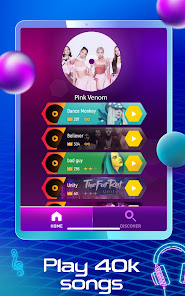
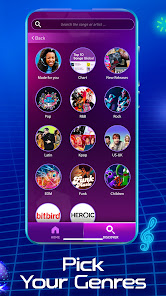
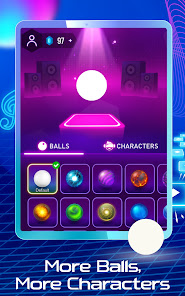
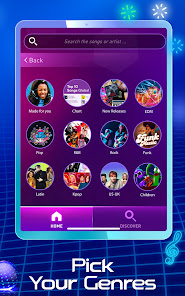
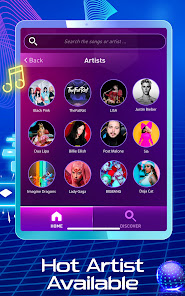
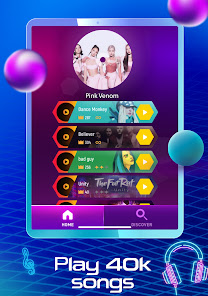
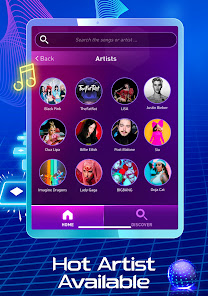
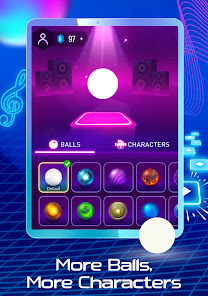
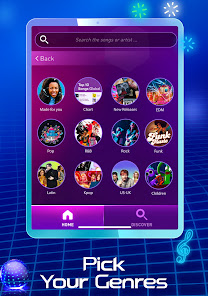
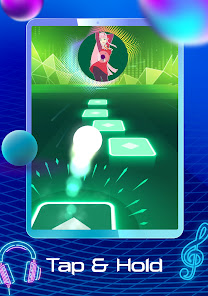
Tiles Hop EDM Rush is an engaging music game that combines rhythm-based gameplay with vibrant visuals. One of its standout features is the extensive selection of songs across various genres, allowing players to choose their favorite tracks and immerse themselves in the musical experience. The game also boasts stunning graphics and dynamic backgrounds that change with the rhythm of the music, enhancing the overall experience. Another notable feature is the simple and intuitive controls, where players tap, swipe, or hold to guide the ball through a series of tiles. This makes the game accessible to players of all skill levels, from beginners to experienced gamers. Additionally, Tiles Hop EDM Rush offers various game modes, including multiplayer options, which allows players to compete with friends or other players globally, adding a competitive edge to the gameplay. Furthermore, the game regularly updates its song library and introduces exciting new challenges, keeping the gameplay fresh and engaging. Players can also unlock various balls and customize their gaming experience, making it not only fun but also visually appealing. Overall, Tiles Hop EDM Rush is a delightful blend of music and gaming that captures the essence of rhythm and coordination. Using Tiles Hop EDM Rush is straightforward and user-friendly, making it easy for players to jump right into the action. First, players must download and install the game from their preferred app store. Once installed, they can open the app and select their desired music track from the extensive library available. The main menu provides options for solo play, multiplayer mode, and settings, allowing for a customizable experience. After selecting a song, players will be taken to the game interface, where they can set their difficulty level. The game starts with a ball placed on a specific tile, and the objective is to keep the ball bouncing on the tiles as they appear. Players can control the ball's movement by tapping on the screen to make it jump from one tile to the next. Timing is crucial, as the tiles move in sync with the music, and players must react quickly to avoid missing any tiles. As players progress through the levels, they can collect bonuses and power-ups that enhance their performance. The game will challenge players with increasingly complex patterns and faster rhythms, providing an exhilarating experience. By practicing regularly and improving their skills, players can aim for higher scores and unlock new features. Overall, Tiles Hop EDM Rush offers a fun and interactive way to enjoy music while testing reflexes and coordination. Tiles Hop EDM Rush has numerous advantages that make it a popular choice among music game enthusiasts. One of the main pros is its extensive music library, which includes a wide range of genres and popular tracks, catering to different musical tastes. The game's vibrant graphics and smooth animations create an engaging visual experience that complements the music perfectly. Additionally, the simple controls make it easy for new players to pick up and enjoy the game without a steep learning curve. Another significant advantage is the multiplayer mode, allowing players to compete with friends or others worldwide, adding a layer of excitement and social interaction. Regular updates keep the game fresh, introducing new challenges and songs, which help retain player interest over time. Furthermore, the game is free to play, although it does offer in-app purchases for additional features and customization options. However, there are also some drawbacks to consider. Some players may find the ads disruptive, especially during gameplay. Additionally, while the game is free, the in-app purchases might tempt players to spend money to unlock premium features or songs. Furthermore, the gameplay may become repetitive for some, especially if they prefer more complex mechanics or storylines. Overall, Tiles Hop EDM Rush has its strengths and weaknesses, making it essential for potential players to consider their preferences before diving in.Features of Tiles Hop EDM Rush Music Game
How to Use Tiles Hop EDM Rush Music Game
Pros & Cons of Tiles Hop EDM Rush Music Game

 Experience vibrant graphics that enhance your gaming immersion Enjoy a diverse music library featuring popular EDM tracks Improve your reflexes with fast-paced gameplay and challenging levels Unlock new tiles and characters for added customization and fun Compete with friends globally for exciting leaderboard rankings
 Repetitive gameplay can lead to boredom over time. Limited song selection may frustrate diverse music lovers. The game’s reliance on ads can disrupt the gaming experience.
  Google Play
  App Store
 Yes, players can usually submit suggestions or feedback through the app's support section or official website, helping to improve the game experience.
Tiles Hop EDM Rush Music Game may collect some personal data as outlined in its privacy policy, which usually includes data for improving user experience and game functionality.
Yes, Tiles Hop EDM Rush Music Game can be played offline, allowing users to enjoy the game without an internet connection.
To cancel your subscription, you can go to your device's settings, find the subscription section, and follow the necessary steps to unsubscribe.
The subscription cost for Tiles Hop EDM Rush Music Game may vary based on the plan chosen, typically offering monthly or yearly options.
Unfortunately, customer numbers are unique and cannot be changed. If you're having issues, please reach out to customer service for support.
Yes, please contact customer service for guidance on reactivating your account. They will assist you through the process.
You can reach customer service through the in-game support section or by emailing support
To activate your account, follow the link sent to your email during registration. If you didn’t receive it, check your spam folder or contact customer service.
Open the app, tap on the login button, and enter your registered email and password to access your account.