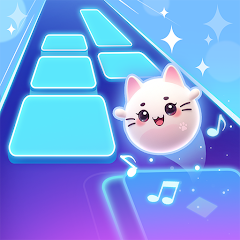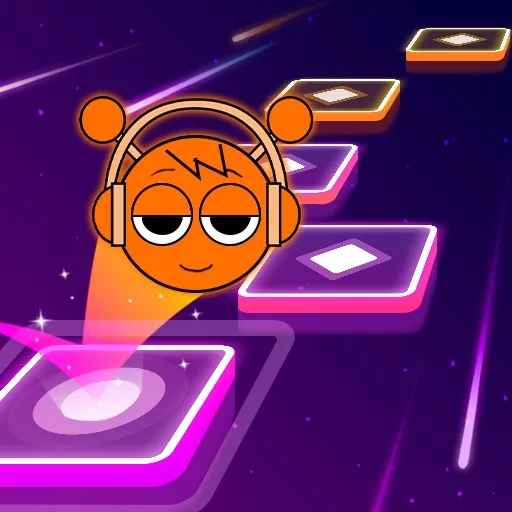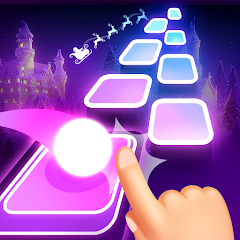


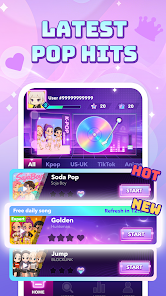
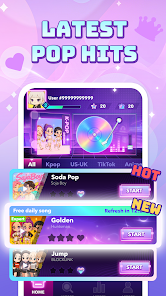
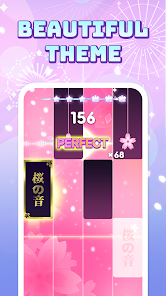

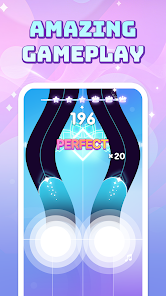

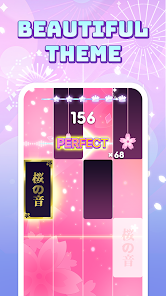



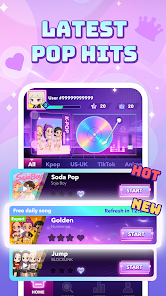
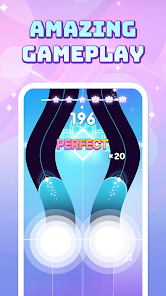
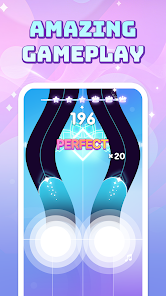
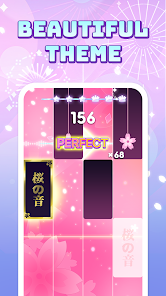

"Pop Piano: Music Games" offers a vibrant and engaging platform for music enthusiasts and gamers alike. One of its standout features is the extensive library of songs, which includes popular hits across various genres, allowing players to enjoy familiar tunes while honing their musical skills. The game employs a visually appealing interface that enhances the user experience, making it easy to navigate through different levels and song selections.
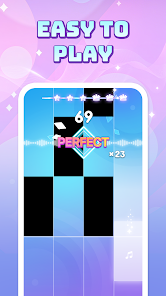
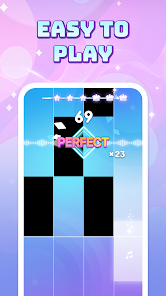
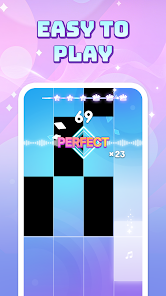
Another notable feature is the interactive gameplay, where players tap on falling notes in time with the music, creating an immersive experience that mimics playing a real piano. The game also includes various difficulty levels, catering to both beginners and advanced players, ensuring that everyone can find a suitable challenge. Additionally, "Pop Piano" incorporates a scoring system that tracks player performance, encouraging improvement and competition among friends. Regular updates introduce new songs and features, keeping the gameplay fresh and exciting.
Using "Pop Piano: Music Games" is straightforward and user-friendly, making it accessible for players of all ages. To get started, download the app from your device's app store and install it. Once launched, you will be greeted with a menu showcasing various song options and game modes. Select a song that you wish to play, and choose your preferred difficulty level to match your skill set.
As the game begins, notes will start to fall from the top of the screen, corresponding to the rhythm of the selected song. Your objective is to tap the notes as they reach the bottom, timing your taps to the beat of the music. The game provides visual and auditory feedback, helping you gauge your performance. You can also track your scores and progress, allowing you to challenge yourself and improve over time. Remember to explore different songs and modes to fully enjoy the diverse offerings of the game.
"Pop Piano: Music Games" comes with several advantages that make it appealing to users. One of the primary pros is its extensive song library, which features a wide range of popular music, ensuring that players can find songs they love. The interactive gameplay is another significant benefit, as it provides a fun and engaging way to learn rhythm and timing. The app's user-friendly interface makes it easy for players to navigate and enjoy the game without any steep learning curve.
However, there are some drawbacks to consider. One con is that while the app offers a free version, many features and songs may require in-app purchases, which could deter some users. Additionally, the reliance on tapping notes may not provide a comprehensive piano learning experience for those looking to develop real piano skills. Lastly, some users may find the ads intrusive, which can disrupt the flow of gameplay. Balancing these pros and cons can help potential users decide if the app aligns with their gaming and musical interests.

 Experience fun music lessons Play your favorite songs easily Enhance your piano skills quickly Engaging gameplay keeps you hooked Perfect for all skill levels
 Limited song variety available In-app purchases may frustrate Steep learning curve for newbies Ads can interrupt gameplay often
  Google Play
  App Store
 Pop Piano: Music Games is designed for users of all ages. However, parental guidance is recommended for younger players, especially concerning in-app purchases or online interactions.
Yes, the app includes competitive features where you can challenge friends or other players. You can compare scores and see who can achieve the highest points on various songs.
Yes, you can play Pop Piano: Music Games offline after you have downloaded the necessary songs. However, some features, such as accessing new song updates or online leaderboards, may require an internet connection.
You can provide feedback or report issues directly through the app's settings or support section. Additionally, you can reach out to the customer support team via email or through the app store page for assistance.
You can download Pop Piano: Music Games from the App Store for iOS devices or Google Play Store for Android devices. Simply search for "Pop Piano: Music Games," select the app, and click the download or install button.
You can reach customer service through the app's settings menu or visit their official website for support options.
Open the app and tap on the login button. Enter your email and password to access your account.
Yes, you can activate features by purchasing in-app items or subscriptions through the app store. Follow the prompts to complete the activation.
The customer number can usually be found in the app's support section or on their website. Check for specific contact details there.