

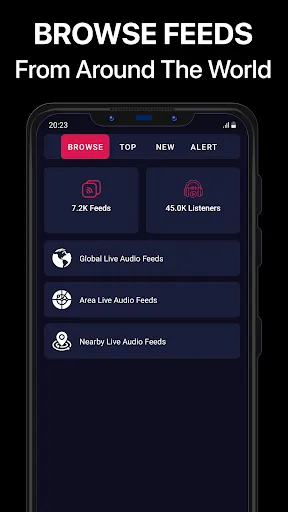
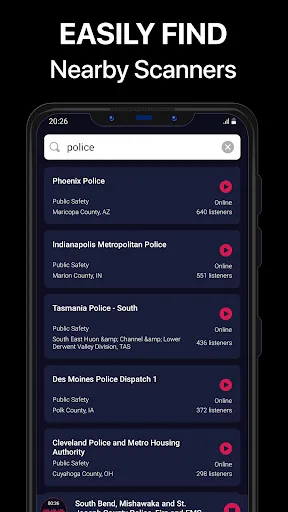
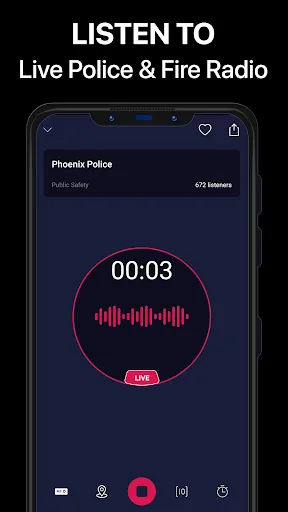
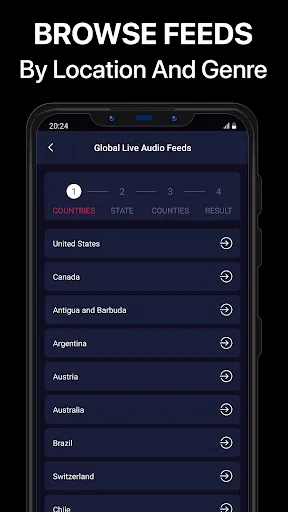
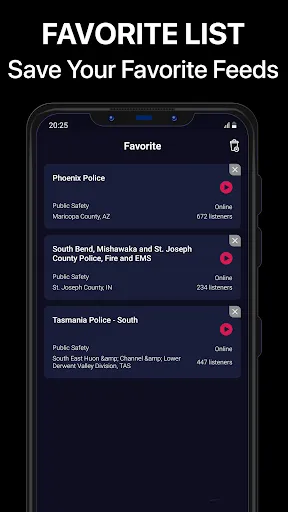
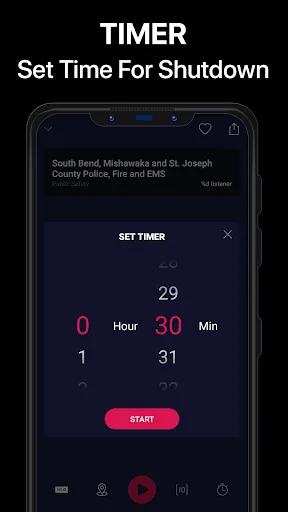
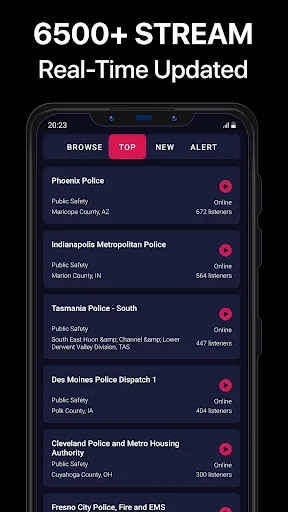
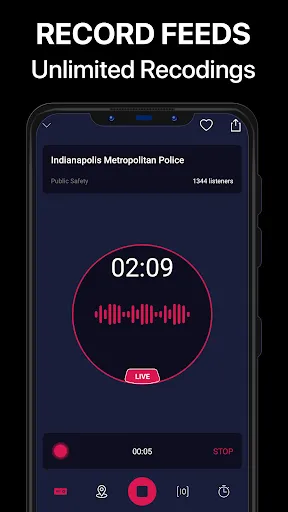
Police Scanner Pro offers a variety of features designed to enhance the user experience while monitoring live police and emergency broadcasts. One of the key features is the extensive database of radio frequencies, which provides access to thousands of channels across various regions. This allows users to listen to real-time communications from police, fire departments, and other emergency services. The app also boasts a user-friendly interface that makes it easy to navigate through different channels and frequencies. Users can customize their experience by saving favorite channels for quick access, ensuring they can quickly tune into the broadcasts they care about most. Additionally, the app provides alerts for significant events, ensuring that users are always informed about critical incidents in their area. Another notable feature is the ability to record live audio, allowing users to revisit important broadcasts later. Furthermore, the app supports background play, enabling users to listen to their chosen channels while using other applications. Overall, Police Scanner Pro is designed for both casual listeners and serious enthusiasts who want to stay connected to public safety communications. Using Police Scanner Pro is straightforward and intuitive, making it accessible for users of all experience levels. Upon downloading and installing the app, users can launch it and begin by selecting their location. The app automatically detects nearby channels and frequencies, allowing users to explore various broadcasts without extensive setup. To listen to a specific channel, users can either browse through the categorized listings or utilize the search function to find channels by name or frequency. Once a channel is selected, users can adjust the volume and use the play/pause functions as needed. The app also allows for creating a list of favorite channels, making it easier to return to preferred broadcasts quickly. For those who want to stay updated, users can enable notification alerts for specific incidents, ensuring they receive timely updates on emergencies. Recording features can be accessed through the app’s settings, allowing users to save important broadcasts for later listening. Overall, Police Scanner Pro is user-friendly, providing a seamless experience for anyone looking to stay informed about public safety communications. Like any application, Police Scanner Pro has its advantages and drawbacks that users should consider. One of the primary benefits is the extensive range of channels available, allowing users to access real-time communications from various emergency services. The user-friendly interface and customizable features, such as saving favorite channels and enabling notifications, enhance the overall experience. Additionally, the ability to record broadcasts adds significant value, allowing users to revisit critical information whenever needed. However, there are some downsides to the app as well. One potential drawback is that the quality of the broadcast can vary depending on the user’s location and the strength of the signal. Users in rural areas may find fewer channels available or experience interruptions. Furthermore, while the app is generally reliable, occasional bugs or glitches may disrupt the listening experience. Finally, although many features are available for free, some advanced functionalities may require a paid subscription, which could deter some users. Balancing these pros and cons is essential for prospective users, as personal preferences and needs will ultimately determine whether Police Scanner Pro is the right choice for them.Features of Police Scanner Pro - App
How to Use Police Scanner Pro - App?
Pros & Cons of Police Scanner Pro - App

 Limited coverage area restricts access to some important channels User interface can be confusing for beginners Frequent ads disrupt the listening experience
 Limited coverage area restricts access to some important channels User interface can be confusing for beginners Frequent ads disrupt the listening experience
  Google Play
  App Store
 Yes, users can submit suggestions or feedback through the app's support section or contact the development team via their official website.
Yes, Police Scanner Pro - App may collect certain personal data for functionality and user experience improvement, but it typically adheres to privacy policies to protect user information.
No, Police Scanner Pro - App requires an active internet connection to stream live audio feeds and access its features.
You can cancel your subscription to Police Scanner Pro - App through your app store account settings or directly within the app's subscription management section.
The subscription cost for Police Scanner Pro - App varies depending on the plan selected, with options typically including monthly and yearly subscriptions at competitive rates.
Unfortunately, customer numbers cannot be changed. For assistance, please contact customer service.
Yes, you can log in on multiple devices using the same account credentials.
To reset your password, click on the "Forgot Password?" link on the login page and follow the instructions sent to your email.
To activate your account, click the activation link sent to your email after registration. Follow the prompts to complete the process.
You can reach our customer service via the app's support section or email us directly at support