

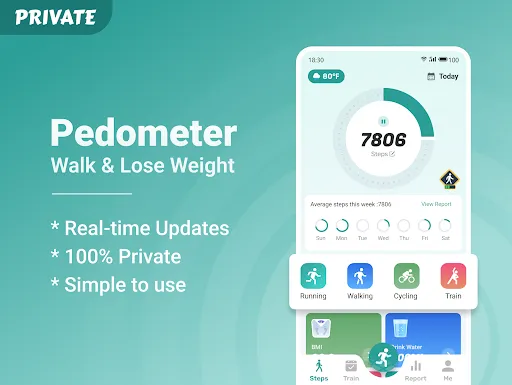
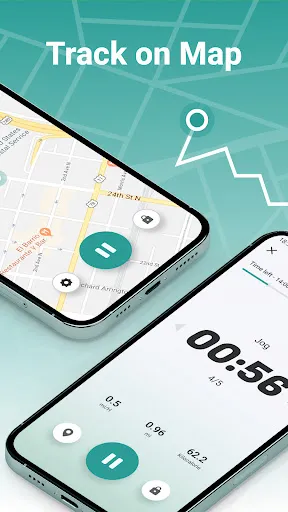
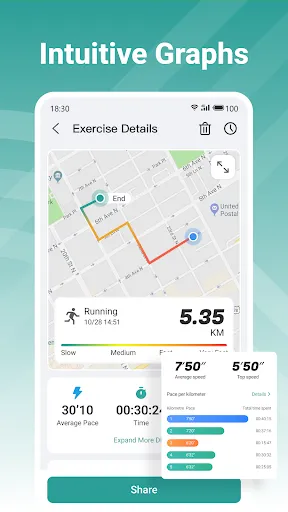
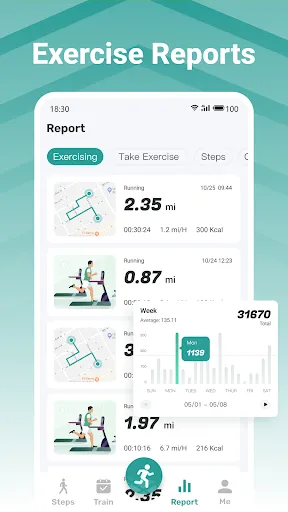
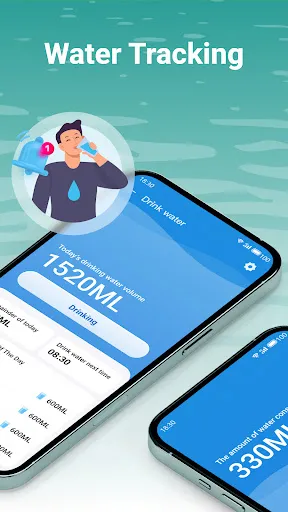
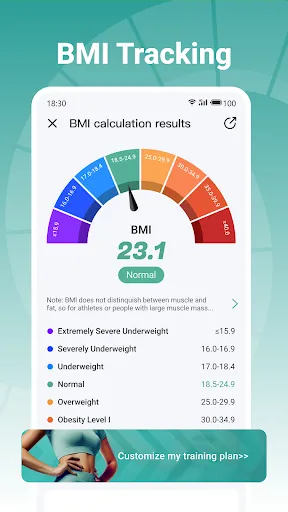
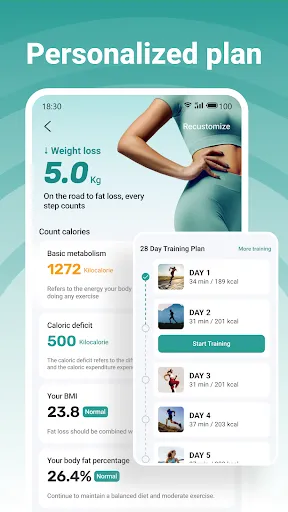
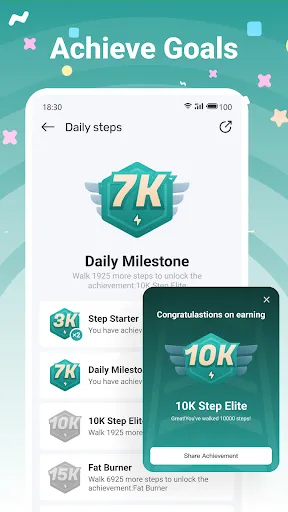
Pedometer - Walk & Lose Weight is a user-friendly application designed to help individuals track their walking activities and achieve weight loss goals. One of its primary features is step counting, which accurately records the number of steps taken throughout the day, providing users with a clear understanding of their physical activity levels. In addition to step tracking, the app offers a distance calculator that converts steps into miles or kilometers, making it easier for users to gauge their walking efforts. It also includes a calorie tracker that estimates the calories burned based on the user's weight and walking distance, allowing for better management of dietary intake. The app provides visual progress reports, showcasing daily, weekly, and monthly statistics. These reports motivate users to stay committed to their fitness journey. Furthermore, it features goal-setting capabilities, enabling users to set personal targets for steps, distance, or calories burned, thus fostering a sense of achievement as they progress. Lastly, Pedometer - Walk & Lose Weight integrates social sharing options, allowing users to connect with friends and share their progress, which can enhance motivation through friendly competition and support. Using Pedometer - Walk & Lose Weight is straightforward and user-friendly, making it accessible for individuals of all fitness levels. To get started, users need to download the app from their respective app store and create an account or sign in. Once set up, the app will request permission to access the device's sensors to track movement accurately. After granting permission, users can customize their profiles by entering personal information such as age, weight, and height, which helps in calculating calories burned and other metrics. The app's home screen displays the step count, distance traveled, and calories burned, providing an immediate overview of daily activity. To maximize the app's features, users can set daily goals for steps or calories burned, which can serve as motivation. As users walk, the app automatically updates their statistics in real-time. Regularly checking progress reports can help users stay on track and make necessary adjustments to their fitness plans. Lastly, users are encouraged to engage with the app's community features, sharing achievements with friends and participating in challenges, which can enhance the overall experience and commitment to fitness. Pedometer - Walk & Lose Weight comes with several advantages that make it a popular choice among fitness enthusiasts. One of the primary pros is its accuracy in tracking steps and calculating distance, which is essential for anyone looking to monitor their physical activity effectively. The user-friendly interface allows for easy navigation, making it suitable for users of all ages. Another advantage is the ability to set personalized goals, which can motivate users to stay active and reach their fitness milestones. The integration of calorie tracking is also beneficial for those looking to manage their weight, as it provides a comprehensive view of energy expenditure. However, the app does have its drawbacks. Some users may find that it drains battery life, particularly if they are using it continuously throughout the day. Additionally, while the app offers social sharing features, it may lack some advanced community engagement options found in other fitness applications. Moreover, some users have reported occasional inaccuracies in step counting, especially during non-walking activities. In conclusion, while Pedometer - Walk & Lose Weight has its pros and cons, its overall functionality and user-friendly design make it a valuable tool for those seeking to improve their physical health and manage their weight effectively.Features of Pedometer - Walk & Lose Weight
How to Use Pedometer - Walk & Lose Weight
Pros & Cons of Pedometer - Walk & Lose Weight

 Tracks daily steps to motivate consistent walking habits Provides calorie burn estimates to aid weight loss goals Sets personalized targets for enhanced fitness challenges Offers progress insights to celebrate achievements and boost morale Encourages a healthier lifestyle through active daily routines
 Limited accuracy in step tracking can lead to misleading results Battery life may be insufficient for daily use Lacks advanced features found in more comprehensive fitness trackers
  Google Play
  App Store
 Yes, users can typically submit suggestions or feedback through the app's support section or via the developer's website to help improve the app.
The app may collect certain data for functionality and improvement purposes, but it typically prioritizes user privacy and data protection.
Yes, Pedometer - Walk & Lose Weight can be used offline, allowing users to track their walks without needing an internet connection.
You can cancel your subscription through your device's app store settings or within the app itself under the subscription management section.
Subscription costs may vary based on the plan selected, so it's best to check within the app for the most up-to-date pricing information.
Unfortunately, customer numbers cannot be changed after account activation. Please keep it safe.
You can contact customer service through the app's help section or email support
You can update your login information by logging into your account and going to the account settings section.
To activate your account, check your email for a verification link and click on it to complete the process.
If you've forgotten your username, use the "Forgot Username" option on the login page to recover it.