



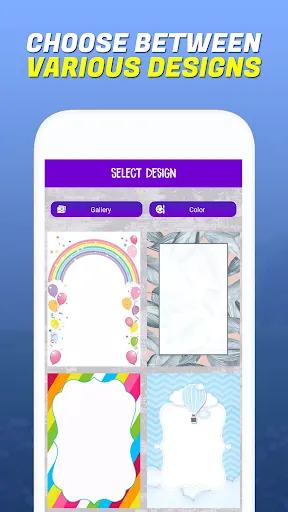
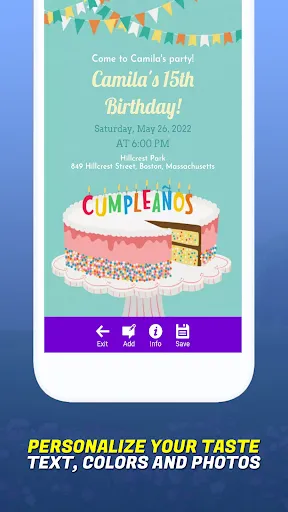
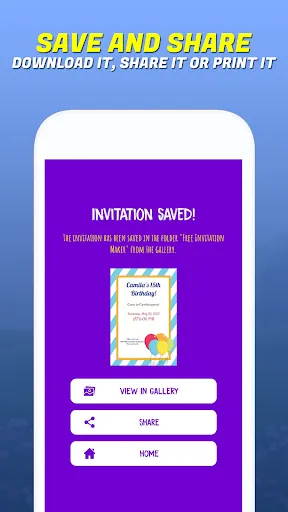

Invitation Maker-Card Creator is a versatile application designed to simplify the process of creating stunning invitations and greeting cards for various occasions. One of its standout features is the extensive library of templates that cater to multiple events such as weddings, birthdays, baby showers, and holidays. Users can easily customize these templates by modifying text, colors, and images to fit their personal style or theme. Additionally, the app offers a user-friendly interface, making it accessible for individuals with little to no design experience. It includes a variety of design elements such as stickers, backgrounds, and fonts that allow users to express their creativity. Users can also save their designs and share them via social media or print them directly from the app. The ability to create digital invitations saves time, and the cost-effectiveness of this tool makes it an ideal choice for budget-conscious users. Using Invitation Maker-Card Creator is a straightforward process that enables users to craft personalized invitations effortlessly. First, download and install the app from your device’s app store. Once installed, launch the application and browse through the extensive collection of templates available for different occasions. After selecting a template, you can begin customizing it by tapping on text fields to enter your information, such as event details, dates, and names. Next, you can enhance your invitation by adding images, stickers, and other design elements from the app's library. The intuitive drag-and-drop interface allows for easy manipulation of these elements. If you wish to change the background or font style, the app provides various options to ensure your design is unique. Once you are satisfied with your creation, save it to your device or share it directly through social media platforms or email for digital invitations. Like any application, Invitation Maker-Card Creator comes with its own set of advantages and disadvantages. A major pro is its user-friendly interface, which makes it easy for anyone to create beautiful invitations without any prior design knowledge. The vast selection of templates and customization options allow for creativity, making it possible to tailor invitations for any occasion. Furthermore, the ability to share invitations digitally is a significant advantage in today’s fast-paced environment, saving both time and resources. On the downside, some users may find that certain features are limited in the free version of the app, requiring a subscription for full access to premium templates and design tools. Additionally, while the app is designed for simplicity, those with more advanced design skills might find it lacking in intricate customization options. Overall, Invitation Maker-Card Creator is a practical tool for casual users, but may not satisfy the needs of professional designers looking for advanced functionalities.Features of Invitation Maker-Card Creator
How to Use Invitation Maker-Card Creator
Pros & Cons of Invitation Maker-Card Creator

 Create stunning invitations effortlessly with user-friendly design tools. Customize templates to match your unique style and theme. Access a wide variety of graphics and fonts for limitless creativity. Share invitations digitally for instant delivery and convenience. Save time with quick editing features and easy sharing options.
 Limited customization options may hinder creativity for unique designs. User interface can be confusing for first-time users. Occasional technical glitches may disrupt the design process.
  Google Play
  App Store
 Yes, users can submit suggestions or feedback directly through the app, often found in the settings or help section, to help improve the app's features and functionality.
The app may collect certain personal data for functionality and user experience improvements, but it adheres to privacy policies to protect user information.
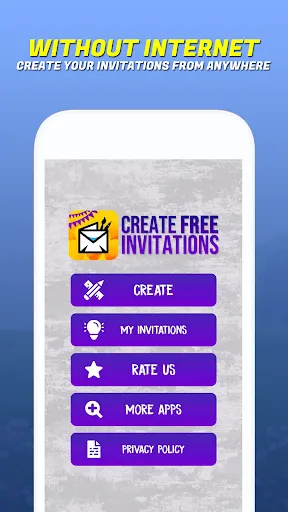
Yes, users can create and edit invitations offline, although some features may require an internet connection for template downloads or sharing.
Users can cancel their subscription through the app store settings on their device, following the appropriate steps for their specific platform.
Subscription costs may vary, but typically there are monthly and yearly plans available, offering additional features and content.
Yes, you can access customer service directly through the app under the help or support section.
Unfortunately, customer numbers cannot be changed once assigned. Please contact customer service for further assistance.
You can reach our customer service team via the support section in the app or by emailing support
Please reach out to customer service with your account details; they can assist you in retrieving your customer number.
After signing up, check your email for an activation link. Click on it to activate your account.