



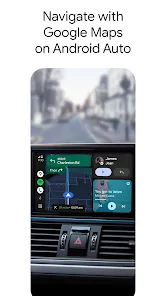
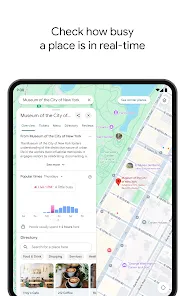
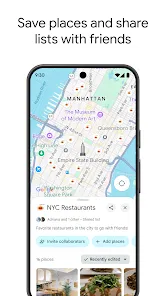
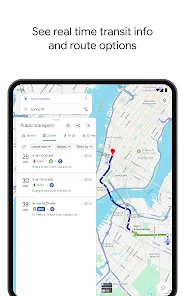
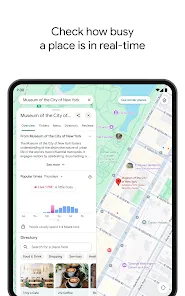
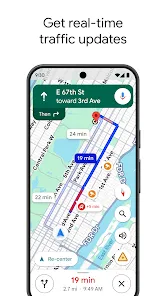
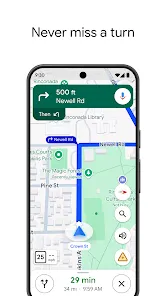
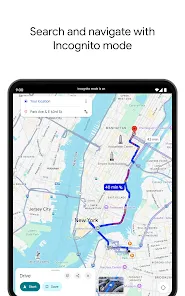
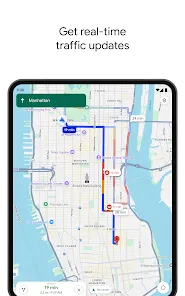

Since its launch in 2005, Google Maps has become one of the most widely used mapping applications in the world. And in recent years, the app has only become more popular, with over 1 billion downloads on the Google Play Store. But what makes Google Maps so popular? In this blog post, we will take a look at some of the features that make the app so essential for millions of users every day. From real-time traffic updates to turn-by-turn navigation, there's a lot to love about Google Maps.
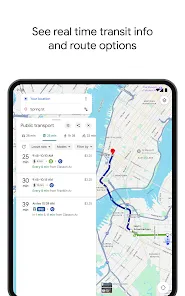
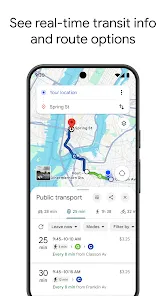
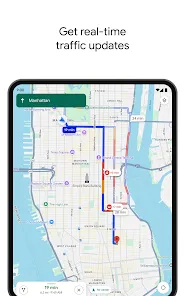
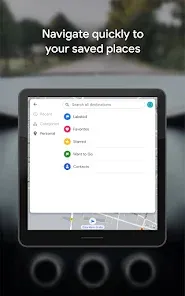
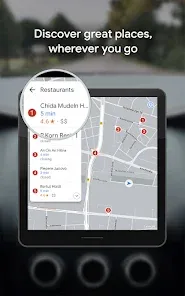
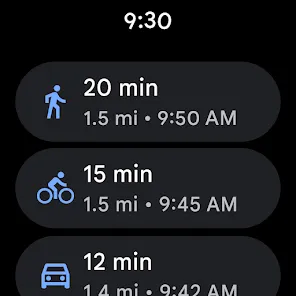
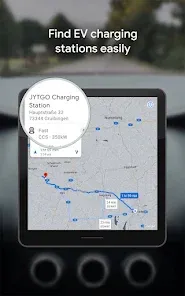
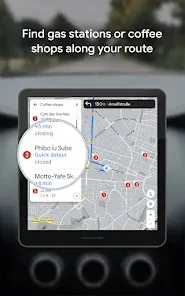
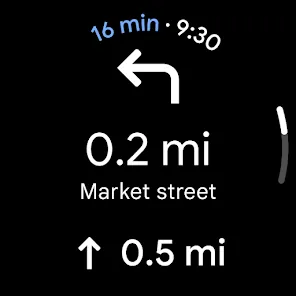
Features and Functions Some key features of Google Maps include: Satellite and aerial imagery: Google Maps provides high-resolution satellite and aerial imagery of locations around the world. This imagery is frequently updated, providing users with an up-to-date view of their desired location. Street maps: Google Maps includes detailed street maps of cities and towns around the world. These maps show the location of roads, buildings, and other points of interest, making it easy for users to find their way around. 360° panoramic views: Google Maps allows users to view select locations in 360° panoramic street-level imagery. This feature lets users virtually explore a location, providing a more immersive experience than traditional street maps. Real-time traffic conditions: Google Maps includes real-time traffic information, showing users the current traffic conditions on roads and highways. This feature helps users avoid traffic congestion and find the fastest route to their destination. Route planning: Google Maps' route planner allows users to plan the quickest and most efficient route between two locations. The route planner takes into account factors such as traffic conditions, the type of transportation being used, and the user's desired arrival time, providing users with a customized route to their destination. How to Use Google Maps Mobile App Assuming you have downloaded the Google Maps app on your mobile device, open the app. You will see your current location displayed on the map. To search for a specific place, enter the name or address in the search bar at the top of the screen. Pros & Cons When it comes to finding your way around town, there’s no denying the power of Google Maps. The app has been a lifesaver for countless people, providing turn-by-turn directions, traffic updates, and more. But like any tool, there are both pros and cons to using Google Maps. Let’s take a closer look at some of the key features: About the Developer Google Maps is a free, web-based mapping service provided by Google. It offers satellite imagery, street maps, 360° panoramic views of streets (Street View), real-time traffic conditions (Google Traffic), and route planning for traveling by foot, car, bicycle and public transport.
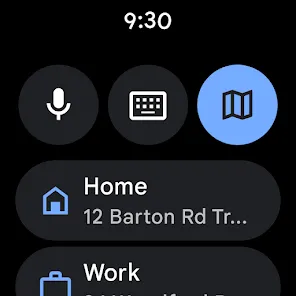
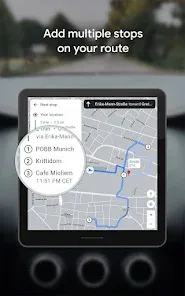
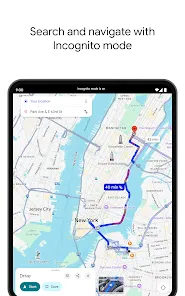
If you want directions to a specific place, select the icon in the lower right corner that looks like a small black car. Then enter your destination in the "Choose destination" bar and select "Done". Your route will be displayed on the map with turn-by-turn directions listed below. If you need help along the way, select the icon in the lower left corner that looks like a blue question mark inside a circle.
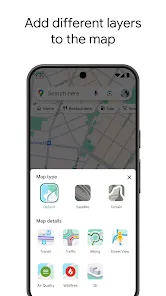
To change how your map looks, select the icon in the upper right corner that looks like three stacked lines. From here you can choose to view different types of maps (satellite, terrain, etc.), traffic conditions, and more.
PROS
-Google Maps is accurate. Whether you’re looking for directions or trying to find a specific business or landmark, you can trust that the information in Google Maps is up-to-date and reliable.
-The app is constantly updated with new features and improvements. Google is always working on making the app better, which means you can expect regular updates with new features and bug fixes.
-Google Maps offers comprehensive coverage. No matter where you are in the world, chances are good that Google Maps has detailed information about your current location.
CONS
-Google Maps can be data intensive. If you’re not careful, using the app can quickly eat up your monthly data allocation. Be sure to use Wi-Fi whenever possible to avoid racking up unwanted charges.
-The app can be glitchy at times. Despite the constant stream of updates, Google Maps still suffers from occasional bugs and crashes.
In late June 2013, Google announced that the app had been downloaded over 54 million times. As of October 2013, it was available in 129 countries and 36 languages.

 Accurate real-time navigation guidance available anytime. Comprehensive business information with user reviews. Seamless integration with other Google services. Offline maps for navigation without internet access. User-friendly interface for easy exploration and planning.
 Inaccurate directions in rural areas can mislead users. Frequent updates can disrupt app functionality temporarily. Limited offline capabilities hinder use without internet access. Privacy concerns arise from location tracking features.
 Yes, Google Maps collects certain personal data, such as location history, search queries, and usage patterns, to improve its services and provide personalized experiences. Users can manage their privacy settings through their Google Account.
Google Maps offers a free version that includes most of its features, but there are additional paid services available for businesses or developers through the Google Maps Platform.
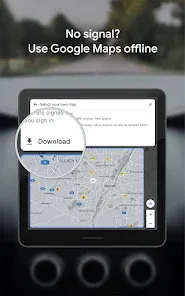
While some features of Google Maps, like viewing maps and getting directions, require an internet connection, users can download maps for offline use to navigate without connectivity.
You can contact Google Maps support through the Help Center on their website, where you can find support articles, community forums, and options to submit feedback directly to Google.
Users can manage their Google Maps Platform subscription through the Google Cloud Console, where they can adjust billing settings, view usage, and cancel their account if needed.
You can contact Google Maps customer service by visiting the Google Help Center online or by using the in-app support feature.
Google Maps does not have a direct customer service number; support is primarily available through the Help Center and online resources.
To log in, open the Google Maps app, click on the profile icon, and sign in with your Google account credentials.
Google Maps does not require activation; simply download the app from the App Store or Google Play and log in with your Google account.








 Google Play
  App Store