

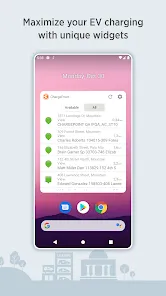
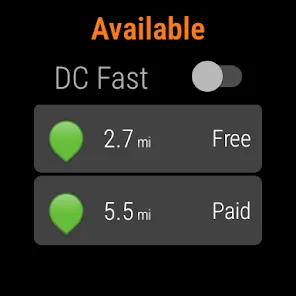
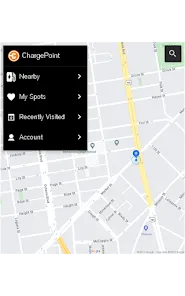
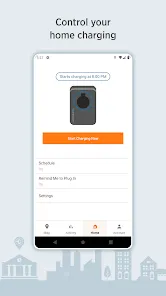
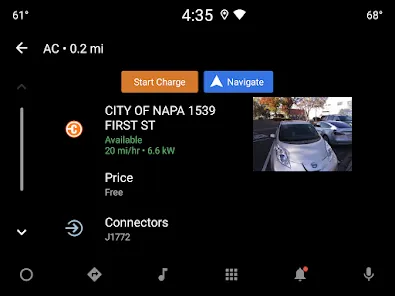
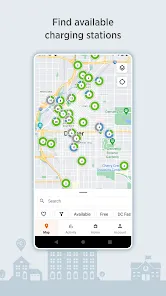
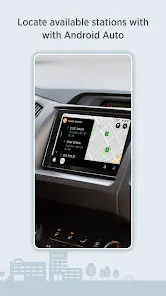
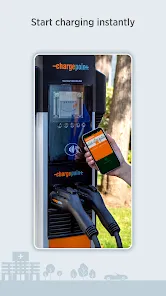
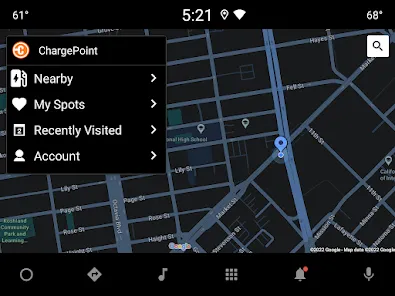
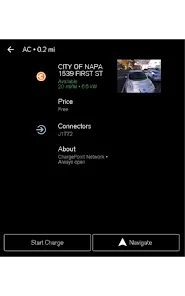
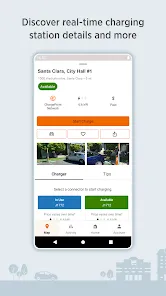
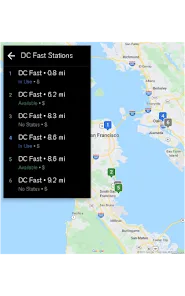
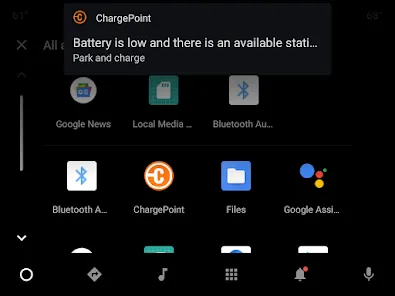
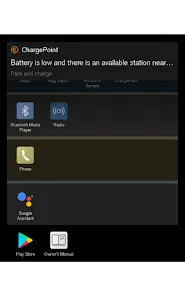
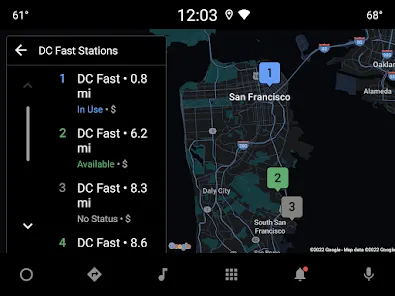
ChargePoint is an app that allows users to find and use electric vehicle charging stations. The app includes a map of all available charging stations, as well as the ability to see how many spaces are available, how many plugs are available, and what type of connector is needed. Users can also see reviews of charging stations, add their own reviews, and rate stations.
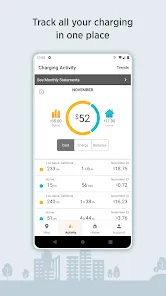
ChargePoint is an electric vehicle (EV) charging station that allows drivers to charge their vehicles using a credit or debit card. The station also provides information about the charging process, as well as the current status of the charge. In order to use the ChargePoint app, you will need to create an account and login. Once you are logged in, you can search for charging stations near you, see real-time availability of stations, and start or stop a charge. You can also view your charging history and manage your account settings within the app. There are many things to consider when choosing an electric vehicle (EV) charging station, and ChargePoint is one of the leading providers. Here we will take a look at the pros and cons of this particular brand.Features
The ChargePoint station is easy to use and can be accessed by drivers 24 hours a day, 7 days a week. The station is also safe and secure, with a variety of security features in place to protect both drivers and their vehicles.How to use ChargePoint app?
Pros & Cons
PROS:
- One of the biggest selling points of ChargePoint is its wide range of options. There are different types of chargers for different needs, which gives customers plenty of choice.
- Another big plus is that ChargePoint stations are compatible with all major EV brands, so you don't need to worry about compatibility issues.
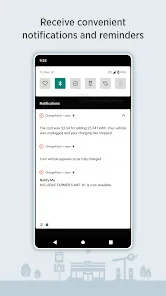
- The company also offers a useful smartphone app which allows users to find nearby stations, check status updates, and even pay for charging sessions.
CONS:
- One downside of ChargePoint is that it can be more expensive than some other brands on the market. This is something to keep in mind if you're working within a tight budget.
- Additionally, some users have reported problems with the quality of the chargers themselves, so it's worth doing your research before making a purchase.

 Wide network of charging stations available nationwide User-friendly mobile app for easy access Fast charging options for quicker vehicle turnaround Real-time availability updates to minimize wait times Flexible payment options for convenient transactions
 Limited charging station availability in some areas Higher pricing compared to competitors App can be unreliable and glitchy Customer service response times may be slow
 ChargePoint does collect some personal data to enhance user experience, but it adheres to privacy policies and regulations to protect user information.
ChargePoint does not offer a free trial, but the app is free to download and use for locating and managing charging stations. Charges may apply for the actual use of charging services.
Yes, ChargePoint requires an internet connection to access real-time information about charging stations and to manage your charging sessions effectively.
You can contact ChargePoint support through the app, their website, or by emailing their support team directly, and feedback can be submitted via the app or website as well.
You can manage or cancel your ChargePoint subscription through the app settings or by visiting the ChargePoint website, where you can find account management options.
The customer number is available in the ChargePoint app under the "Help" section or on the ChargePoint website.
To activate your account, click the activation link sent to your email after registration. Follow the instructions provided to complete the process.
You can reach ChargePoint customer service at their support number found on the app or website. They also offer support via email and chat.
Open the app and tap "Log In." Enter your email and password associated with your account, then tap "Sign In."








 Google Play
  App Store