

Features of DuckDuckGo App
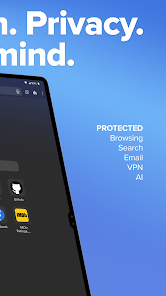
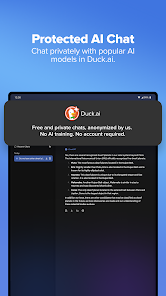
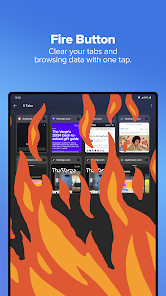
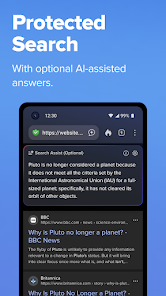
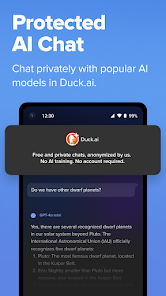
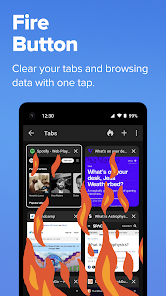
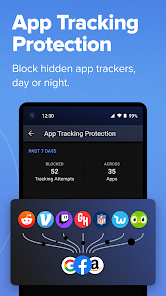
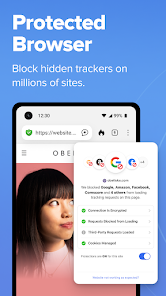
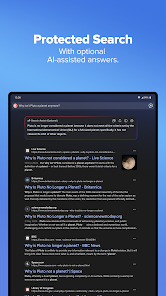
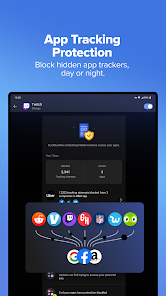
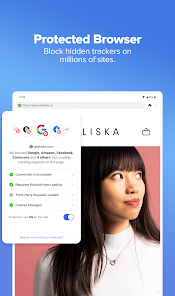
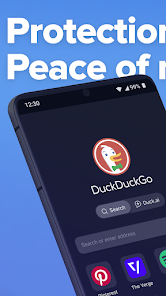
The DuckDuckGo app is designed to prioritize user privacy while providing a robust search experience. One of its standout features is anonymous browsing, which ensures that your search history is not tracked or collected. This app also includes a built-in tracker blocker that prevents third-party websites from monitoring your online activities. Additionally, DuckDuckGo offers a simple, user-friendly interface that allows for quick searches without the clutter often found in other search engines.
Another notable feature is the "Bang" shortcuts, which enable users to quickly search specific sites by using a simple command. For example, typing "!w" followed by a search term will redirect you to Wikipedia. The app also provides a comprehensive set of privacy settings, allowing users to customize their browsing experience. With features like encrypted connections and a clear privacy policy, DuckDuckGo ensures that users can browse the web with confidence and peace of mind.
How to Use DuckDuckGo App
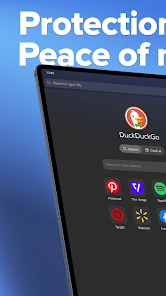
Using the DuckDuckGo app is straightforward and user-friendly. First, download the app from your device's app store, whether it’s iOS or Android. After installation, open the app, and you will be greeted with a clean search interface. Simply enter your search query in the provided search bar, and the app will deliver results without tracking your information.
You can also take advantage of the built-in features, such as the tracker blocker, which is automatically enabled. To utilize the Bang shortcuts, simply type an exclamation mark followed by the site abbreviation before your search term. For example, typing "!amazon shoes" will take you directly to Amazon's search results for shoes. Explore the settings menu to adjust privacy preferences and customize your experience according to your needs. With its intuitive design, navigating the DuckDuckGo app is both easy and efficient.
Pros & Cons of DuckDuckGo App
The DuckDuckGo app has several advantages, most notably its commitment to user privacy. Unlike many other search engines, DuckDuckGo does not track your search history or personal data, providing a sense of security for users concerned about online privacy. The app's user-friendly interface makes it accessible for individuals of all tech levels, and its built-in tracker blocker enhances the overall browsing experience by preventing unwanted ads and trackers.
However, there are some drawbacks to consider. The search results may not be as comprehensive or personalized as those provided by more established search engines like Google, which can lead to less relevant results for some users. Additionally, the app may not support all the features of popular websites, which can limit functionality. Overall, while the DuckDuckGo app excels in privacy and simplicity, users may experience some limitations in search precision and website compatibility.

 Enjoy enhanced privacy with no tracking or data collection. Browse without personalized ads cluttering your experience. Access instant search results without compromising your data security. Benefit from built-in encryption for safer browsing connections. Experience a user-friendly interface designed for seamless navigation.
 Limited search results compared to larger search engines. Some websites may not load properly or function fully. Lacks advanced features found in more established browsers.
 Yes, users can submit suggestions or feedback through the app or the official DuckDuckGo website to help improve the service.
DuckDuckGo Private Browser does not collect personal data or track users' browsing history, maintaining a strong commitment to user privacy.
DuckDuckGo Private Browser does not support offline use as it is designed primarily for online browsing with privacy features.
Since there is no subscription required for DuckDuckGo Private Browser, there is no need for a cancellation process.
DuckDuckGo Private Browser does not require a subscription, as it is a free app with no associated costs.
Yes, you can log in to your DuckDuckGo account from multiple devices without any issues.
DuckDuckGo does not support social media logins; you'll need to use your registered email and password to log in.
You can reach DuckDuckGo Customer Service via their support page or email them directly for assistance.
To log in, visit the DuckDuckGo homepage and click on the login option, then enter your credentials.
You can reach Customer Service through the help section on the DuckDuckGo website or by sending an email with your concern.







 Google Play
  App Store