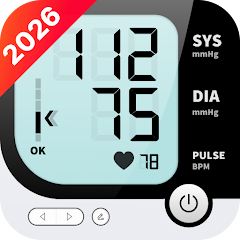


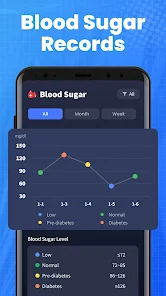
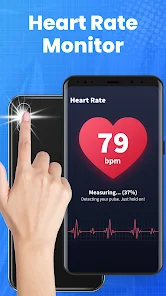
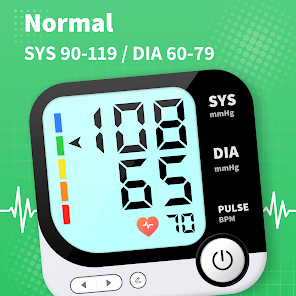
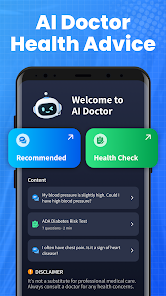
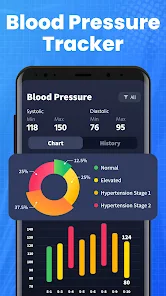
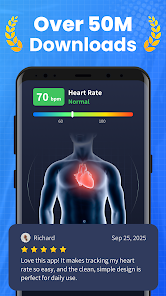
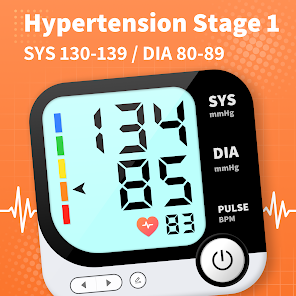
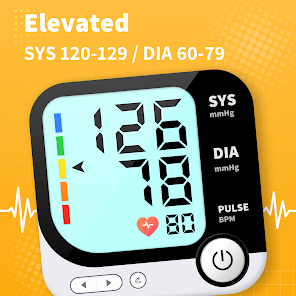
The Blood Pressure App is your reliable, safe, and fast assistant to help you to track your BP trends, find BP info and provide good lifestyle tips to benefit your health.
Know extensive BP information and knowledge in one app! In addition to BP value ranges and tendencies, it has a lot of professional articles ready to answer any questions about BP knowledge.
We promise that you will find it fast and easy to pay close attention to your blood pressure and to detect small changes brought by your lifestyle improvements.
Using the Blood Pressure App, you can grasp your BP condition fully under different states (lying, sitting, before/after meal, etc.). There is no doubt that your health will be taken care of to yield twice the result with half the effort.
You can export your BP trends to maximize your medical appointment. Our app also introduces tips and methods for your health improvements in the long term.
What’s more, when you wish to know more about blood pressure, feel free to contact us and we are here by your side and ready to help.

 Tracks blood pressure trends over time Offers personalized health insights and recommendations Reminds users to take medication on schedule Facilitates easy sharing with healthcare professionals User-friendly interface for all age groups
 Inaccurate readings can lead to misdiagnosis. Limited features may not track overall health. Dependency on smartphones may exclude some users. Requires regular manual entry for best results.
  Google Play
  App Store
 Blood Pressure App may collect personal data such as your blood pressure readings and health information to provide personalized insights, but it adheres to privacy policies and regulations to protect your information.
Blood Pressure App typically offers a free version with limited features and may provide a free trial period for premium features, allowing users to explore the app before committing to a subscription.
Blood Pressure App can function offline for logging readings, but an internet connection is required to access certain features like syncing data across devices and sharing with healthcare providers.
You can contact support for Blood Pressure App through the in-app help section, or by visiting the official website where you can find contact forms and additional resources for feedback and assistance.
You can manage or cancel your Blood Pressure App subscription through the app's settings menu or by visiting your app store account settings, depending on the platform you are using.
You can reach our customer service at support
To log in, open the app and enter your registered email and password. If you forgot your password, use the "Forgot Password" option to reset it.
Click on the "Forgot Password" link on the login screen, enter your email, and follow the instructions sent to your inbox.
Yes, after downloading, open the app and follow the on-screen instructions to create an account and activate your subscription if required.
Your customer number is available in your account settings once logged in. If you need assistance, contact customer service.