


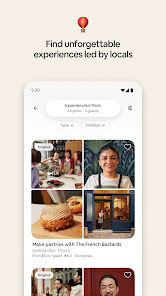
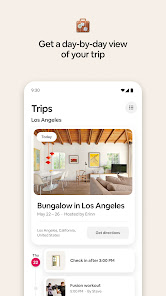
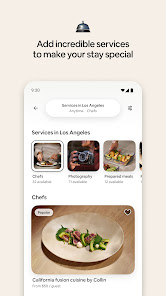
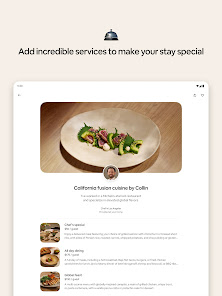
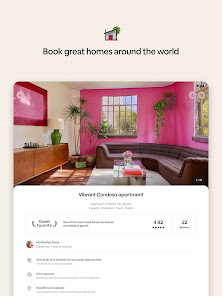
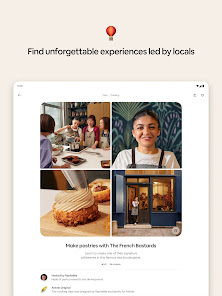
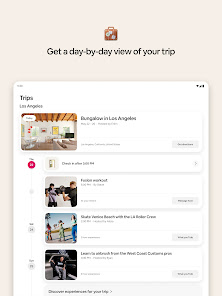
For many people, the idea of staying in a stranger's home is not something they would consider. But with the rise of Airbnb, travelers now have the option to stay in private homes around the world—from city apartments to beach houses and beyond. The Airbnb app makes it easy to book your next getaway without ever leaving your couch. From quick searches and filters to secure payments and reviews, there are countless features that make this app a must-have for any traveler. In this blog post, we'll explore how the Airbnb app works and why it has become so popular among travelers worldwide.
The Airbnb app has many features that make it a great choice for travelers. Here are some of the features that make the Airbnb app a great choice for travelers: If you're new to Airbnb and want to learn how to use the app as a guest, you've come to the right place. In this article, we'll walk you through the basics of using Airbnb as a guest, including how to search for listings, send messages to hosts, and book stays.Features for Airbnb App
• The ability to book and manage your reservations all in one place.
• Get real-time updates on your reservation status.
• Access to 24/7 customer support.
• The ability to easily search for and find available accommodations.
• Save your favorite listings so you can easily find them again later.
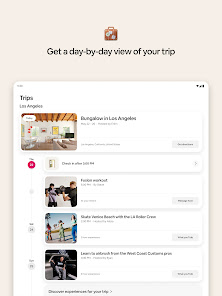
• Share your trip details with friends and family so they can follow your travels.How do I Use Airbnb App as a Guest?
To get started, download the Airbnb app from the App Store or Google Play. Once you have the app installed on your device, open it and create an account. You can sign up with your Facebook account or email address.
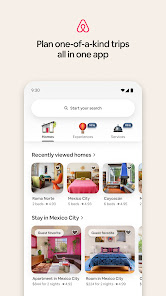
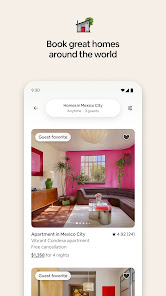
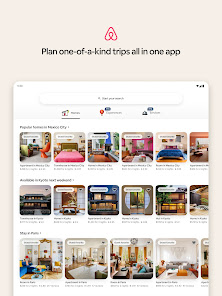
Once you're logged in, you can start searching for listings. To do this, enter your travel dates and location into the search bar at the top of the screen. You can also use the filters to narrow down your results. For example, if you only want to see listings that have Wi-Fi or that allow pets.
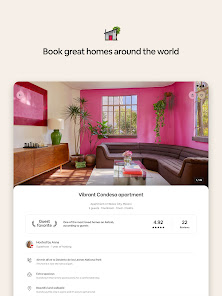
Once you've found a listing that looks good to you, tap on it to read more about it. Here you'll find information about the space, amenities, house rules, and reviews from other guests who have stayed there.
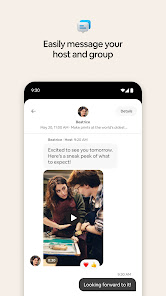
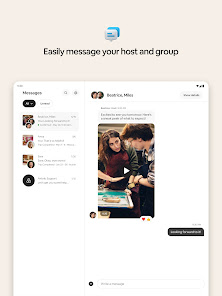
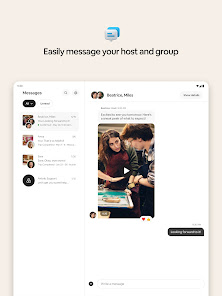
If you want to contact the host before booking, tap on their profile picture and then tap "Message." This will open up a chat window where you can ask any questions about the listing or send them a general inquiry about your travel dates.
When you're ready to book a stay, tap on "Request to Book." This will send a request to the host

 Unique accommodations for diverse experiences Affordable options for various budgets Local hosts provide insider tips and insights Flexible booking and cancellation policies available Global reach with listings in countless destinations
 Inconsistent quality across listings leads to surprises. Hosts may cancel reservations last minute unexpectedly. Limited customer service response during emergencies. Local regulations can complicate bookings and legality.
 Yes, Airbnb collects personal data to provide services, improve user experience, and ensure safety, including information such as your name, email, and payment details.
Airbnb does not offer a free trial or free version, but users can sign up for free to browse listings and use the platform without booking.
Yes, an internet connection is required to access Airbnb's services, whether you are browsing listings, booking accommodations, or communicating with hosts.
You can contact Airbnb support through their website or app by accessing the Help Center, where you can find answers to common questions or submit a request for assistance.
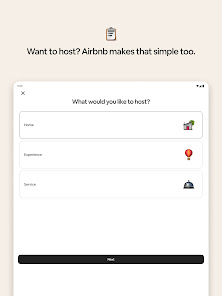
Since Airbnb does not have subscription plans for users, there is no subscription to manage or cancel; however, hosts can manage their listings and bookings through their account settings.
AirbnbHelp.













 Google Play
  App Store