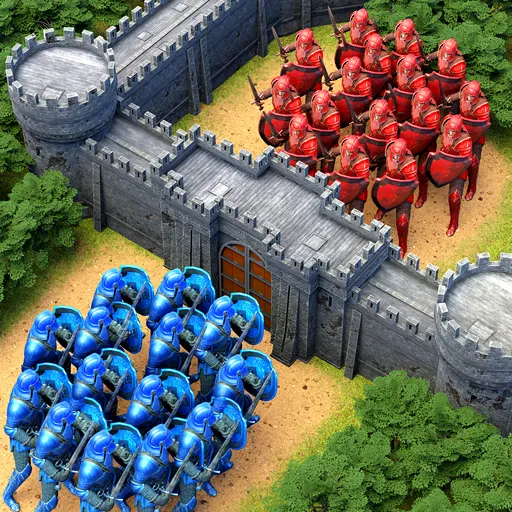


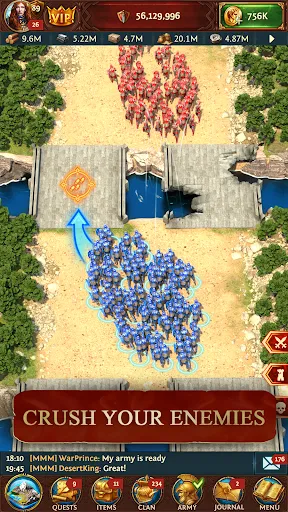
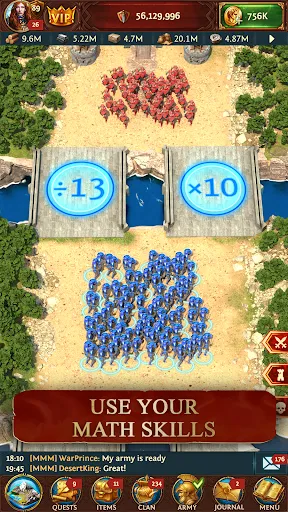
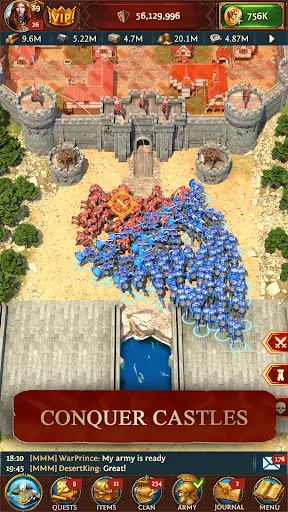
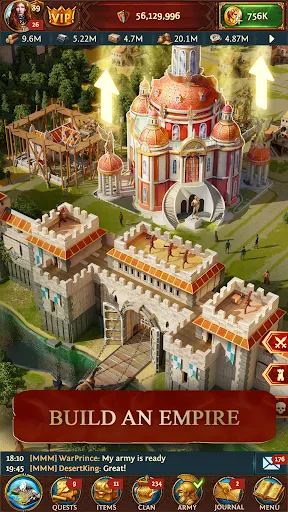
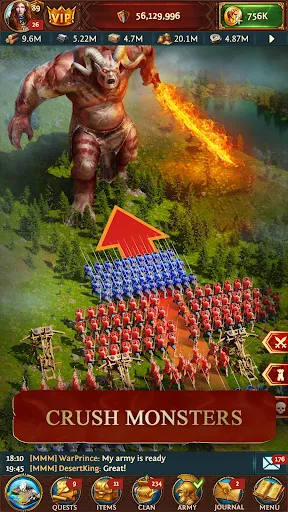
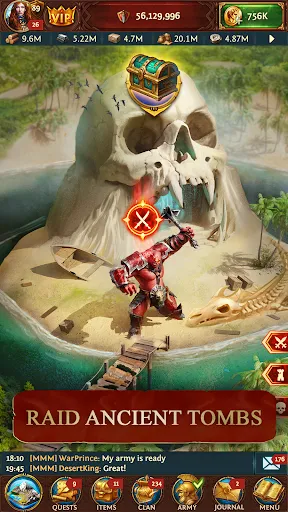
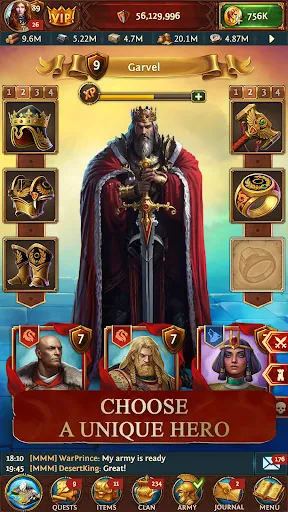
Total Battle: War of Empires is a captivating strategy game that combines engaging gameplay with intricate mechanics. One of the standout features is its deep resource management system, where players must gather, manage, and allocate resources effectively to build their empires. The game offers a wide range of units and troops, allowing players to customize their armies according to their strategic preferences. Additionally, the game includes a rich storyline filled with quests and missions that keep players engrossed. The multiplayer aspect enables players to form alliances, participate in clan wars, and compete against others on a global scale. The graphics are visually appealing, enhancing the immersive experience. The game also features regular updates and seasonal events, providing fresh content and challenges for players to explore. To begin your journey in Total Battle: War of Empires, start by downloading the game from your preferred app store. Once installed, create an account or log in if you already have one. The initial tutorial will guide you through the basic mechanics, including how to gather resources, build structures, and train troops. It’s crucial to follow these instructions to establish a strong foundation for your empire. As you progress, focus on upgrading your buildings and expanding your territory. Participate in quests to earn rewards and strengthen your army. Engage with other players by joining alliances, which can provide vital support in battles. Don’t forget to strategize your attacks, considering the strengths and weaknesses of your enemies. Regularly check for updates and events to maximize your gameplay experience and stay competitive. Total Battle: War of Empires comes with its fair share of advantages. One of the key pros is its engaging gameplay that combines strategy, resource management, and social interaction. The graphics and animations are well-designed, enhancing the overall experience. The community aspect is also strong, with alliances fostering teamwork and collaboration among players. Additionally, the range of events and updates keeps the game fresh and exciting. However, there are also some drawbacks to consider. The learning curve can be steep for new players, as mastering the various mechanics and strategies takes time. Some players may find the in-game purchases necessary for more competitive play, which could be a turn-off for those who prefer free-to-play experiences. Lastly, server stability can occasionally be an issue, leading to connection problems during crucial gameplay moments.Features of Total Battle: War of Empires
How to Use Total Battle: War of Empires
Pros & Cons of Total Battle: War of Empires

 Engage in strategic battles with real-time decision-making and tactical planning. Build and customize your empire, enhancing resources and defenses. Form alliances with players worldwide for collaborative gameplay and support. Enjoy stunning graphics and immersive gameplay that enhance your experience. Regular updates and events keep the game fresh and exciting.
 Gameplay can become repetitive over time, reducing long-term engagement. Resource management is often overwhelming for new players, causing frustration. In-app purchases can create a pay-to-win environment, disadvantaging free players.
  Google Play
  App Store
 Yes, players can submit suggestions or feedback through the app’s support section or official website, where developers welcome user input to improve the game.
Yes, the app collects certain personal data to enhance user experience and for in-game functionalities, as outlined in its privacy policy.
Total Battle: War of Empires requires an internet connection to play, as many features, including multiplayer elements, are online-based.
You can cancel your subscription through the app store settings on your device, following the respective procedures for iOS or Android.
The subscription cost for Total Battle: War of Empires may vary based on the chosen plan, with various options available for players looking for enhanced features.
Yes, you can log in from multiple devices as long as you use the same account credentials.
You can reach Customer Service through the in-game support option or by emailing support
You can submit a ticket through the in-game support feature or email us directly for prompt assistance.
To activate your account, check your email for a verification link and follow the instructions provided.
Customer Numbers are unique and cannot be changed. If you have concerns, please contact Customer Service for assistance.