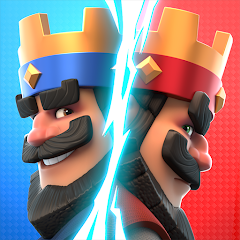


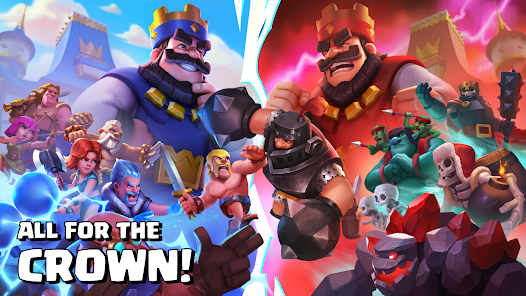
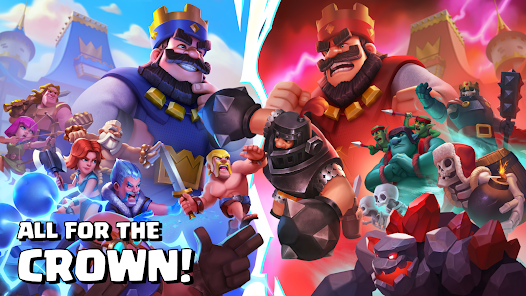
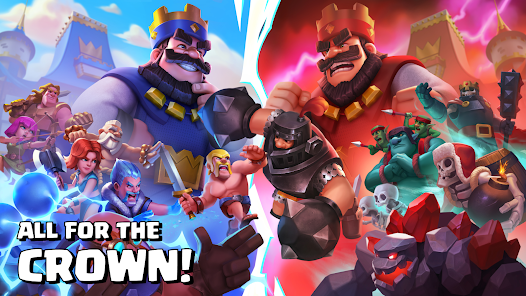
Clash Royale is one of the most popular mobile apps on the market right now. With over 200 million downloads, it's no wonder! But what makes this game so addictive? For one thing, it's a strategic card game that challenges players to build the best deck possible and defeat their opponents. Not only is this a fun pastime, but it also teaches users how to think strategically. To top it all off, Clash Royale is free to download and play! So what are you waiting for? Download the app today and start learning how to strategize like a pro!
Features of Clash Royale App
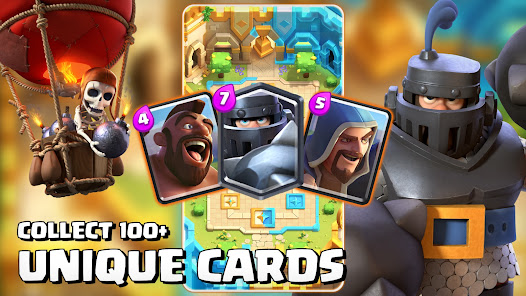
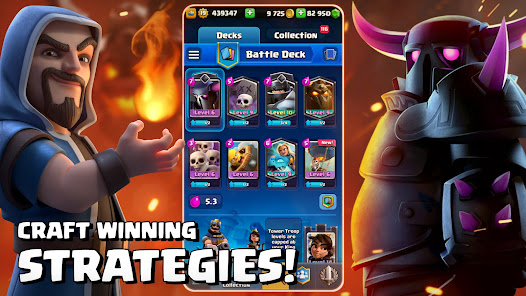
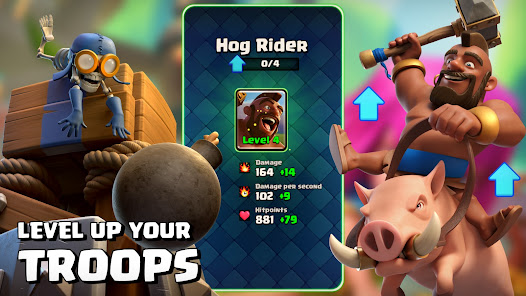
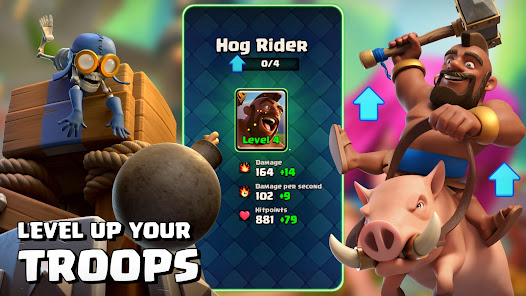
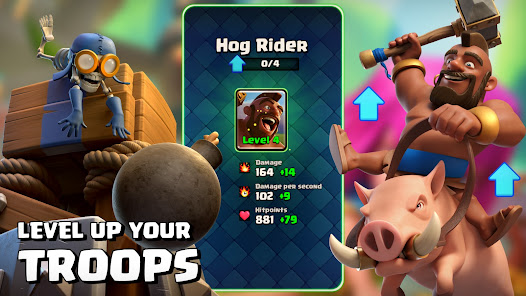
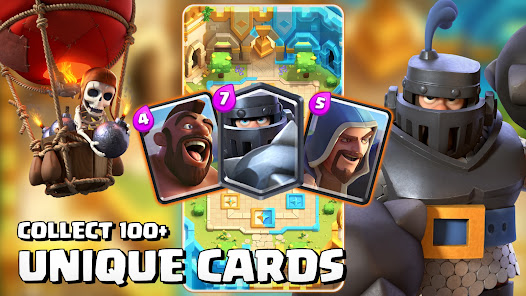
Clash Royale is a dynamic real-time strategy game that combines elements of collectible card games, tower defense, and multiplayer online battles. One of its standout features is the diverse selection of cards, which players can collect and upgrade. These cards represent various troops, spells, and buildings, allowing for strategic deck-building to suit individual play styles.
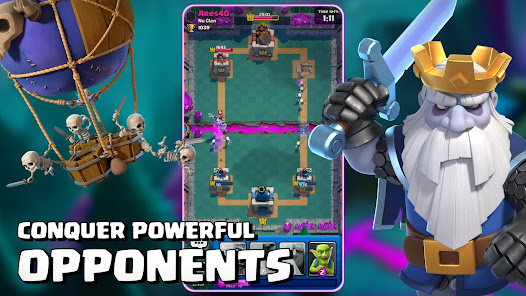
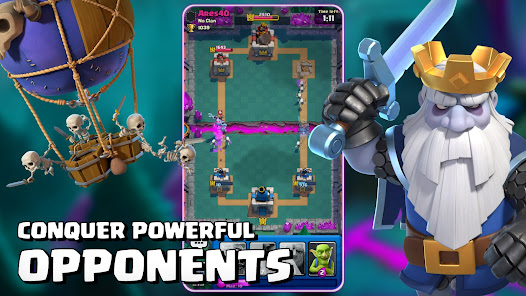
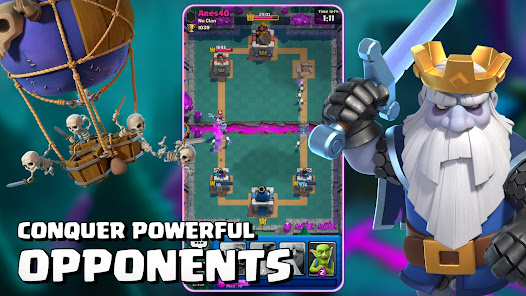
Another notable feature is the engaging PvP battles, where players compete against opponents from around the world in fast-paced 1v1 or 2v2 matches. The game encourages skillful tactics and quick thinking, as players must adapt their strategies in real-time. Additionally, Clash Royale offers clan systems, enabling players to join forces with friends, share cards, and participate in clan wars for exclusive rewards.
Regular updates introduce new cards, balance changes, and special events, keeping the gameplay fresh and exciting. The game also includes a progression system, allowing players to earn trophies, chests, and in-game currency, enhancing the overall experience. With vibrant graphics and intuitive controls, Clash Royale provides an engaging platform for gamers seeking competitive strategy.
How to Use Clash Royale App
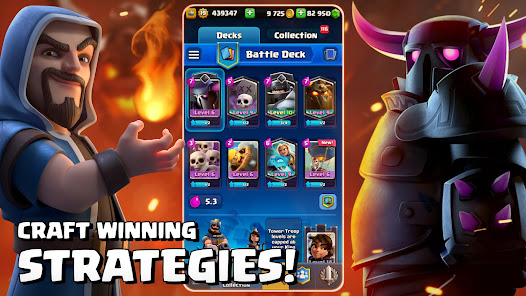
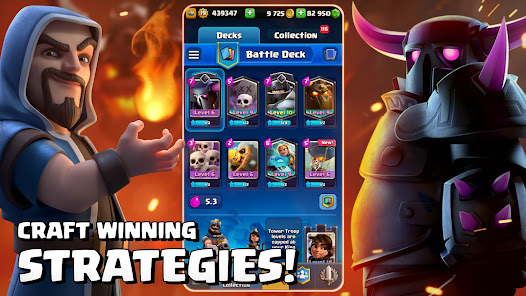
To get started with Clash Royale, begin by downloading the app from your device's app store and creating an account. Once you launch the game, you’ll be greeted with a tutorial that guides you through the basics of gameplay, including how to deploy troops, cast spells, and defend your towers. Familiarize yourself with the user interface, which includes your deck, battle area, and card options.
Building your deck is crucial; select a combination of cards that complement each other and suit your strategy. Engage in battles against other players to gain experience and trophies. Winning matches earns you chests, which contain cards and resources that help upgrade your units. Joining a clan can enhance your experience, allowing you to share strategies, donate cards, and participate in clan wars for additional rewards.
Regularly check for special events and challenges that can provide unique rewards and opportunities to test your skills. Take advantage of the game’s social features by connecting with friends and competing in friendly battles. With practice and strategy, you’ll improve your gameplay and climb the leaderboards in no time.
Pros & Cons of Clash Royale App
Clash Royale offers several advantages that make it a popular choice among mobile gamers. One of the primary pros is its engaging gameplay, which combines strategy, skill, and real-time action. The variety of cards and deck customization allows players to experiment with different strategies, making each match unique. Additionally, the social features, such as clans and friendly battles, foster a sense of community and collaboration among players.
On the downside, Clash Royale can be somewhat challenging for new players due to its steep learning curve. The competitive nature of the game might also lead to frustration, especially when facing opponents with higher-level cards or more experience. Moreover, while the game is free to play, it includes in-app purchases that can provide an advantage to players willing to spend money. This aspect can create a disparity between paid and free players, potentially affecting the overall balance of the game.
In conclusion, Clash Royale stands out as an entertaining and strategic mobile game, but it comes with its own set of challenges. Players should weigh the pros and cons to determine if it aligns with their gaming preferences.

 Fast-paced and thrilling multiplayer battles Strategic card collection and deck customization Regular updates with new content and features Engaging community and competitive esports scene Accessible on mobile devices for on-the-go play
 Pay-to-win elements can hinder fair competition Limited deck variety may lead to repetitive gameplay Matchmaking can be unbalanced for lower-level players Frequent updates might disrupt game balance and strategy
 Yes, Clash Royale may collect personal data as outlined in its privacy policy, including information related to your account, gameplay, and device. Users are encouraged to review the privacy policy for detailed information.
Clash Royale is free to download and play, offering in-game purchases for various items and upgrades, but there is no specific free trial period.
Yes, Clash Royale requires a stable internet connection to play, as it is a multiplayer online game that involves real-time interactions with other players.
You can contact Clash Royale support or send feedback through the in-game settings menu, where you will find an option for "Help and Support." Alternatively, you can visit the official Supercell support website for additional assistance.
You can manage or cancel your Clash Royale subscription through your device's app store settings, either on the App Store for iOS devices or the Google Play Store for Android devices. Instructions are typically available in the subscription section of the store.
If you have a Supercell ID, simply log in with it to activate your account. Otherwise, ensure you're connected to the same platform you used previously.
You can reach Clash Royale customer service by tapping on the settings gear in the game, selecting 'Help and Support', or through the official Supercell website.
Log in by opening the game and selecting your preferred login method, such as Google Play, Game Center, or Supercell ID.
Clash Royale does not provide a direct customer number; instead, use the in-game support feature for assistance.






 Google Play
  App Store