

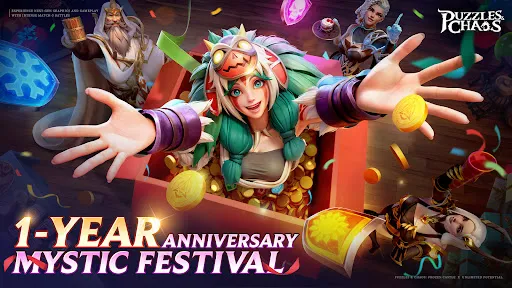
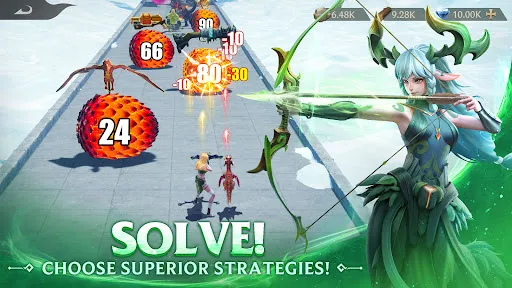

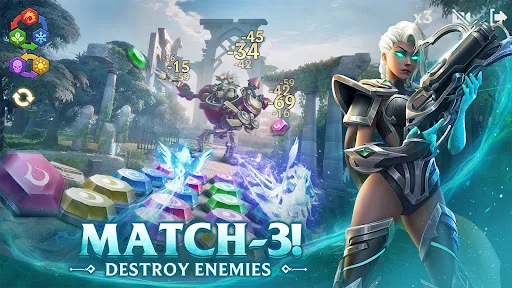
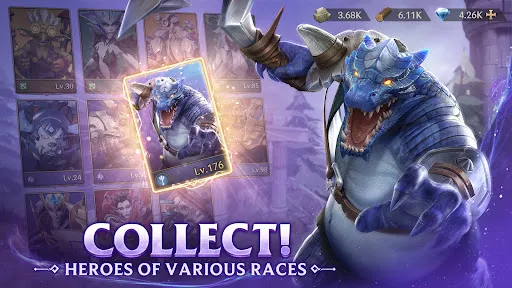
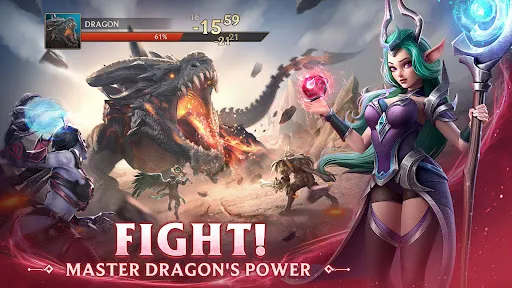
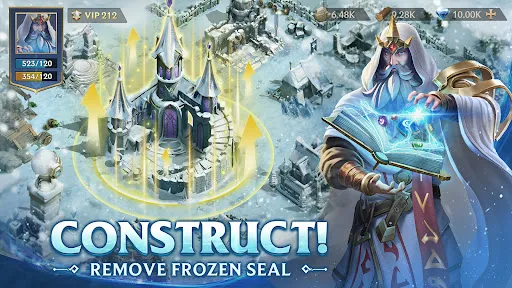
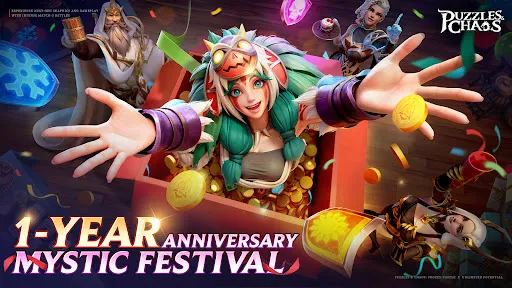
Puzzles & Chaos: Frozen Castle is an engaging match-3 puzzle game that offers a unique blend of challenging gameplay and captivating storytelling. Players can immerse themselves in beautifully designed levels filled with intricate puzzles that require strategic thinking to solve. The game features a variety of characters, each with their unique abilities and backstories, adding depth to the gameplay and enhancing player engagement. Additionally, the game includes various power-ups and boosters that can help players achieve higher scores and clear levels more efficiently. The vibrant graphics and enchanting soundtrack contribute to an immersive gaming experience, making it appealing to both casual and hardcore gamers. Regular updates introduce new levels and challenges, ensuring that players always have fresh content to explore. Multiplayer options allow friends to compete in challenges, adding a social element to the game. To begin playing Puzzles & Chaos: Frozen Castle, players must first download the game from their preferred app store and create an account. Once inside the game, players are guided through an introductory tutorial that explains the basic mechanics and objectives. The primary goal is to match three or more identical tiles to clear them from the board and earn points. Players can navigate through various levels, each presenting distinct challenges and obstacles. Utilizing special abilities unique to each character can aid in overcoming difficult puzzles. As players progress, they can unlock new characters and power-ups, which play a crucial role in achieving higher scores. Regular participation in events and challenges can yield rewards, making the gameplay more rewarding and engaging. Overall, the game's intuitive controls make it easy for players of all ages to enjoy the experience. Puzzles & Chaos: Frozen Castle presents several advantages that enhance its appeal. One of the most significant pros is the captivating graphics and engaging storyline, which keep players invested in the game. The variety of puzzles and the introduction of unique characters add layers of strategy, preventing the gameplay from becoming monotonous. Furthermore, the community-driven multiplayer features allow players to connect and compete with friends, fostering a sense of camaraderie. However, there are a few cons to consider. Some players may find the in-game purchases necessary to progress at higher levels, which could deter those who prefer a free-to-play experience. Additionally, the difficulty curve can be steep, leading to frustration for casual gamers. Occasional bugs and performance issues can also disrupt the gaming experience. Balancing these pros and cons will ultimately determine whether Puzzles & Chaos: Frozen Castle is the right fit for each player.Features of Puzzles & Chaos: Frozen Castle
How to Use Puzzles & Chaos: Frozen Castle
Pros & Cons of Puzzles & Chaos: Frozen Castle

 Engaging storyline that captivates players from the start Challenging puzzles enhance critical thinking and problem-solving skills Stunning visuals create an immersive gaming experience Frequent updates introduce new content and challenges Multiplayer options foster social interaction and teamwork
 Limited character development may hinder emotional connection with players. Gameplay can become repetitive, leading to boredom over time. The steep difficulty curve may frustrate casual gamers seeking a relaxed experience.
  Google Play
  App Store
 Yes, players are encouraged to submit suggestions or feedback through the app's support section or official social media channels.
The app may collect personal data as outlined in its privacy policy, primarily for account management and gameplay personalization.
Yes, players can enjoy certain aspects of Puzzles & Chaos: Frozen Castle offline, although some features may require an internet connection for full access.
To cancel your subscription, you can follow the instructions provided in the app store or within your account settings in the app.
Subscription pricing can vary, but detailed information about costs can typically be found within the app or on the app store page.
Unfortunately, customer numbers cannot be changed. If you have issues, please contact customer service for further assistance.
No, each customer number is unique to one account. If you need additional accounts, you'll need to register separately.
You can reach our customer service via the in-game support option or email us at support
To activate your account, simply follow the link sent to your email after registration and follow the instructions provided.
To update your email, log into your account settings and follow the prompts, or contact customer service for help.