

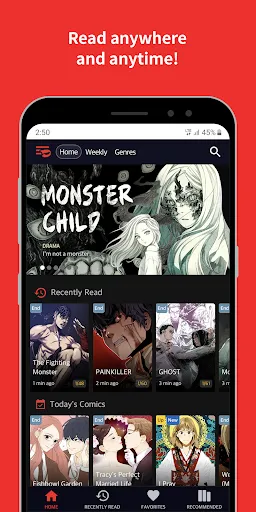
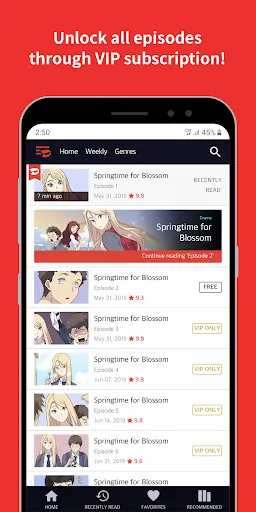
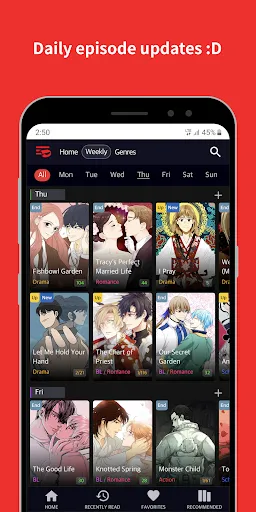
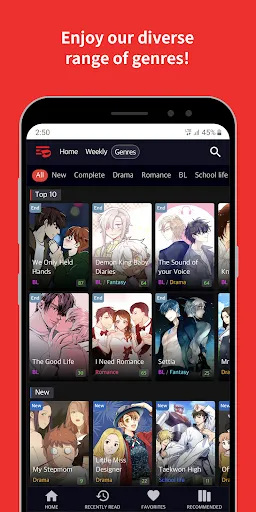
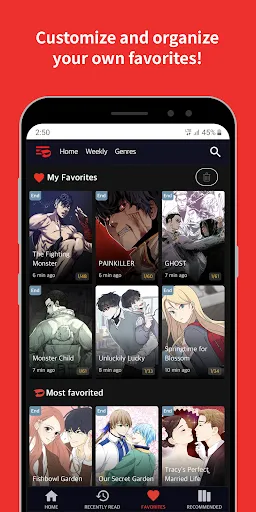
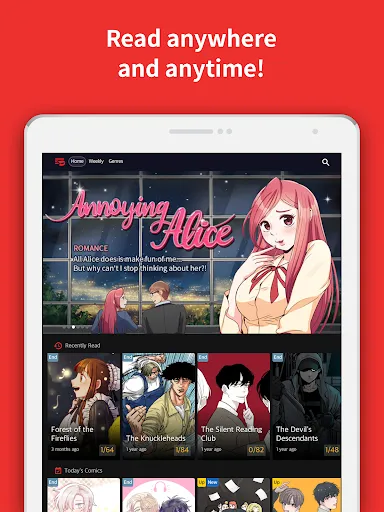
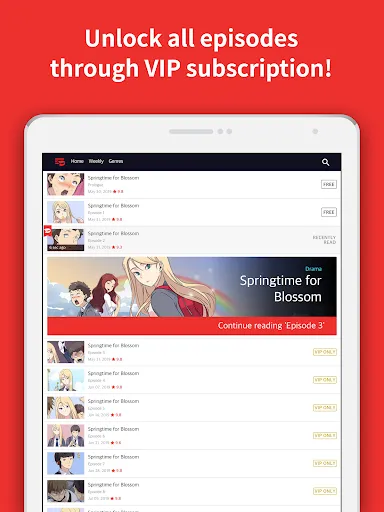
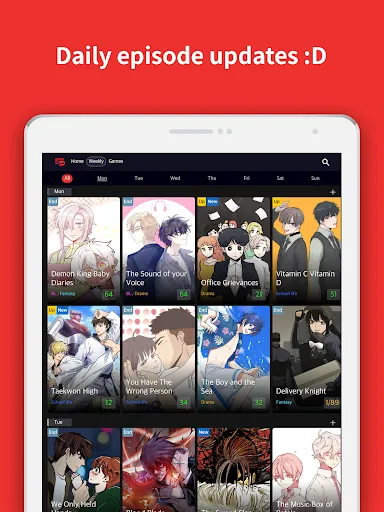
Toomics - Read Premium Comics offers an extensive library of high-quality comics across various genres, including action, romance, fantasy, and horror. The app is designed to cater to a diverse audience, allowing readers to discover new titles and series that suit their interests. One of its standout features is its user-friendly interface, which enables seamless navigation through different categories and collections. Users can easily bookmark their favorite comics for quick access later. Another notable feature is the regular updates of new chapters and series, ensuring that readers have fresh content to enjoy regularly. The app also provides an offline reading option, allowing users to download their favorite comics and read them without an internet connection. Additionally, Toomics supports a community-driven aspect, where readers can engage with each other through comments and ratings, enhancing the overall reading experience. Overall, Toomics provides a comprehensive platform for comic enthusiasts to indulge in their passion. Using Toomics - Read Premium Comics is straightforward and user-friendly. First, download the app from your preferred app store and create an account to unlock the full range of features. Once you're logged in, you can browse through the extensive collection of comics available in various genres. The search function allows you to find specific titles or explore trending series easily. To start reading, simply select a comic that interests you, and you can begin at the latest chapter or go back to earlier ones. The app allows you to customize your reading experience by adjusting settings like brightness and page layout. Additionally, you can add comics to your favorites list for quick access. To stay updated on new releases, enable notifications for alerts on the latest chapters. Overall, Toomics offers a simple yet engaging way to enjoy premium comics. Toomics - Read Premium Comics has several advantages that make it a popular choice among comic readers. One of the primary pros is the vast selection of comics available, which appeals to a wide audience. The platform frequently updates its content, ensuring that users always have access to new stories and chapters. The offline reading feature is also a significant advantage, allowing users to enjoy their favorite comics anytime, anywhere. However, there are some drawbacks to consider. The subscription model may not be ideal for all users, as some may prefer to pay per comic rather than committing to a monthly fee. Additionally, while the app generally runs smoothly, occasional bugs or glitches can disrupt the reading experience. Lastly, some users have noted that not all series are available in every region, limiting access to certain titles. Weighing these pros and cons can help potential users decide if Toomics is the right platform for their comic reading needs.Features of Toomics - Read Premium Comics
How to Use Toomics - Read Premium Comics
Pros & Cons of Toomics - Read Premium Comics

 Enjoy a vast library of exclusive premium comics tailored for all tastes. Immerse yourself in high-quality artwork that enhances your reading experience. Access new chapters regularly, ensuring fresh content for avid readers. Discover a user-friendly interface for seamless navigation and reading enjoyment. Join a vibrant community of comic lovers to share and discuss your favorites.
 Limited selection of comics may not satisfy all readers' preferences High subscription costs can deter casual users Frequent ads disrupt the reading experience and immersion
  Google Play
  App Store
 Yes, users can submit suggestions or feedback through the app's support or feedback feature, allowing them to share their thoughts directly with the development team.
Toomics may collect personal data as outlined in their privacy policy, which typically includes information necessary for account management and service improvement.
Yes, Toomics allows users to download comics for offline reading, making it convenient to enjoy content without an internet connection.
Users can cancel their subscription through the app settings or the respective app store's subscription management section, depending on their device.
Subscription costs for Toomics vary based on the plan chosen, with options for monthly or yearly subscriptions available.
Unfortunately, you cannot change your Customer Number. If you need help, please contact Customer Service.
Yes, you can log in using your social media accounts if you linked them during registration.
You can reach our Customer Service via the support section in the app or website. We’re here to help!
To activate your account, click the activation link sent to your email after registration.
To activate your subscription, log in to your account and follow the prompts for subscription activation in the settings.