


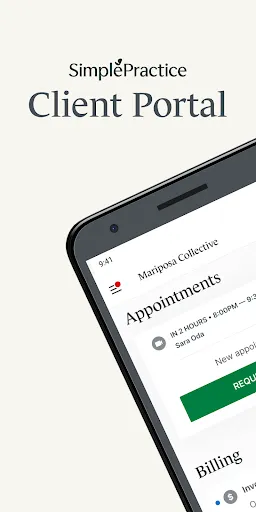
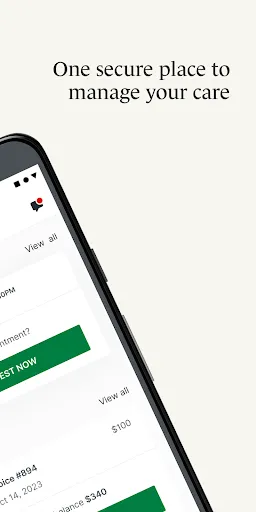
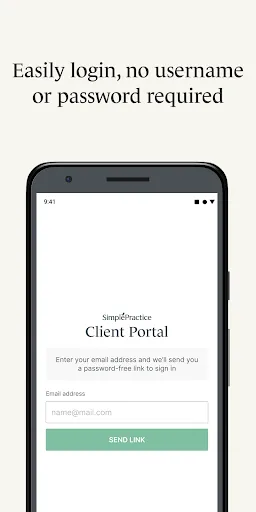
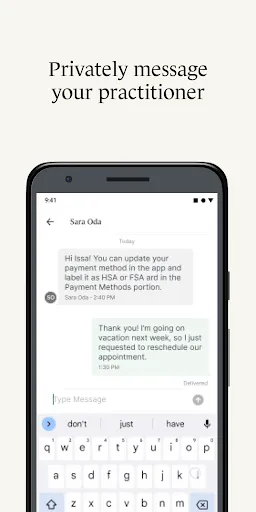
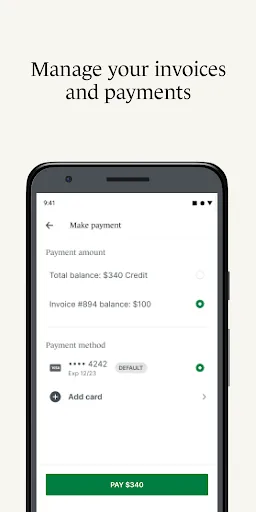
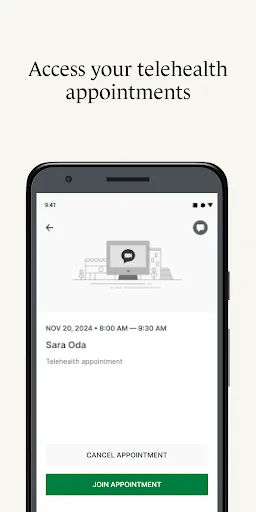
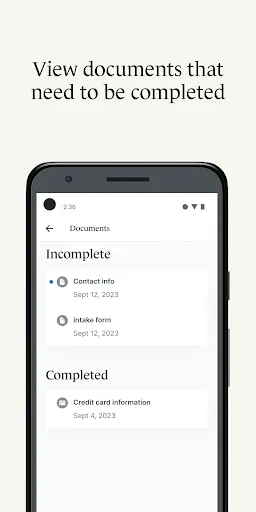
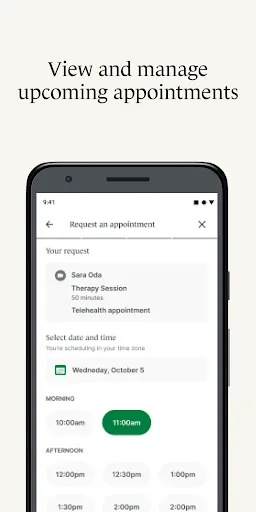
The SimplePractice Client Portal offers a variety of features that enhance both client and practitioner experiences. One of the primary features is the ability for clients to securely communicate with their therapists or practitioners through a built-in messaging system. This ensures privacy while allowing for effective communication regarding appointments and treatment plans. Another key feature is the online appointment scheduling, which allows clients to book, reschedule, or cancel appointments at their convenience. This reduces the back-and-forth communication typically required to manage scheduling. Additionally, clients can access their billing information, view upcoming appointments, and make payments directly through the portal, streamlining the administrative process. Furthermore, the portal supports document sharing, enabling practitioners to send important forms and documents directly to clients. This can include treatment plans, consent forms, and educational materials. Overall, the SimplePractice Client Portal enhances accessibility and communication, making it easier for clients to engage actively in their treatment journey. Using the SimplePractice Client Portal is a straightforward process designed for both clients and practitioners. To start, clients must receive an invitation from their practitioner to create an account. This invitation typically includes a link that directs them to the portal, where they can set up their profile by entering necessary personal information and creating a secure password. Once logged in, clients can navigate the portal to access various features. They can schedule appointments, view their treatment history, or communicate with their practitioner through the messaging system. It’s also possible to fill out any required intake forms directly in the portal, enhancing the efficiency of the initial consultation process. For payments, clients can view outstanding balances and make payments online, providing a seamless experience. Additionally, the portal allows clients to receive notifications and reminders about upcoming appointments, ensuring they stay informed about their treatment schedule. Overall, the SimplePractice Client Portal is user-friendly and designed to facilitate efficient interaction between clients and practitioners. Like any platform, the SimplePractice Client Portal has its advantages and disadvantages. One of the primary pros is its user-friendly interface, which makes it easy for clients of all ages to navigate. The comprehensive features, including secure messaging, online scheduling, and payment processing, enable a streamlined experience for both clients and practitioners, enhancing communication and efficiency. Another significant advantage is the high level of security it offers, ensuring that sensitive client information remains confidential. This is crucial in the healthcare field, where privacy is a top priority. Additionally, the portal is accessible from various devices, allowing clients to manage their appointments and communications conveniently from anywhere.Features of SimplePractice Client Portal
How to Use SimplePractice Client Portal
Pros & Cons of SimplePractice Client Portal

 Enhances client engagement with easy access to services and information Streamlines appointment scheduling, reducing no-shows and cancellations Facilitates secure messaging for confidential communication between clients and therapists Offers convenient online billing and payment options for clients' ease Provides access to resources and documents, empowering clients in their care
 Limited customization options may not fit all practice needs. User interface can be overwhelming for some clients. Integration with third-party tools may be lacking or complex.
  Google Play
  App Store
 Yes, users can submit suggestions and feedback through the app or by reaching out to SimplePractice's customer support team.
Yes, SimplePractice Client Portal collects personal data necessary for managing appointments, communication, and billing, while adhering to strict privacy and security standards.
No, SimplePractice Client Portal requires an internet connection to access its features and manage client information.
You can cancel your subscription through your account settings within the app or by contacting SimplePractice support for assistance.
Subscription costs vary based on the plan selected, starting from a monthly fee that can be tailored to the needs of individual practitioners or practices.
Yes, customer service is available to assist you with any account activation issues you may encounter. Just reach out for support.
To activate your account, check your email for an activation link and follow the instructions provided. If you need help, reach out to customer service.
You can reach customer service through the support section of the SimplePractice website or by emailing support
You can update your customer information by logging into your account and navigating to the account settings section.
Customer service contact information is available on the SimplePractice website under the support section.