



0

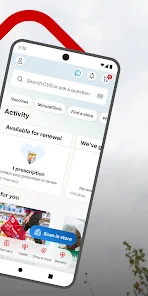
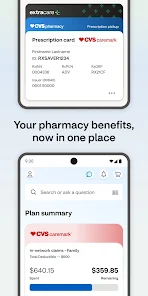
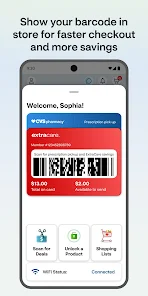
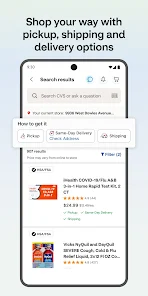
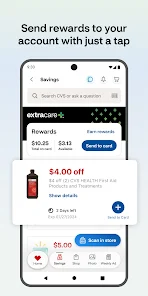
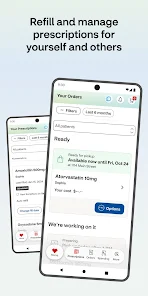
 Comprehensive healthcare services enhance patient convenience and accessibility. Innovative digital tools improve health management and patient engagement. Nationwide network of pharmacies ensures easy medication access for customers. Dedicated focus on preventive care promotes healthier lifestyles and reduces costs. Strong commitment to community health initiatives strengthens local well-being.
 High prices for medications can burden customers financially. Limited store hours may inconvenience patients needing urgent care. Complicated insurance processes can create confusion for customers seeking services.
  Google Play
  App Store
 Yes, users can submit suggestions or feedback through the app's support feature or contact CVS Health customer service directly for any inquiries or comments.
Yes, the CVS Health app collects personal data to provide tailored services, manage prescriptions, and enhance user experience, but it adheres to privacy regulations.
While certain features of the CVS Health app may be accessible offline, most functionalities, such as prescription refills and health updates, require an internet connection.
Since the CVS Health app does not require a subscription, there is no cancellation process; users can simply stop using the app if they choose.
As of now, there is no subscription fee associated with the CVS Health app, as it is primarily designed to be a free resource for users.
Unfortunately, customer numbers cannot be changed. If you need help, please contact customer service.
You can reach CVS Health customer service by calling the number on the back of your customer card or visiting our website for more options.
To activate your account, click the activation link in your welcome email and follow the prompts to set up your profile.
To log in, visit the CVS Health website, enter your email and password, then click 'Log In'.
You can update your customer information by logging into your account and navigating to the 'Profile' section.