

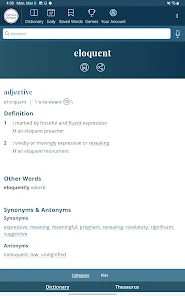
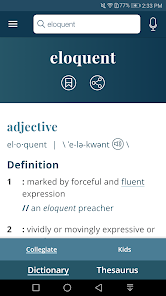
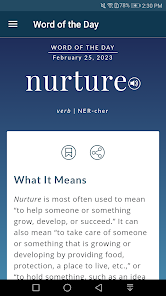
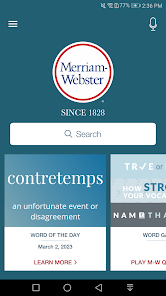
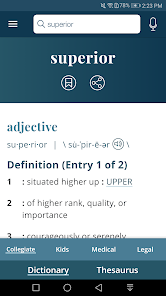
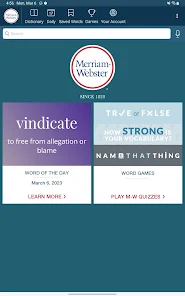
Get America’s most useful and respected dictionary, optimized for your Android device. This is the best Android app for English language reference, education, and vocabulary building.
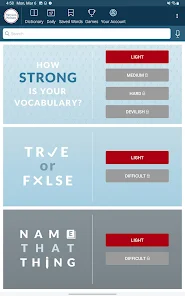
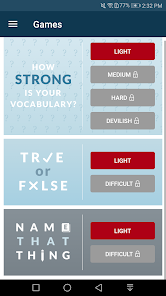
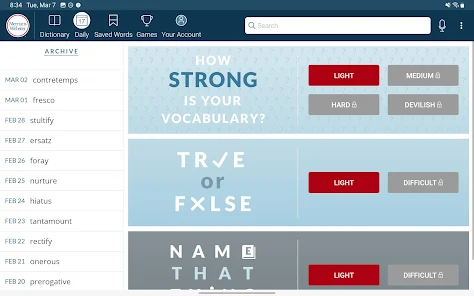
We’ve added new word games! It’s never been more fun to learn new words and test your vocabulary for everyone from English learners to total word nerds.
The app is free, and supported by ads. To remove ads, a subscription is available.
No internet connection is required to view the definitions or thesaurus (although you do need a connection to view illustrations, hear audio pronunciations, and use voice search).
Features:
* New Vocabulary-Building Quizzes: fun, fast quizzes to learn new words or test your vocabulary
* Additional vocabulary-building resources available with in-app purchase
* Voice Search: look up a word without having to spell it
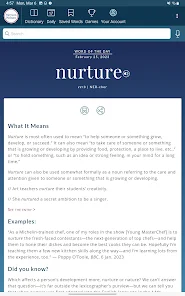
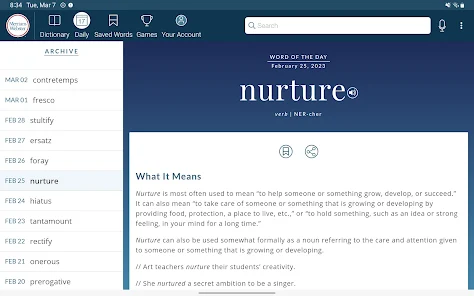
* Word of the Day: learn a new word every day
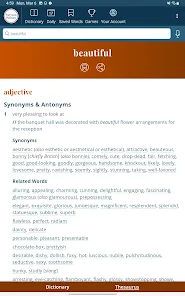
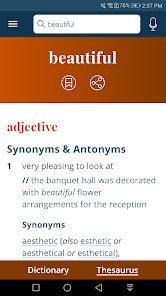
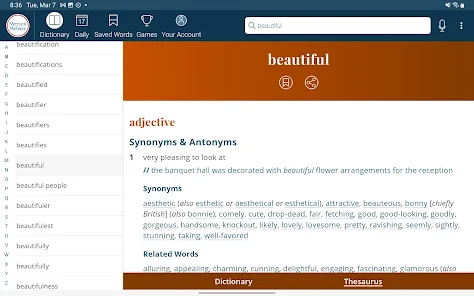
* Integrated Thesaurus: synonyms & antonyms are included with the dictionary
* Example Sentences: understand how a word is used in context
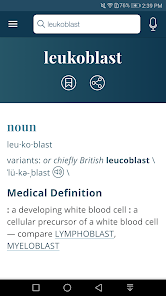
* Quick Definitions: perfect for on-the-go lookups
* Audio Pronunciations: voiced by real English
speakers, not text-to-speech robots
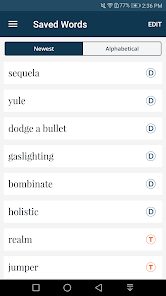
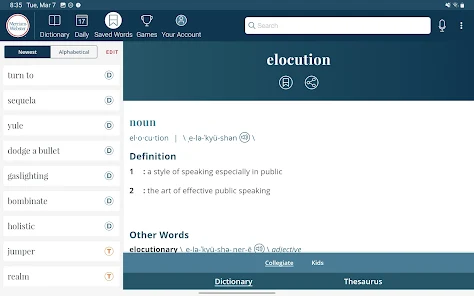
* Favorite Words and Search History: Keep track of the words that are most important to you
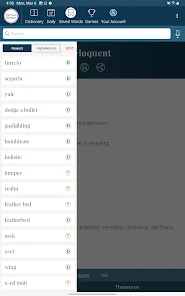
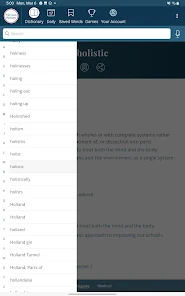
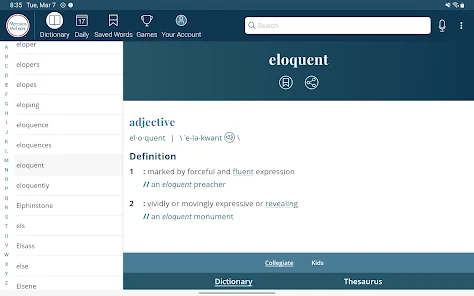
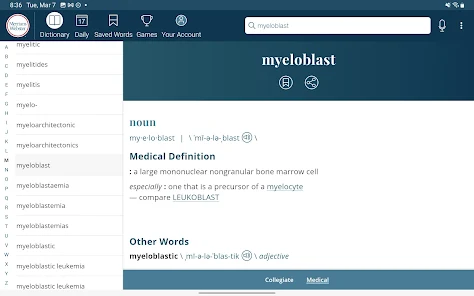
* For tablets: Scrolling Index - lets you browse the entire dictionary

 Comprehensive definitions for clarity and understanding User-friendly interface for easy navigation Includes pronunciation guides for accurate speaking Offers word origins for deeper insight Regular updates ensure current language trends
 Limited coverage of slang and modern terms Definitions can be overly complex for casual users Lacks audio pronunciation for some words Subscription model may deter some users
  Google Play
  App Store
 Dictionary - Merriam-Webster may collect certain personal data to improve app functionality and user experience, but it adheres to privacy policies that outline what data is collected and how it is used.
Yes, Dictionary - Merriam-Webster offers a free version with basic features, as well as a premium subscription that provides additional functionalities and content.
While some features of Dictionary - Merriam-Webster require an internet connection, such as accessing new content and updates, the app also offers offline access to previously downloaded definitions and resources.
You can contact support or send feedback through the app's help section or by visiting the official Merriam-Webster website, where you can find additional support resources and contact information.
You can manage or cancel your subscription through your device's app store settings, where you can find subscription management options for apps you have enrolled in.
Yes, please check your spam folder. If you still can’t find it, contact customer service for help.
After signing up, check your email for the activation link and follow the instructions to activate your account.
You can reach our customer service team via the contact form on our website or by calling the provided phone number.
Click the "Log In" button on the website, enter your email and password, then click "Submit."
Ensure your email and password are correct. If you still can't log in, try resetting your password or contact customer service.