

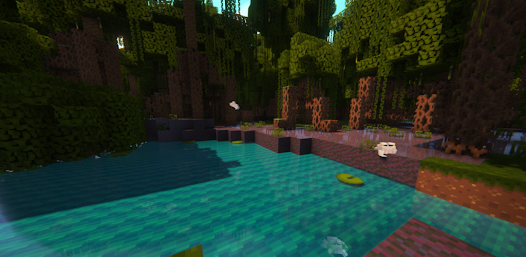
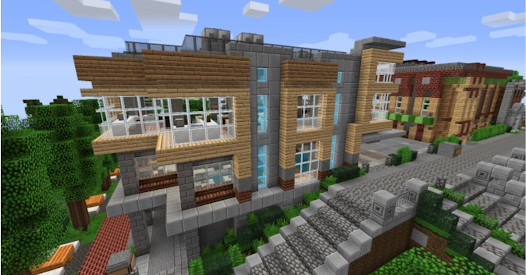
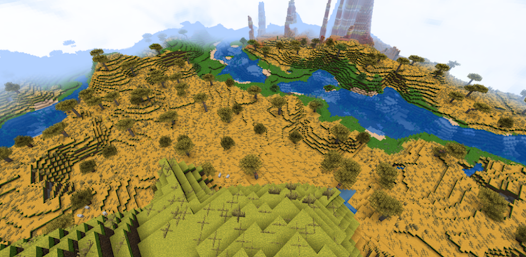
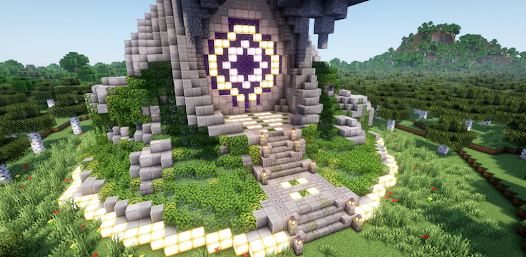

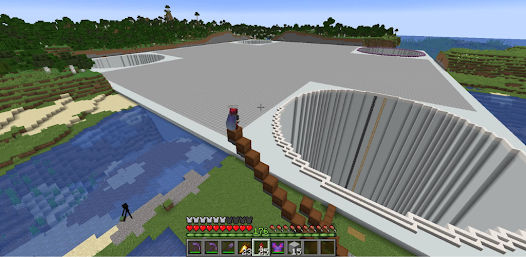
"Craft Explore: Block Builder" is an innovative app designed for creative minds who enjoy building and designing in a block-based environment. One of its standout features is the extensive library of blocks, which includes various materials and textures, allowing users to create intricate structures and landscapes. The app also offers a user-friendly interface that simplifies the building process, making it accessible for both beginners and experienced builders.
Another notable feature is the multiplayer mode, enabling users to collaborate with friends or other players in real-time. This fosters a sense of community and encourages teamwork in building projects. Additionally, the app includes a tutorial section that guides users through the basics of block building, ensuring that everyone can get started quickly. The ability to save and share creations with others adds a social element, allowing users to showcase their work and gain inspiration from the community. Overall, "Craft Explore: Block Builder" combines creativity, collaboration, and ease of use, making it a must-have for block-building enthusiasts.
Using "Craft Explore: Block Builder" is straightforward and intuitive, making it easy for users to dive into their creative projects. Upon launching the app, users are greeted with a clean interface that allows for easy navigation. To start building, simply select the type of block you wish to use from the extensive library. Users can choose from various categories, including natural materials, decorative blocks, and functional items.
Once a block is selected, users can place it in the virtual environment by tapping on the desired location. The app supports a range of building techniques, such as stacking, rotating, and resizing blocks, which adds depth to the construction process. For those new to block building, the tutorial section provides step-by-step instructions and tips to enhance skills. Additionally, users can save their projects and revisit them later, or share them with friends for collaborative building. Overall, the app's design encourages creativity and experimentation, making it a delightful experience for users of all ages.
Like any application, "Craft Explore: Block Builder" has its advantages and disadvantages. One of the primary pros is its user-friendly interface, which makes it accessible for users of all skill levels. The extensive library of blocks allows for a high degree of creativity, enabling users to build unique structures. The multiplayer feature is another significant advantage, as it fosters collaboration and community engagement among users. Additionally, the app's tutorial section is beneficial for beginners, helping them learn the ropes quickly.
On the downside, some users may find that the app lacks advanced features that more experienced builders might desire, such as complex physics or intricate design tools. Additionally, the app may require a stable internet connection for multiplayer functionality, which could be a limitation for some users. There may also be occasional bugs or performance issues that can disrupt the building experience. Overall, while "Craft Explore: Block Builder" offers a fun and engaging platform for creativity, it may not fully satisfy those looking for more advanced building capabilities.

 Craft Explore: Block Builder offers a variety of advantages that enhance your building experience. Easily create stunning layouts! Customize blocks with a click! User-friendly drag-and-drop design! Access a library of templates! Collaborate seamlessly with others!
 Limited customization options Steep learning curve for users Performance issues on older devices Lack of extensive templates
  Google Play
  App Store
 The app is suitable for users of all ages, but parental guidance is recommended for younger players. It’s advisable to review the app's content and community interactions to ensure a safe experience.
Yes, Craft Explore: Block Builder often hosts challenges and events that encourage creativity and participation. Users can compete for rewards and recognition within the community.
Yes, while the app is free to download and play, there may be in-app purchases available for additional features, special blocks, or customization options. Users can choose to purchase these items to enhance their building experience.
Absolutely! The app supports multiplayer features, enabling you to invite friends to collaborate on building projects in real-time, enhancing the creative process with teamwork.
Yes, users have the option to customize their avatars with various skins, outfits, and accessories. You can express your personal style while exploring and building in the game.
The customer support number is typically listed in the app's help section or the official website's contact page.
You can reach customer service through the app's settings or the official website for support options.
Open the app, tap on the login option, and enter your registered email and password.
Activation is usually automatic upon downloading; just open the app and follow the on-screen instructions.