


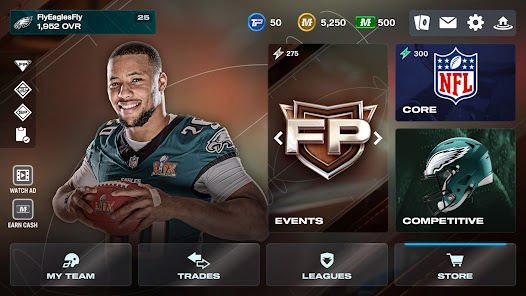
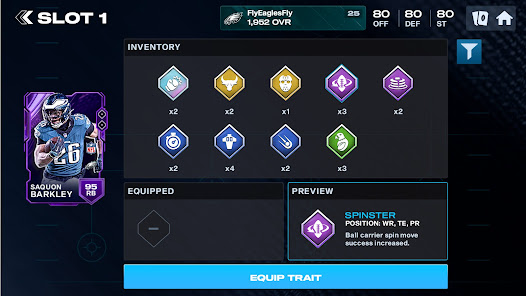
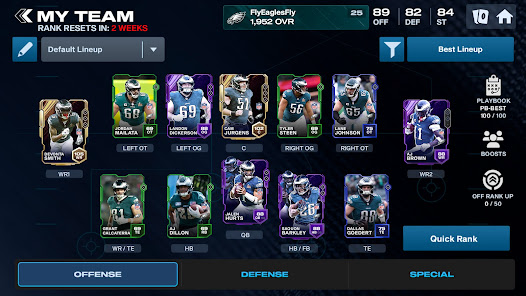
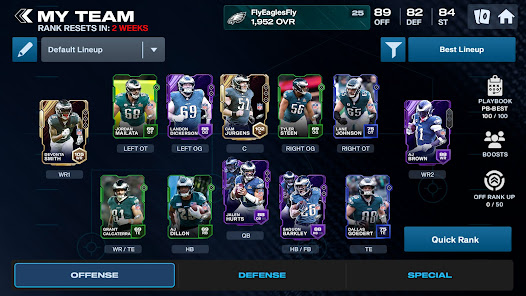
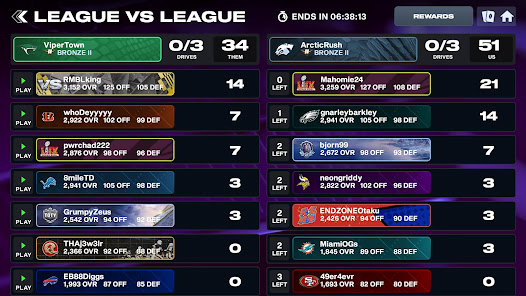
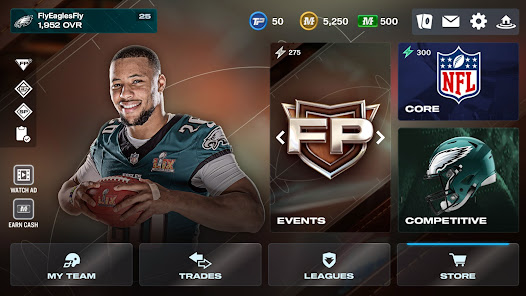
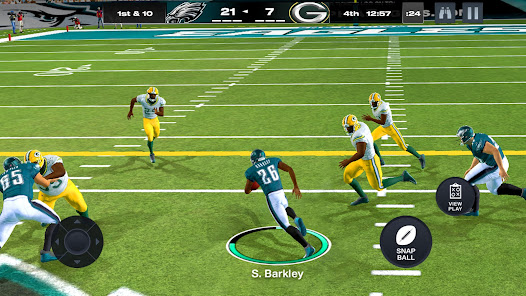
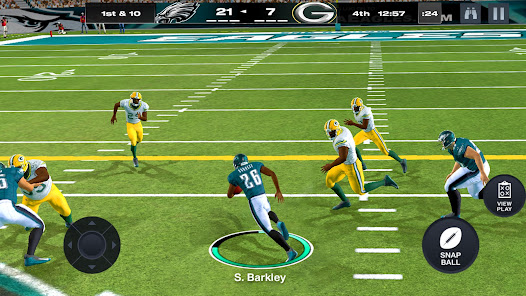
Madden NFL 25 Mobile Football is packed with a variety of features that enhance the gaming experience for football enthusiasts. One of the primary highlights is the ability to build and manage your own NFL team. Players can collect player cards, upgrade their roster, and participate in season modes to simulate the excitement of an actual NFL season. The game also offers a dynamic control scheme that allows players to utilize touch controls for passing, running, and other essential gameplay mechanics. Additionally, the game includes live events that change regularly, giving players the chance to earn exclusive rewards and experience new challenges. The graphics are optimized for mobile devices, providing a visually appealing experience without compromising performance. Moreover, players can engage in head-to-head matchups against friends or other players worldwide, adding a competitive edge to the experience. The inclusion of daily challenges and achievements encourages players to log in frequently, keeping the gameplay fresh and engaging. To get started with Madden NFL 25 Mobile Football, you first need to download the game from your device's app store. Once installed, launch the game and create or log into your EA account to save your progress. The initial tutorial guides you through the basics of gameplay, including team management, player controls, and how to navigate the user interface effectively. After completing the tutorial, you can start building your team by acquiring player cards through packs or by competing in events. Pay attention to your team's chemistry and overall rating to optimize performance in matches. The game offers various modes, including Season Mode, Head-to-Head, and Live Events, allowing you to choose your preferred style of play. Regularly check for updates, as new content and events are frequently added, keeping the game exciting and allowing for continuous improvement of your team. Madden NFL 25 Mobile Football has several advantages that make it an appealing choice for fans of the franchise. One of the main pros is its accessibility; the game is designed for on-the-go play, making it easy to enjoy a quick match during your free time. The graphics and animations are impressive for a mobile title, providing an immersive experience. Additionally, the game's regular updates and live events keep the content fresh, ensuring that players have new challenges and rewards to pursue. However, there are some drawbacks to consider. The game can be somewhat reliant on in-app purchases, which may deter players who prefer a fully free experience. Additionally, while the controls are designed for mobile play, they may not provide the same precision as console gaming, which could frustrate some players. Lastly, the game's online components may occasionally experience connectivity issues, disrupting gameplay. Balancing these pros and cons is essential for players looking to enjoy Madden NFL 25 Mobile Football.Features of Madden NFL 25 Mobile Football
How to Use Madden NFL 25 Mobile Football
Pros & Cons of Madden NFL 25 Mobile Football

 Experience fast-paced gameplay with quick matches and seamless controls. Enjoy a wide variety of team customization options. Compete in live events and earn exclusive rewards regularly. Engage with friends through multiplayer modes and social features. Access real-time updates for player stats and team rosters.
 Limited gameplay modes restrict variety and excitement in the experience. Graphics and animations may feel dated compared to console versions. In-app purchases can lead to a pay-to-win environment, affecting fairness.
  Google Play
  App Store
 Yes, players can submit suggestions or feedback through the app’s support section or the official website, where they can share their thoughts and experiences.
Yes, Madden NFL 24 Mobile Football may collect personal data as outlined in its privacy policy, which includes information you provide and data collected automatically.
Madden NFL 24 Mobile Football requires an internet connection for most features, including multiplayer modes, but some single-player challenges may be accessible offline.
You can cancel your subscription through your device’s app store settings, where you can manage your subscriptions and select the option to cancel.
The subscription cost for Madden NFL 24 Mobile Football varies based on the plan selected, typically ranging from a few dollars per month to annual options that may offer discounts.
Yes, you can log in using your social media account if it's linked to your Madden NFL 26 Mobile Football account during the setup process.
Your Customer Number is usually located in the account settings under "Profile." If you need further assistance, contact Customer Service.
You can reach Customer Service through the in-game support option or visit our official website for assistance.
Customer Numbers cannot be changed directly. If you need assistance, please contact Customer Service for further guidance.
After activation, check your email for a verification link and click it to confirm your account. If you don't receive it, reach out to Customer Service.